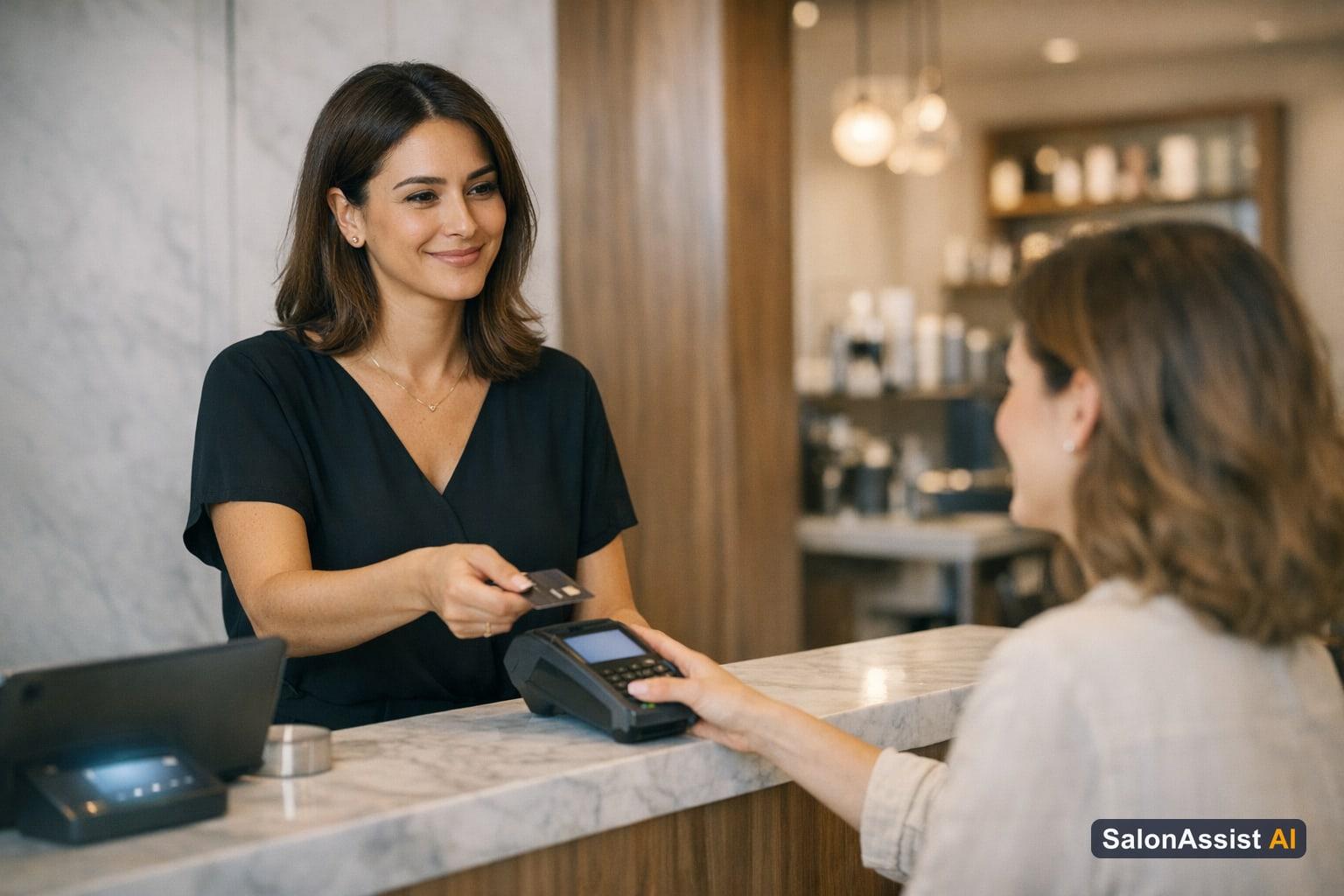
Customer Insights at Salon Checkout: Know Your Client
Front desk speed and accuracy can make or break the client experience in your salon. But even the most skilled receptionist struggles when client data is buried or out of date. That’s why customer insights at salon checkout are essential for modern salons—giving your team the real-time information to serve every guest quickly, personally, and without mistakes.
In this guide, we’ll show how SalonAssist AI surfaces loyalty points, memberships, packages, and visit history right at the moment of billing. You’ll see how these insights transform the front desk from a bottleneck to a business accelerator, and how they fit into a complete front desk and POS system. We’ll also share best practices for using insights to boost client satisfaction and revenue, with links to deeper resources like Salon Front Desk Software Guide.
What Are Customer Insights at Salon Checkout?
Customer insights at checkout are a real-time, read-only snapshot of each client’s relationship with your salon—visible to staff as soon as a client is selected for billing or booking. Instead of hunting through CRM tabs or asking the client to recall their last visit, the front desk can instantly see:
- Loyalty points balance
- Active memberships and packages (by name, with wallet balances or session counts)
- Total visit count and last visit date
- Outstanding dues
These insights empower the front desk to recognize regulars, apply the right offers, and keep every transaction accurate. For more on how client records are managed, see Booking and CRM.
Why Real-Time Client Data Matters at the Front Desk
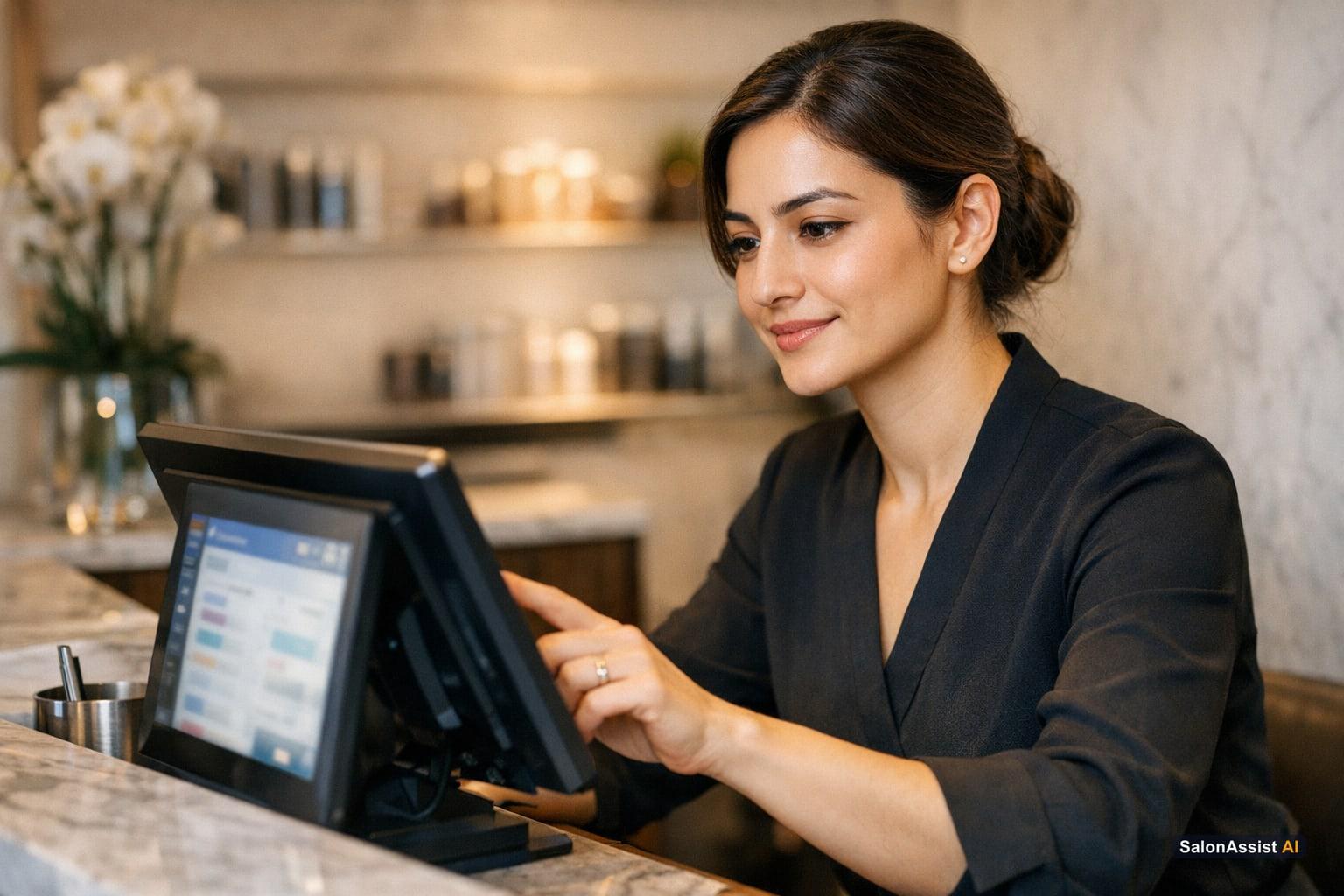
When the front desk has instant access to client history, everything moves faster. Billing is completed in fewer steps, with no need to double-check loyalty balances or ask about memberships. This reduces errors—like missing an active package or misapplying a discount—and ensures clients feel recognized and valued.
Clients notice when you remember their last visit, offer the right membership perks, or acknowledge their loyalty. This personal touch drives repeat business and positive reviews. For the front desk, it means less stress and more confidence, especially during peak hours.
How SalonAssist AI Displays Customer Insights at Checkout
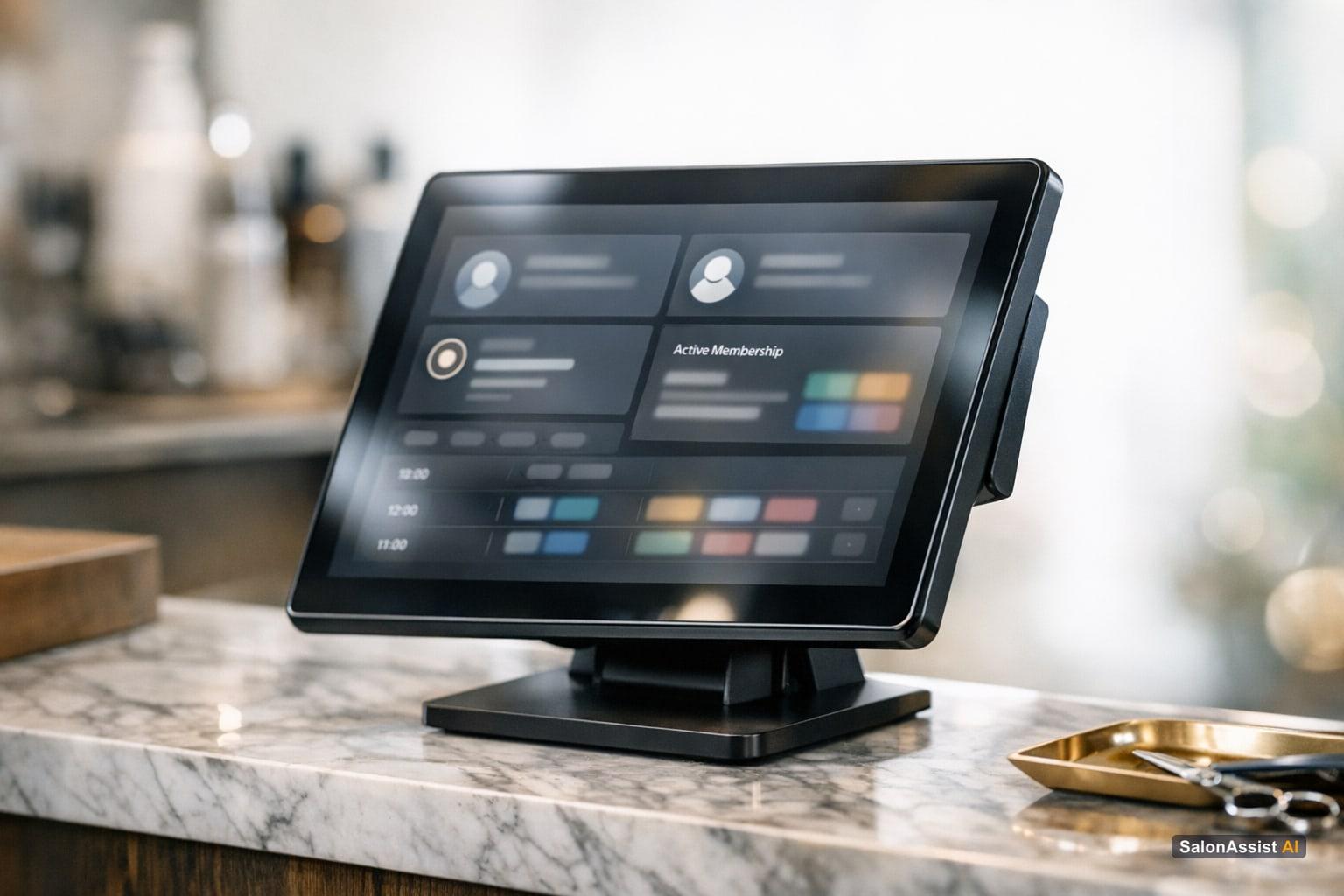
SalonAssist AI makes customer insights visible exactly where staff need them—on the Desk POS for walk-in checkouts and in the Desk Booking drawer for scheduled appointments. After selecting an existing client, an expandable Customer Insights bar appears, showing loyalty points, memberships, packages, visit stats, and dues.
On the Desk POS, staff see a complete summary: number of visits, total spent, last visit date, and any outstanding credit. In the booking drawer, the focus is on loyalty points and active plans. All information is read-only at checkout—assigning or canceling memberships and packages is done from the full CRM profile, keeping the checkout process quick and focused.
Multi-service bookings and stylist credit are always tracked correctly, so every professional gets recognized for their work. This level of detail supports both operational accuracy and staff motivation.
Unlock front desk efficiency with SalonAssist AI
Instantly see loyalty points, memberships, and visit history at checkout to speed service and delight clients.
Loyalty Points and Active Memberships/Packages
Loyalty points are shown clearly, so staff can apply them to the current bill if the client chooses. Active memberships—whether wallet-based or percentage discount—appear by name, with current balances or discount rates visible. Packages display the number of remaining sessions, so clients and staff know exactly what’s available.
This transparency prevents missed benefits and awkward conversations. It also opens opportunities to upsell new packages or memberships when a client’s balance runs low. For more, explore Loyalty Program Software for Nail Salons and Salon Membership Software to Boost Loyalty & Revenue.
Benefits of Using Customer Insights at Checkout
Implementing customer insights at checkout delivers measurable improvements across the salon:
- Faster front desk workflows: No more searching for client data or second-guessing offers.
- Reduced errors: Staff apply the right loyalty points, memberships, and packages every time.
- Better client recognition: Clients feel valued when you remember their preferences and history.
- Increased satisfaction and loyalty: Personalized service keeps clients coming back.
- Staff confidence: Clear information reduces training time and empowers every team member.

Calculate Your Salon's Missed Call Revenue Loss
For a practical guide to handling walk-ins with these tools, see the Walk-In Salon Checkout Guide. To explore the broader impact on your operations, visit front desk and POS solutions.
Best Practices for Front Desk Teams Using Customer Insights
To get the most from customer insights at checkout, train your team on these habits:
- Always select the correct client record before billing to ensure accurate application of offers and history.
- Review loyalty points and active plans before applying discounts or packages.
- Use insights to upsell—if a client’s package is nearly finished, suggest a renewal or upgrade.
- Communicate clearly with clients about their benefits, so they feel informed and valued.
- Protect client privacy by keeping insights visible only to authorized staff.

For a comprehensive overview of front desk tools and training, see Salon Front Desk Software Guide.
How Customer Insights Fit into the SalonAssist AI Ecosystem
Customer insights at checkout are not a standalone feature—they’re woven into the full SalonAssist AI platform. Here’s how they connect:
- CRM: All data comes from your central client records, updated with every visit.
- Billing: Loyalty, memberships, and packages are applied at the moment of payment, preventing revenue leakage.
- Loyalty & Offers: Insights ensure the right discounts and perks are always available, and make it easy to spot upsell opportunities.
- Multi-channel booking: Whether a client books via desk, website, or voice, their history and benefits are always visible at checkout.
- Reporting: Insights power analytics on client retention, sales, and offer usage, helping owners make data-driven decisions.
To see how these modules work together, visit Salon Management and Billing and Offers.
Further Reading (Related Blog Links)
- Walk-In Salon Checkout Guide
- Salon CRM, Client History & Staff Performance
- Salon Billing Software with Product Sales
- Loyalty Program Software for Nail Salons
- Salon Membership Software to Boost Loyalty & Revenue
- Salon Front Desk Software Guide
- Track Salon Product Usage Per Client
- How to Find Salon Clients Who Stopped Coming
- Salon User Roles and Permissions Explained
- Salon Booking Website Portfolio Guide
- Barber Shop Walk-In Management
Frequently Asked Questions (FAQ)
Related guides in this series
- 12 min read
Barber Shop Walk-In Management: Streamline Front Desk Efficiency
Discover how barber shop walk-in management improves front desk workflows, reduces queues, and credits stylists accurately with SalonAssist AI.
Read article - 11 min read
Salon Appointment Calendar for Front Desk: Streamline Scheduling
Discover how a salon appointment calendar for front desk staff streamlines daily bookings, reduces errors, and boosts operational efficiency.
Read article - 11 min read
Walk-In Salon Checkout: How to Bill Walk-In Clients Efficiently
Learn how walk-in salon checkout software streamlines billing, reduces queues, and ensures accurate staff credit for busy salons.
Read article
See how SalonAssist AI reveals client insights at checkout
Boost front desk efficiency and client satisfaction by knowing your customer’s history, loyalty, and memberships at the moment of billing.
Book a demo