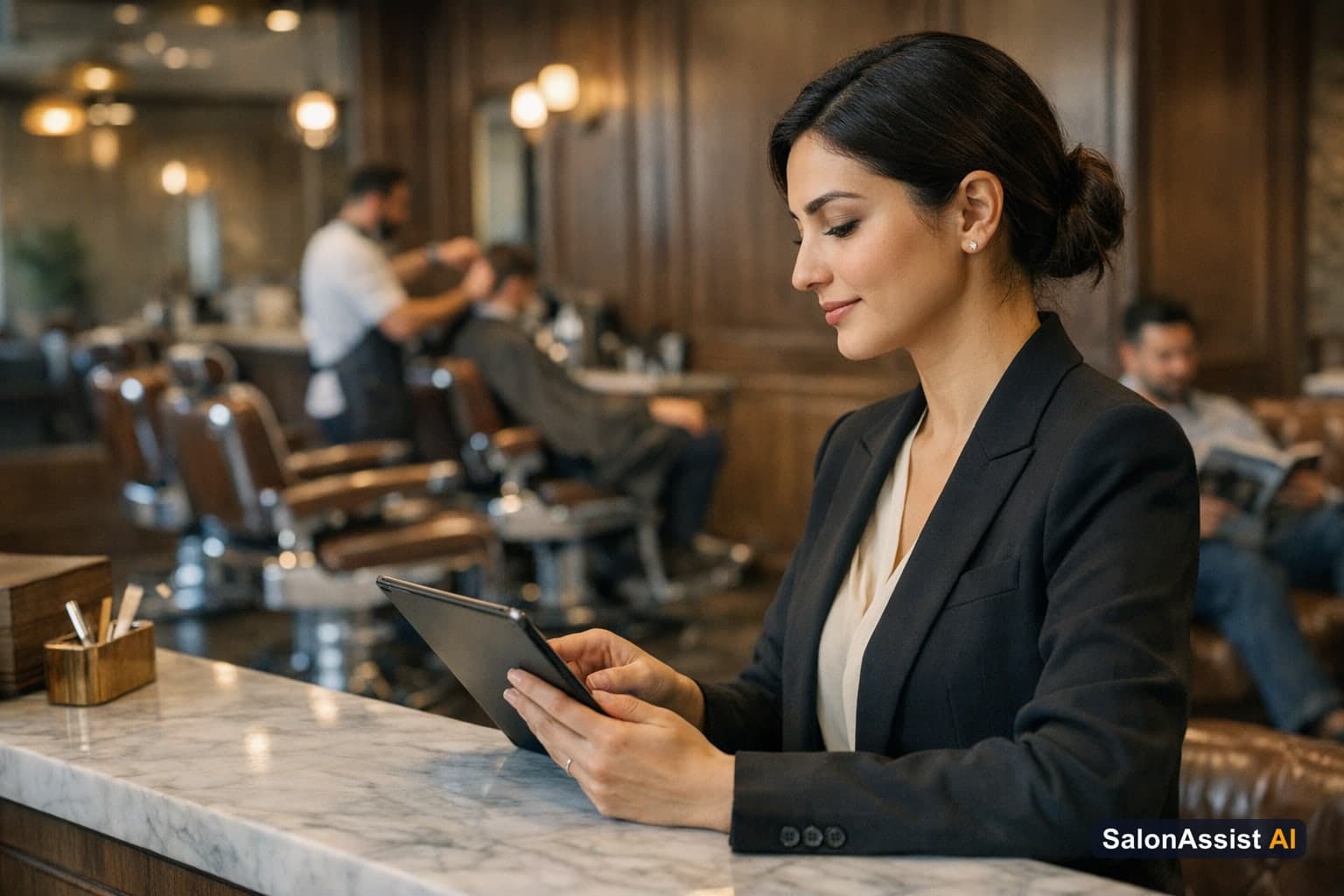
Barber Shop Walk-In Management: Streamline Front Desk Efficiency
Barber shops thrive on a steady stream of both scheduled appointments and walk-in clients. But without a clear system, managing walk-ins can turn the front desk into a bottleneck—leading to long queues, missed revenue, and frustrated staff. Effective barber shop walk-in management isn’t just about speed; it’s about ensuring every client is served smoothly, every stylist is credited fairly, and your business runs at peak efficiency.
In this guide, you’ll learn how SalonAssist AI’s Desk Booking calendar and POS system transform walk-in workflows, reduce chaos, and drive more repeat business. If you’re ready to modernize your front desk, see our in-depth guide to front desk and POS best practices and discover how to put these principles into action with SalonAssist AI’s dedicated front desk and POS tools.
Understanding Barber Shop Walk-In Management
What is Walk-In Management in Barber Shops?
Walk-in management is the process of handling clients who arrive at your barbershop without a prior appointment. Unlike reservations, which are scheduled in advance and assigned a time slot, walk-ins require your team to act quickly—finding an available stylist, logging the visit, and completing checkout—all while keeping the queue moving and the client experience positive.
Challenges Unique to Barbershop Walk-Ins
Barbershops face a unique set of challenges when managing walk-ins:
- High volume and unpredictable arrivals: Walk-in traffic can spike at any time, especially on weekends or during festive seasons.
- Need for speed and accuracy: Clients expect to be served quickly, but mistakes in logging services or assigning stylists can lead to revenue leakage or commission disputes.
- Ensuring correct stylist credit: Without a reliable system, it’s easy for the wrong staff member to be credited—or for walk-in services to go untracked.
- Avoiding long queues: Bottlenecks at the front desk can drive walk-ins to competitors and cost you valuable business.

Key Features of an Effective Barbershop Walk-In System
Desk Booking Calendar for Walk-Ins
A modern barbershop walk-in system starts with a clear, visual calendar. In SalonAssist AI, the Desk Booking calendar displays all scheduled (Reservation mode) appointments, giving your team a real-time overview of the day. Walk-ins are logged separately but appear in the unified appointments list, ensuring every visit is recorded and nothing slips through the cracks. The Find Availability tool helps quickly spot open slots for reservations, but walk-ins are handled on the fly.
Walk-In Mode Booking at the Front Desk
Walk-in mode is designed for speed and accuracy:
- Date-only entry: Walk-ins are logged with today’s date or backfilled for previous days—future-dated walk-ins are not allowed, keeping your records accurate.
- Mandatory professional selection: The actual barber who performed each service must be selected at checkout. There’s no auto-assign or “best available” logic; this ensures the right stylist receives credit and commission.
- Smart validation: While walk-in mode skips reservation conflicts, it still enforces service eligibility, staff skills, and Male/Female segment rules, so only valid services are booked for each client.
POS Checkout for Walk-In Clients
The Desk POS makes walk-in billing effortless:
- Fast customer search or add: Quickly find existing clients or add new ones on the spot.
- Add services and retail products: Bill for haircuts, shaves, and retail products on the same invoice—no need for separate bills.
- Flexible payment modes: Record payment as Cash, UPI, Card, Credit, or Mixed. No card terminal or online gateway is required; the system tracks payment mode for accurate reporting.
- Instant invoicing: Complete the visit and generate an invoice in one step. If interrupted, the in-progress bill is saved automatically, so nothing is lost.
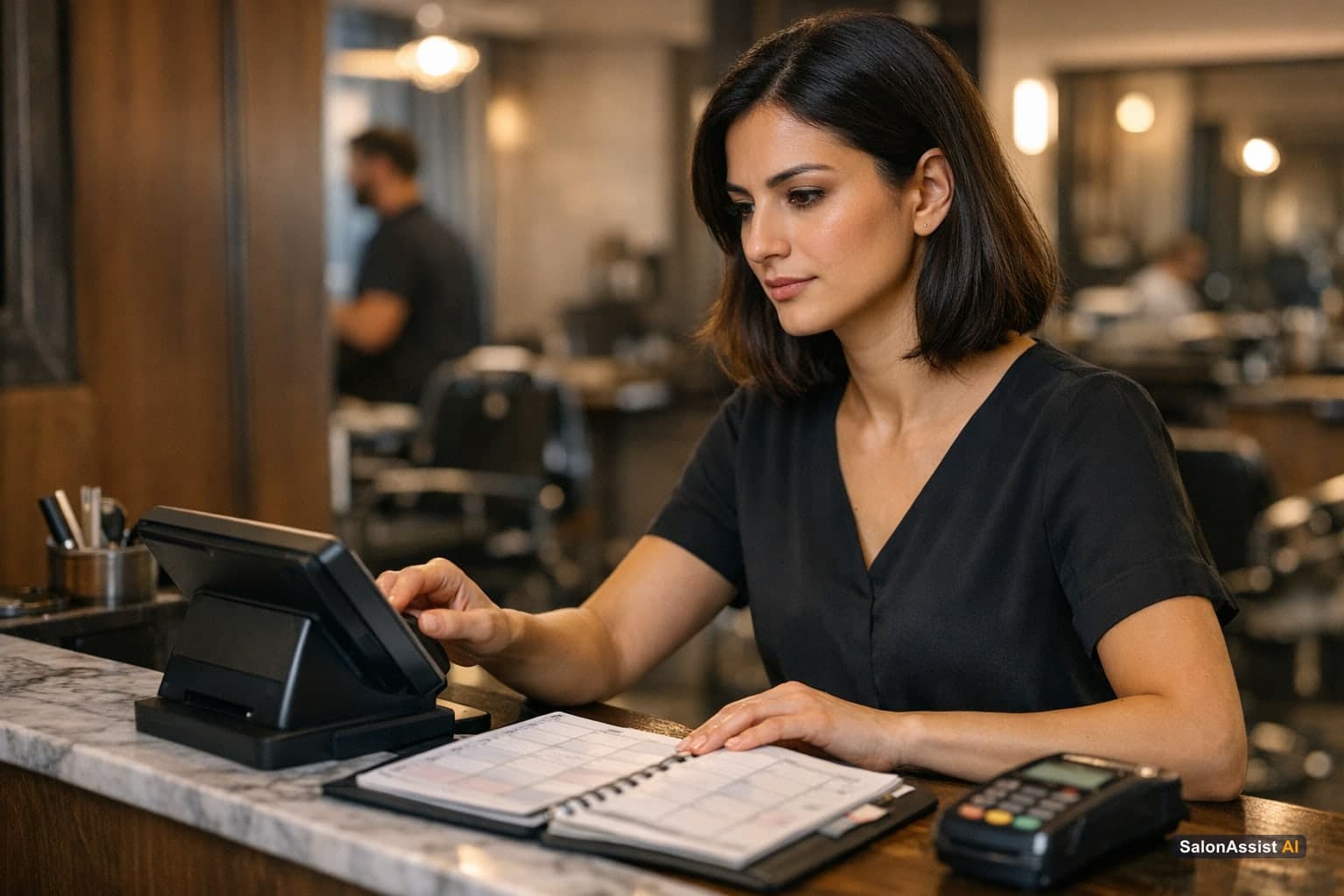
Operational Benefits for Barber Shops Using SalonAssist AI
Reduce Front Desk Queues and Wait Times
SalonAssist AI’s Desk Booking and POS are built for speed. With streamlined walk-in logging and one-click completion, your front desk team can serve clients faster—reducing queues and freeing up time for better customer service.
Accurate Staff Credit and Commission Tracking
Every walk-in service is linked to the actual barber who performed it. This ensures commissions are tracked correctly, motivates your team, and eliminates disputes. For retail sales, the “Sold by” field and product incentive percentage ensure staff are recognized for upselling products as well.
Better Client Recognition and Repeat Business
When an existing client walks in, the system instantly shows their visit history, loyalty points, active memberships, and outstanding dues—right at checkout. Even first-time walk-ins become CRM records, powering future marketing and retention campaigns.
Seamless Integration with Reservation Bookings
Walk-ins and reservations are unified in the appointments list, each clearly labeled by source and mode. Reports show your walk-in share, busiest hours, and staff performance—helping you optimize staffing and grow revenue.

Ready to eliminate missed calls and reduce front-desk workload?
SalonAssist AI automates phone scheduling, client history CRM, and checkout billing in one unified platform.
How to Set Up Walk-In Management for Your Barber Shop
Configure Walk-In Booking Mode in Desk Booking
Getting started with walk-in management is simple. In SalonAssist AI, enable Walk-In mode from the Desk Booking screen. For missed or forgotten visits, use the Backfill option to log walk-ins from today or previous dates—ensuring your records are complete and accurate.
Train Front Desk Staff on Walk-In Workflow
Equip your front desk team to:
- Select the correct customer (or add a new one)
- Choose the Male/Female segment to match the client’s service needs
- Pick the right services and assign the actual barber for each one
- Use the POS tab for fast, accurate checkout—including retail product sales and flexible payment modes
Remind staff that stylist selection is always required—no auto-assignment—so commissions and performance reports stay accurate.
Use Reports to Monitor Walk-In Performance
With all walk-ins logged, use the Reports area to:
- Track your walk-in share and busiest hours
- Monitor staff commissions and product sales
- Identify patterns in queue times and adjust staffing as needed
SalonAssist AI’s analytics help you spot trends and make data-driven decisions, so you’re always optimizing for growth.
Calculate Your Salon's Missed Call Revenue Loss
Why Choose SalonAssist AI for Barber Shop Walk-In Management?
SalonAssist AI goes beyond basic scheduling. Its AI-powered voice receptionist can answer calls, book appointments, and reduce missed opportunities—even after hours. The Desk Booking calendar and POS system are designed specifically for the realities of barber shop walk-in management: fast logging, clear staff credit, CRM-powered client recognition, and unified billing for services and retail.
You get an all-in-one platform—appointments, CRM, billing, offers, inventory, team access, and analytics—without juggling multiple tools or risking lost revenue. Each team member can have their own login with the right role, ensuring privacy and accountability at every step. Starter, Growth, and Enterprise setups are tailored to your needs, with the price staying the same.
Ready to see the difference? Explore all front desk and POS features here or book a demo with our team.
Streamline Walk-In Management
Desk Booking calendar and POS for fast, accurate walk-in handling. Log every visit, credit the right stylist, and keep your queue moving.
Related Reading
- Walk-In Salon Checkout Guide
- Barber Shop POS Software Guide 2026
- Salon Front Desk Software Guide
- How to Increase Salon Retail Sales
- Salon Appointment Calendar for Front Desk
For a full overview of modern front desk operations and how to optimize your barbershop, see our pillar guide to salon front desk software.
Frequently Asked Questions (FAQ)
Related guides in this series
- 11 min read
Salon Appointment Calendar for Front Desk: Streamline Scheduling
Discover how a salon appointment calendar for front desk staff streamlines daily bookings, reduces errors, and boosts operational efficiency.
Read article - 11 min read
Walk-In Salon Checkout: How to Bill Walk-In Clients Efficiently
Learn how walk-in salon checkout software streamlines billing, reduces queues, and ensures accurate staff credit for busy salons.
Read article
Simplify Your Barber Shop Front Desk Today
See how SalonAssist AI’s Desk Booking and POS streamline walk-in management and boost your barbershop’s efficiency.
Book a demo