
Salon User Roles and Permissions: Secure Access for Your Team
When every team member can access everything in your salon software, you’re exposed to unnecessary risk—mistakes, privacy breaches, and even lost revenue. Many salons still share a single password among the whole team, but this shortcut can lead to chaos: ex-staff with lingering access, stylists seeing sensitive numbers, and no way to control who does what.
In this guide, you’ll learn how salon user roles and permissions in SalonAssist AI give you total control over who sees and does what in your business. We’ll break down the real risks of uncontrolled access, show how ready-made and custom roles work, and explain how to set up secure team access step by step. If you want to run a professional, compliant, and secure operation, these are the controls you need.
For a deeper dive on staff management and team access, see our pillar guide on salon staff management software and explore the team access & roles module.
Why Salon User Roles and Permissions Matter
Imagine the front desk accidentally voiding an invoice, or a stylist seeing everyone’s earnings. Without clear user roles, the wrong people can access sensitive data or take actions that should be restricted. Password sharing is a shortcut that leaves your business vulnerable: anyone who ever had the password can log in, even after leaving, and there’s no way to know who did what.
Salon user roles and permissions solve this by letting you assign exactly the right access to each team member. The benefits are clear:
- Security: Only authorized people can see or change sensitive data.
- Privacy: Stylists see only their own appointments and earnings, not others’.
- Accountability: Each login is tied to a person, so you know who’s responsible for actions.
- Operational efficiency: Receptionists can focus on bookings and billing without worrying about accessing confidential reports.
The result? Owners get peace of mind, staff feel empowered, and your business data stays protected.

Overview of Ready-Made Roles in SalonAssist AI
SalonAssist AI comes with a set of ready-made roles designed for real-world salon operations. Each role is tailored to typical job functions, making it easy to assign the right access from day one.
Owner
The Owner is the top-level user with full control over every part of the system. Only the Owner can add or remove users, change roles, and access all reports and settings. This role is typically reserved for the salon owner or primary decision-maker.
General Manager
The General Manager runs day-to-day operations: bookings, billing, inventory, offers, and staff management. By default, this role does not have access to WhatsApp Marketing or the AI Voice Agent unless the owner turns them on. The General Manager can keep the salon running smoothly, even when the owner is away.
Receptionist / Front Desk
Receptionists handle bookings, checkout, customer lookup, and attendance. They can view services, staff, coupons, and packages but can’t change them. Importantly, they have no access to revenue reports or sensitive settings, so you can delegate front desk tasks without exposing confidential data.
Stylist / Staff
Stylists and staff see only their own appointments, client visits, and numbers. On Growth and Enterprise setups, each stylist’s login is linked to their staff profile. With the “own records only” setting, they can’t see other staff’s bookings or earnings—ensuring privacy and professionalism.
Custom Role
Need something more specific? The Custom role lets you switch on exactly what each person can see and do—module by module. This is ideal for senior staff with unique responsibilities or multi-site managers.

How Permissions Work in Practice
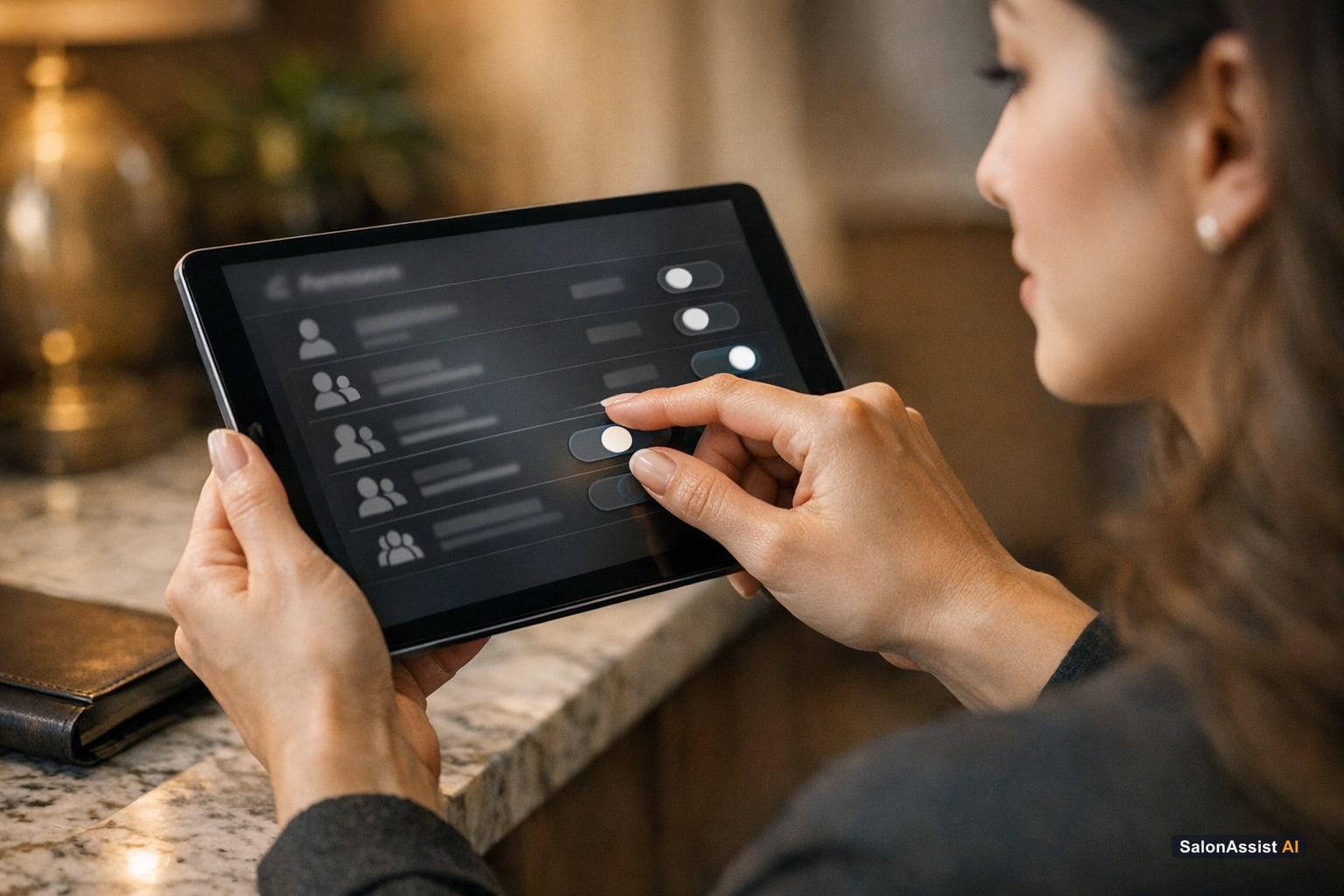
Assigning a role is just the start. SalonAssist AI gives you fine-grained control over what each user can do, using simple switches for every module:
- View: Can the user see this area?
- Manage: Can they add, change, or remove records?
- Own records only: Restricts access so the user sees only their own bookings, clients, and numbers—perfect for stylists who shouldn’t see colleagues’ data.
When the owner updates a role or access level, the change takes effect instantly. Remove a login, and that person loses access immediately—no more ex-staff lingering in your system. Every team member manages their own password, so there’s no need to share credentials.
Login limits by setup:
- Starter: Owner only
- Growth: Up to 5 team logins (including the owner)
- Enterprise: Unlimited logins
No matter your setup, logins are included at the same price—no per-user fees or forced upgrades.
Calculate Your Salon's Missed Call Revenue Loss
Why does this matter?
Without clear permissions, mistakes happen: the wrong invoice deleted, a stylist accidentally editing another’s booking, or sensitive numbers leaking to the whole team. SalonAssist AI’s ready-made roles, instant access changes, and “own records only” privacy features stop these risks before they start.
What Should Salon Staff See in Software?
The right access for the right job is the foundation of a secure, efficient salon. Here’s how SalonAssist AI aligns access with each role:
- Salon Manager: Sees all bookings, billing, inventory, staff schedules, and reports. Can act on everything needed to run daily operations.
- Receptionist: Focuses on booking appointments, checking out clients, looking up customers, and marking attendance—but cannot access revenue or sensitive settings.
- Stylist: Sees only their own appointments and earnings. No access to other staff’s bookings, client lists, or reports.
Real-world examples:
- The receptionist can bill clients and manage the day’s appointments without seeing the salon’s total revenue.
- Stylists can check their own schedules and commissions privately, without viewing colleagues’ numbers.
- When a staff member leaves, the owner can remove their login instantly—no more open doors.
For more on team access and roles, check out the operations module overview.
Common Questions About Salon User Roles and Permissions
Below, we answer the most frequent questions salon owners have about user roles and permissions. For a detailed guide on secure team access, see multi-user salon software: secure team access & roles and staff login access control best practices.
Frequently Asked Questions (FAQ)
How SalonAssist AI’s Roles Support Your Business Security and Growth
Implementing clear user roles and permissions isn’t just about security—it’s about building a professional, scalable salon. When each person knows exactly what they can access, you reduce the risk of errors, fraud, and accidental data leaks. Your team feels trusted and empowered, morale improves, and you’re better prepared for compliance requirements.
SalonAssist AI’s team access & roles module integrates seamlessly with every other feature: bookings, billing, CRM, inventory, and reporting. You get enterprise-grade security without complexity—and your staff get the tools they need, nothing more or less.
Team Access & Roles
Ready-made roles with own-records-only access to protect your salon’s data and empower your staff
For more on how secure access supports growth and compliance, visit the operations money page.
Conclusion
Setting up proper salon user roles and permissions is one of the smartest moves you can make as an owner. It protects your business from costly mistakes, keeps sensitive data safe, and gives your team the right tools for their job—no more, no less.
Ready to see how SalonAssist AI can secure your salon’s team access and boost operational efficiency? Book a demo today and discover the peace of mind that comes with professional, secure software.
Further Reading
Related guides in this series
- 11 min read
Multi-User Salon Software: Secure Team Access and Roles
Discover how multi-user salon software secures team access with ready-made roles and instant removal of staff logins to protect your business.
Read article - 11 min read
Salon Software with Staff Login: Secure Access and Roles
Discover how salon software with staff login and role management secures access, stops password sharing, and protects your business data.
Read article - 12 min read
Staff Productivity Benchmarks for Salons: Metrics to Measure
Learn key staff productivity benchmarks for salons and how to measure stylist efficiency to boost performance and revenue. Practical metrics for salon owners.
Read article - 9 min read
Salon Staff Attendance Software: QR Check-In That Works
How salon staff attendance software should work: geofenced QR check-in, PIN verification, owner overrides, and month history-without a payroll punch clock.
Read article
Secure your salon with tailored team access
Discover how SalonAssist AI’s user roles and permissions keep your business data safe while empowering your staff.
Book a demo