Salon Booking Website: Showcase Services, Team & Offers Online
In today’s salon industry, your online presence is often your first impression. A modern salon booking website isn’t just a digital calendar—it’s your virtual storefront, showcasing your services, team, and offers to clients before they ever pick up the phone. Done right, your booking website portfolio builds trust, drives more appointments, and gives you full control over what clients see.
In this guide, you’ll learn how to use a salon booking website portfolio to highlight your services, introduce your team, and promote active offers—turning browsers into bookings. We’ll cover how owner-controlled toggles let you tailor your online presence, and how to integrate promotions and team profiles for maximum impact.
For a deeper dive on booking, CRM, and operational best practices, see our Salon Booking & CRM Guide or explore broader strategies in our Salon Booking Software pillar.
What is a Salon Booking Website Portfolio?
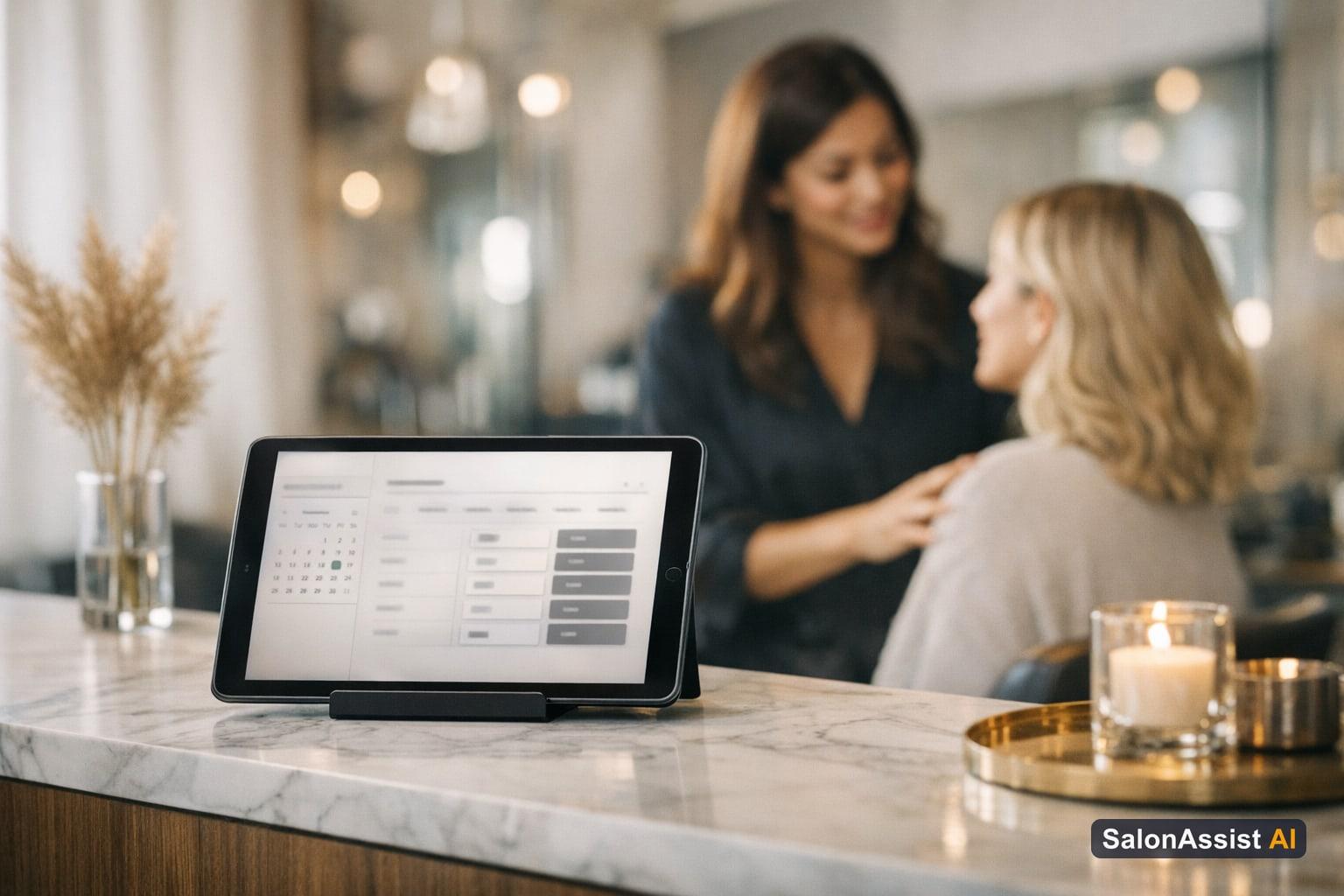
A salon booking website portfolio is a branded, shareable webpage (like /book/your-salon) where potential clients can browse your services, meet your team, and view current offers before starting the booking process. Unlike generic booking links, SalonAssist AI’s portfolio is owner-controlled: you decide which sections—services, team, promo codes, loyalty offers, memberships, and packages—are visible to clients.
You can further tailor the experience by toggling sections on or off at any time, ensuring your online presence reflects your salon’s real strengths and promotions. The portfolio page gives clients context and confidence before they book, while the embedded booking wizard (?embed=true) is available for owners who want to add just the booking flow to their existing website—without the full portfolio showcase.

Key Features of the Portfolio
- Always visible: Your logo, salon name, contact info, opening hours, and social links are displayed at the top, establishing trust and professionalism.
- Service showcase: Group your services by category, show prices and durations, and tag them by Male/Female segment for relevant browsing.
- Team profiles: Feature stylist photos and roles to help clients choose who they want to book with.
- Promo codes & offers: Highlight active coupons, loyalty offers, memberships, and packages to drive more bookings.
- Owner control: Simple toggles let you decide which sections appear, so your portfolio always matches your current business focus.
How to Showcase Your Salon Services Online
A clear, organized service menu is the backbone of any effective online booking page for salon businesses. When clients visit your portfolio, they should immediately see what you offer, how services are grouped, and which treatments are available for them.
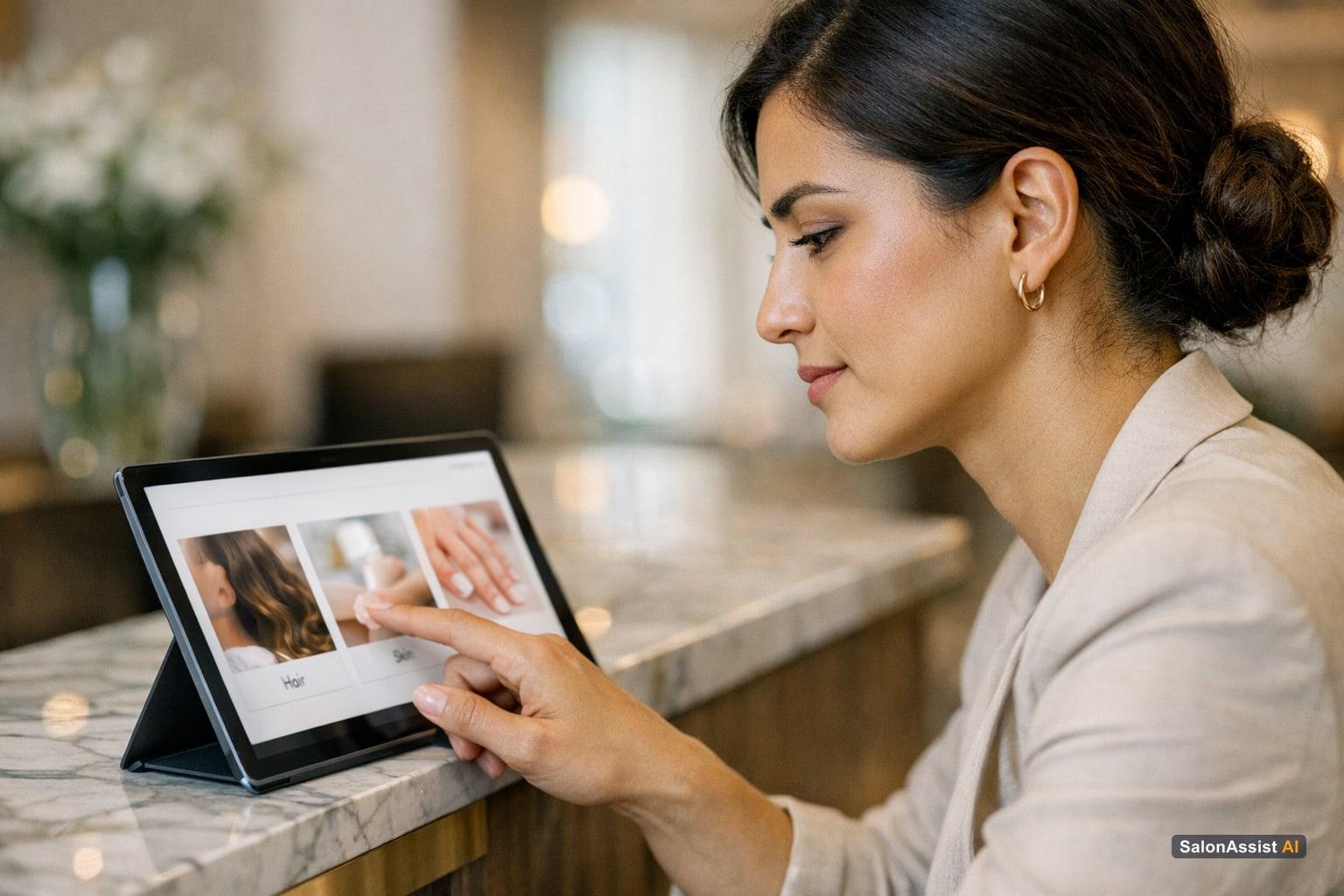
SalonAssist AI lets you group services by category (e.g., Hair, Skin, Nails), making it easy for clients to navigate. Each service is tagged as Male, Female, or both—so when clients start the booking wizard, they’re shown only the treatments relevant to their selection, reducing confusion and speeding up the booking process.
You can toggle service categories on or off from your portfolio settings. This means you can spotlight new treatments, hide seasonal services, or focus on your best-sellers—ensuring your website always reflects your real menu. For operational tips on managing your calendar and service flow, see Salon Appointment Calendar for Front Desk.
Creating an Engaging Salon Team Page for Bookings
Your team is your brand’s personality. Featuring a salon team page for bookings on your portfolio builds trust, encourages stylist choice, and makes clients feel more connected before they even walk in.
SalonAssist AI’s portfolio lets you showcase each stylist or staff member with a photo and role description. On Growth and Enterprise setups, clients can select their preferred stylist during the booking process—helping ensure the right match and increasing satisfaction.
Displaying your team also demonstrates staff expertise and stability, which is especially appealing to new clients. It’s a powerful way to differentiate your salon from competitors who hide their talent behind a generic booking form. For more on stylist management and booking integration, see our Booking & CRM Guide.

Displaying Salon Promo Codes and Offers on Your Booking Page
Promotions are a proven way to increase bookings and client engagement. With SalonAssist AI, your salon promo codes on booking page can be showcased as banners or offer cards right on your portfolio. You control which types of offers—coupons, loyalty, memberships, packages—are displayed.
- Coupons & promo codes: Display active codes that clients can apply during booking or checkout.
- Loyalty offers: Show loyalty programs to encourage repeat visits.
- Memberships & packages: These appear as display-only catalogs; clients see the benefits but purchases are handled by staff, not online.
Offers shown on your portfolio are always up to date, reflecting your current campaigns. During booking, clients can enter promo codes, and eligible offers are automatically applied at checkout.
For more on marketing and promotional strategies, see WhatsApp Marketing or learn how your front desk can maximize offer usage in Front Desk & POS.

Drive More Bookings with SalonAssist AI’s Booking Website Portfolio
Control your online presence with toggles for services, team, and offers—all integrated with our booking and CRM system.
How the Booking Wizard Works After the Portfolio
Once a client has browsed your portfolio, clicking “Book Now” launches the booking wizard. This guided process adapts to your salon’s setup:
- WhatsApp OTP verification: Before confirming an appointment, clients verify their phone number via WhatsApp. This step reduces fake bookings and ensures you have a valid contact for reminders and confirmations.
- Segment selection: Clients choose Male or Female, and only matching services are shown.
- Stylist and branch selection: On Growth and Enterprise, clients can pick their preferred stylist or branch location.
- Promo code entry: Clients can apply any active promo codes or offers during the booking flow.
- Checkout and confirmation: Once details are selected, the system checks live availability and confirms the appointment.
This seamless flow means fewer abandoned bookings and more accurate scheduling. For a live experience of how the booking wizard works, try our demo below:
Listen to AI Answering Salon Calls Live
Listen to how SalonAssist AI answers a live caller, checks calendar availability, and completes booking in under 90 seconds.
Owner Tips for Maximizing Your Salon Booking Website Portfolio
- Showcase your best: Use toggles to highlight your most popular or profitable services and star stylists.
- Keep offers fresh: Regularly update promo sections to reflect current campaigns and drive urgency.
- Encourage browsing: Invite clients to explore your team and offers before booking—this increases trust and conversion.
- Cross-channel marketing: Link your portfolio from social media, WhatsApp campaigns, and Google My Business for maximum reach.
For more ideas on integrating your booking website with broader marketing tools, see Salon Software Integration with Marketing Tools.
Related Reading
- Salon Booking Software pillar
- Salon Appointment Calendar for Front Desk
- Salon Software Integration with Marketing Tools
- Barber Shop Walk-In Management
For the complete picture of how booking, CRM, and front desk operations work together, visit our Booking & CRM money page.
Frequently Asked Questions (FAQ)
Related guides in this series
- 12 min read
Book a Salon Appointment Without Choosing Services (Slot-Only)
Learn how to book a salon appointment without choosing services using slot-only booking. Reserve your time first and decide services later at the salon.
Read article - 10 min read
Appointment Scheduling Software with Group Bookings
Discover how appointment scheduling software with group bookings helps salons streamline family and multiple client appointments efficiently.
Read article - 12 min read
Barbershop Booking System: Features, Benefits & How to Choose
Discover key features and benefits of a barbershop booking system and learn how to choose the right software for your business needs.
Read article - 12 min read
No Show Reduction Salon Booking: Strategies to Keep Chairs Filled
Discover effective no show reduction salon booking strategies to keep your chairs filled and boost revenue with smarter booking and CRM workflows.
Read article
Boost your salon bookings with a professional website portfolio
Showcase your services, team, and offers online with SalonAssist AI’s booking website portfolio to attract and convert more clients.
Book a demo