Salon Billing Software with Product Sales: One Invoice, More
Managing a modern salon means handling more than just services—retail product sales are now a key revenue driver. Yet, many salons still juggle two separate billing systems: one for services, another for retail, leading to confusion at the front desk, lost sales, and missed opportunities to motivate staff.
This guide reveals how salon billing software with product sales streamlines checkout, unifies your invoices, and helps you grow both your service and retail revenue. We’ll show you what to look for, how it actually works in real salons, and why integrated billing is now essential—not optional. For a full overview of inventory and retail management, see our Inventory & Retail management pillar or explore the Inventory module.
Why Unified Billing Matters for Salons
The Problem with Separate Invoices
Running two separate bills—one for services, one for product sales—creates more problems than it solves. Staff must ring up each purchase twice, which slows down checkout and increases the risk of mistakes. Customers get confused by multiple receipts, and queues form at the counter during busy hours. Even worse, staff often lose out on commission for retail sales if the link between the sale and the stylist isn’t recorded.
Benefits of One Invoice for Services and Products
When your billing software lets you add both services and retail products to a single invoice, everything changes. Checkout is faster, with fewer errors and less double-entry. Revenue tracking becomes clear—owners see exactly how much comes from services versus retail, all in one place. Staff motivation rises, too, since product sales are properly credited and tracked for incentives.

Calculate Your Salon's Missed Call Revenue Loss
How SalonAssist AI Integrates Product Sales with Billing
Adding Retail Products at Checkout
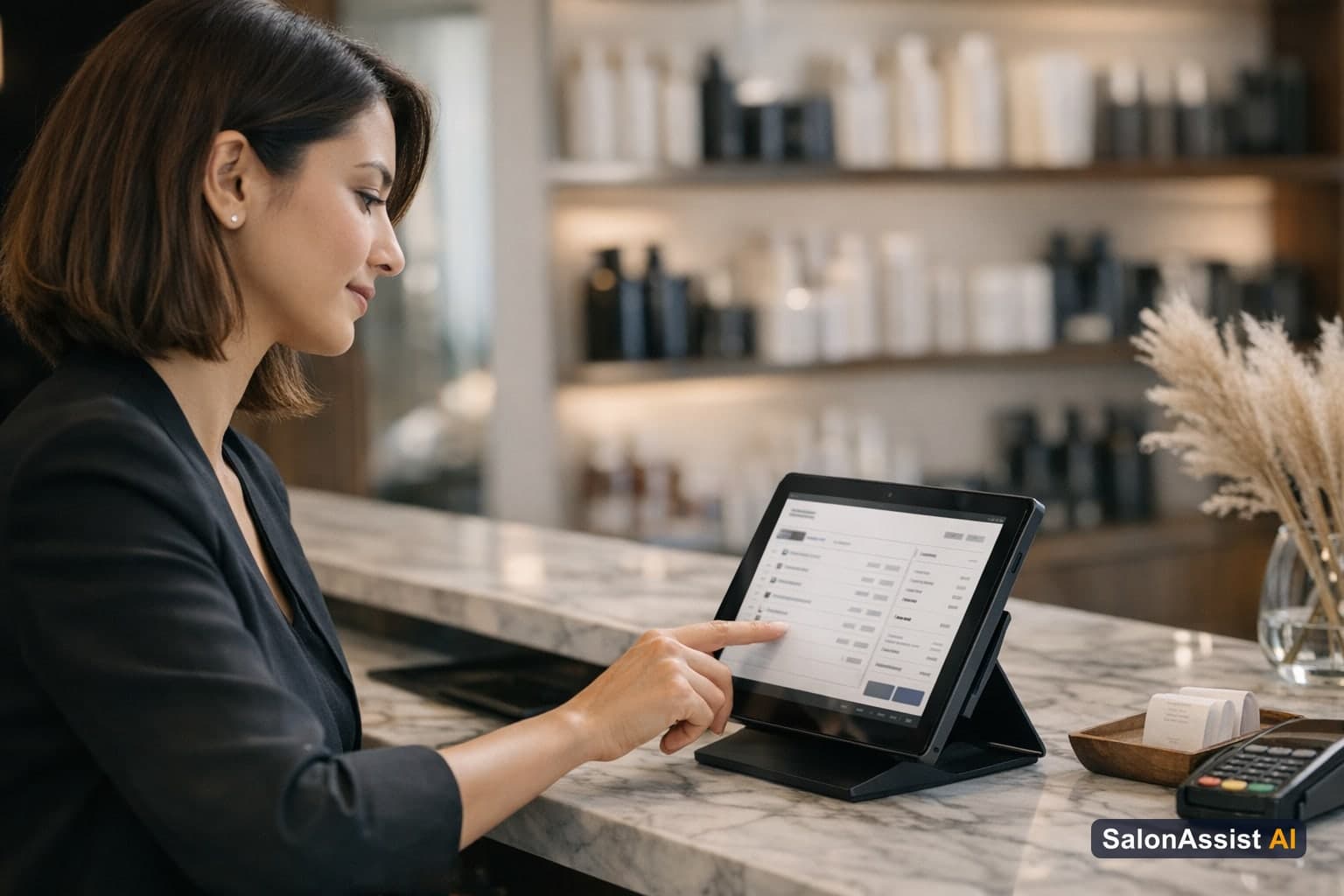
SalonAssist AI’s billing system is built for real-world salon operations. At the POS or Walk-In checkout, staff can search for retail products by name or scan a barcode—no need to switch screens or use a separate system. Products are added to the same bill as services, so every client leaves with a single, clear invoice. If a product is out of stock, the system blocks the sale, preventing accidental overselling and keeping your inventory accurate.
Running Products and Product Incentives
SalonAssist AI tracks not only what’s sold, but also what’s used. When a bottle of color, serum, or wax is opened for services, it’s marked as a “running product,” and the system counts how many clients and services it serves before it’s finished. Staff get separate product incentive percentages for every retail sale, motivating stylists to recommend retail products as part of the service experience. This means stylists are rewarded for both their technical skill and their salesmanship, driving up average ticket value.
Payment Modes and Invoice Generation
At checkout, salons can accept Cash, UPI, Card, Credit, or even Mixed payments (splitting amounts across modes). The invoice lists all services and products together, with tax included and payment mode clearly shown. After payment, a professional PDF invoice is generated instantly—ready to print or send to the client—showing every item, discount, and payment detail for full transparency.
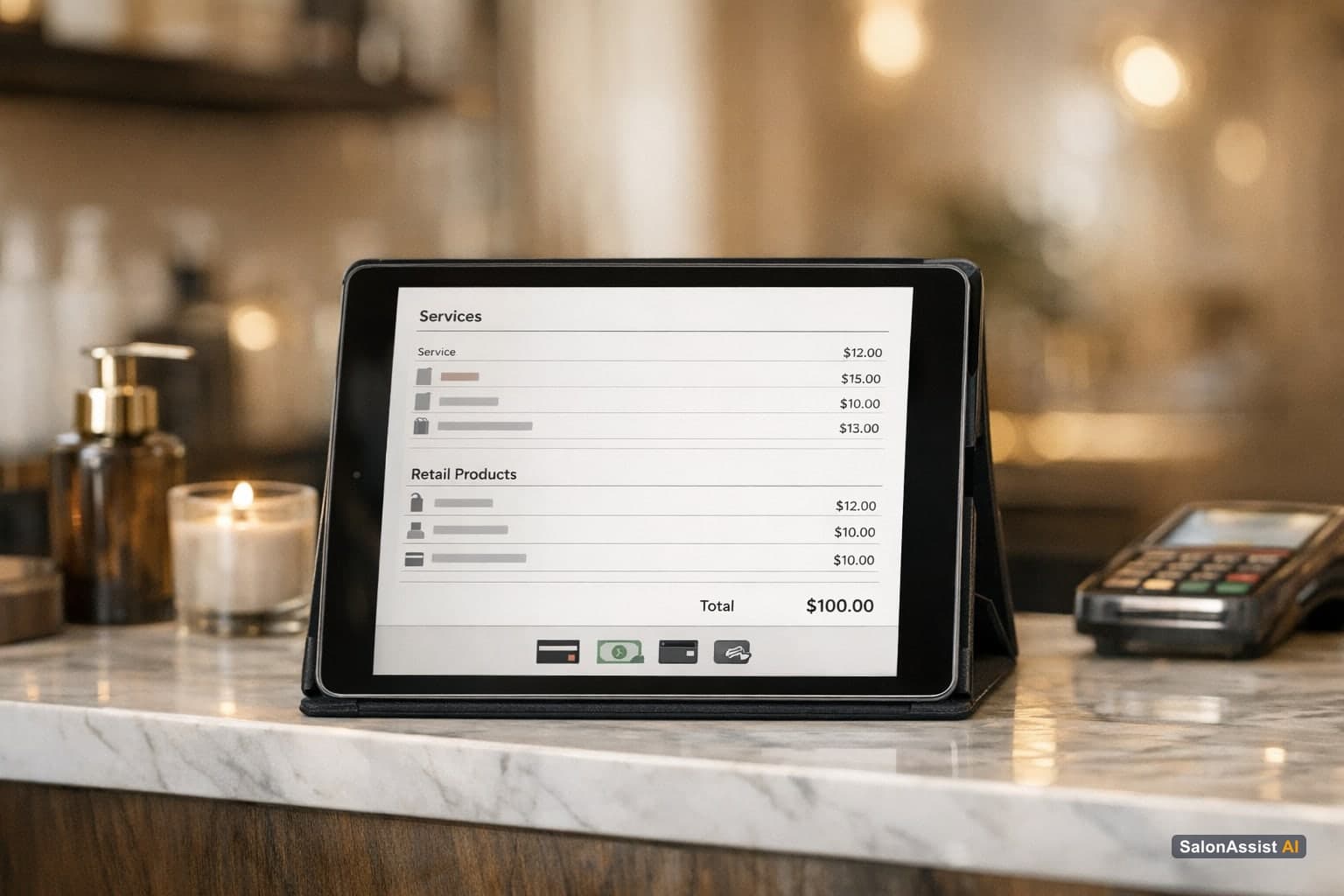
Integrated Billing & Retail Sales
One invoice for services and products, with staff incentives. Simplify checkout, boost retail, and keep your team motivated—all in one system.
Real-World Impact on Salon Operations
Faster Walk-In Checkout During Rush Hours
Desk POS and Walk-In checkout are designed to keep your front desk moving, even during weekend rushes. Staff can quickly add services and retail items to the same bill. In-progress bills are saved automatically, so if the tab closes or refreshes, nothing is lost. This means shorter queues, fewer missed sales, and a better experience for both clients and staff. For more on effective walk-in checkout, read our Walk-In Salon Checkout Guide.
Accurate Staff Credit and Commission
Every service and product sold is linked to the staff member who performed or recommended it. This ensures fair commission and keeps your team motivated to upsell retail. On Growth and Enterprise setups, each team member can have their own login with a ready-made role—General Manager (full billing and inventory), Receptionist (checkout and customer search), Stylist (their own appointments and product incentives), or Custom as needed. No more sharing the owner’s password or missing out on staff incentives. Learn more about team access and roles at SalonAssist AI Operations.
Simplified Stock Management and Reporting
Selling a product at checkout automatically reduces its stock count. When levels get low or hit zero, the system alerts you, so you never accidentally sell what you don’t have. Inventory and sales reports show exactly how much revenue comes from services versus retail products, and which staff are leading in retail sales. This helps owners make smart reorder decisions and optimize their retail strategy. For a deep dive into inventory management, check out our Salon Inventory Management Software Guide.

Choosing Salon Billing Software with Product Sales Features
Key Features to Look For
When evaluating salon billing software, make sure it offers:
- Unified invoice: Add both services and retail products to one bill.
- Barcode scanning and product search: Fast, accurate checkout.
- Staff product incentives and sales tracking: Motivate your team and track their impact.
- Flexible payment modes: Accept Cash, UPI, Card, Credit, or Mixed payments.
- Integration with inventory and reporting: Real-time stock updates and clear sales reports.
How SalonAssist AI Meets These Needs
SalonAssist AI is an all-in-one platform—Inventory & Retail are included at no extra cost, with no separate modules to buy. The Desk POS and Walk-In checkout let you add products and services to the same invoice, credit staff for their sales, and generate professional invoices instantly. Staff logins and roles are built in, so you control who sees and does what. Payment tracking is seamless, and every sale is reflected in your inventory and revenue reports.
Simplify your checkout with SalonAssist AI
Combine service and product sales on one invoice to speed up billing and boost retail revenue.
Further Reading
- Salon Inventory Management Software Guide – Complete inventory and retail best practices.
- Walk-In Salon Checkout Guide – How to streamline your front desk and walk-in billing.
- Salon Billing Software: Complete Guide – Broader overview of billing software for salons.
- Salon Reports and Analytics Software Guide – Learn how integrated billing powers better reporting.
For more on front desk and walk-in checkout, visit Front Desk & POS. Explore the Inventory module for smarter stock control, or see how integrated billing and offers work at Billing & Offers.
Frequently Asked Questions (FAQ)
Related guides in this series
Streamline your billing and boost retail sales
See how SalonAssist AI’s integrated billing with product sales simplifies checkout and increases revenue. Book a demo today.
Book a demo