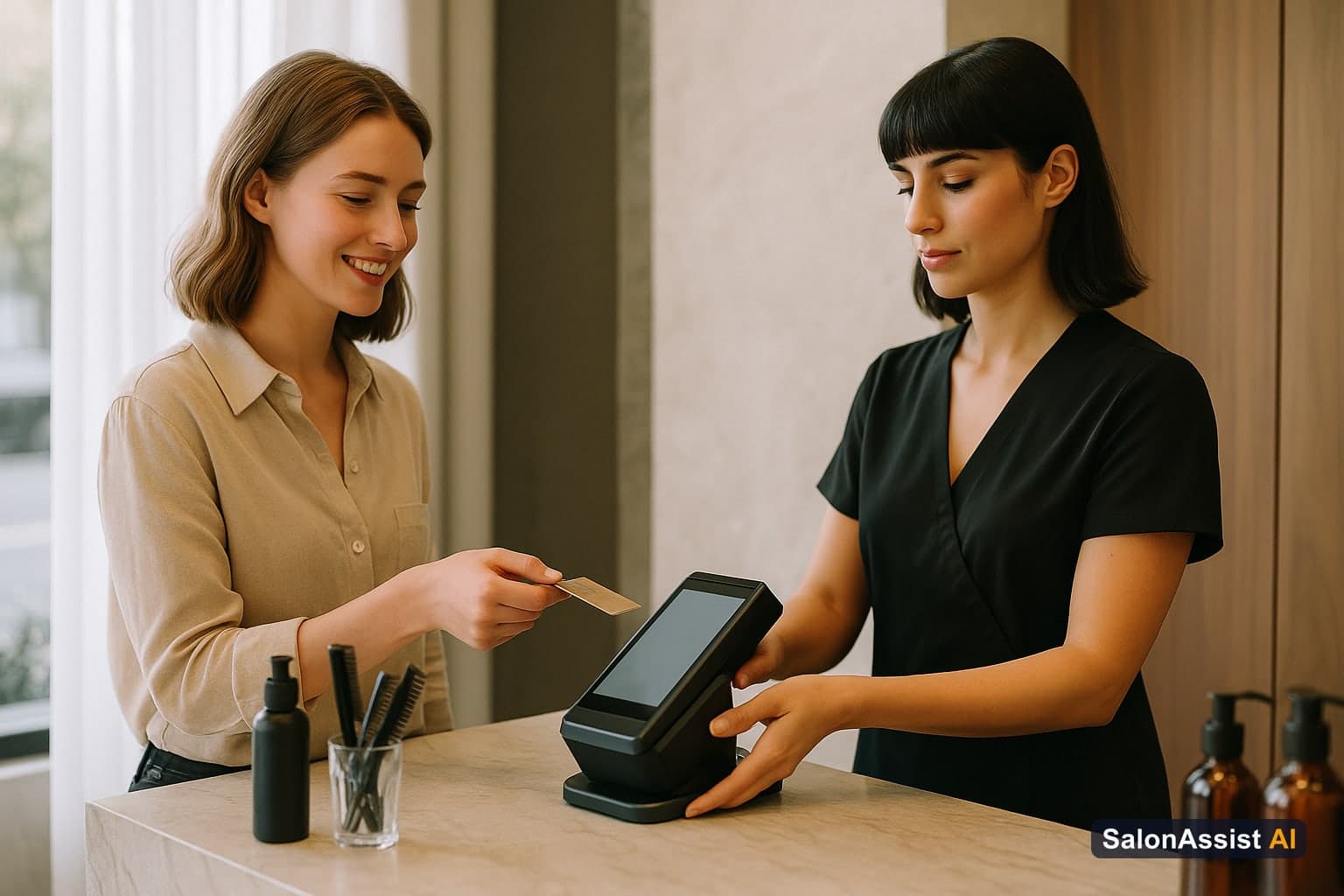
Walk-In Salon Checkout: How to Bill Walk-In Clients Efficiently
Busy salons know the pain: a rush of walk-in clients, a front desk under pressure, and queues that threaten to drive business away. Walk-in salon checkout isn’t just about ringing up a bill—it’s about speed, accuracy, and making every visit count for both the client and your staff.
In this guide, you’ll learn how to streamline walk-in billing using specialized salon checkout software. We’ll cover how to reduce front desk bottlenecks, ensure the right professional gets credit, and keep every walk-in visit in your records. For a full overview of modern front desk and POS solutions, see our Salon Front Desk Software Guide and explore what’s possible with SalonAssist AI’s Desk POS.
The Challenges of Walk-In Billing in Busy Salons
Walk-in clients are a revenue opportunity—but only if your front desk can keep up. Traditional billing methods often break down when the lobby fills up, leading to lost revenue and unhappy clients.
Front desk overload and long queues
During peak hours, the front desk can become a bottleneck. Receptionists juggle phone calls, new walk-ins, and clients waiting to pay. Each extra minute at the counter increases frustration for both staff and guests.
Risk of billing errors and forgotten walk-ins
Manual processes make it easy to miss a walk-in or forget to record a service. These mistakes mean lost revenue, incomplete records, and missed opportunities for follow-up.
Accurate staff credit and commission tracking
If your system doesn’t track who performed each service, staff may not get credit for their work. That leads to commission disputes and impacts morale.

How Walk-In Salon Checkout Software Solves These Problems
Modern walk-in salon checkout software is designed to keep your front desk moving, even on the busiest days. Here’s how it works:
Fast customer search and new customer creation
Receptionists can quickly find existing clients or add new ones in seconds. No more flipping through notebooks or spreadsheets.
Service selection filtered by Male/Female segment
Before listing services, the system asks whether the client is Male or Female. This ensures only the right services appear—speeding up selection and reducing mistakes.
Assigning the actual professional per service (no auto-assign)
Unlike systems that auto-assign the “best available,” SalonAssist AI lets you pick the exact professional who performed each service for every walk-in. This keeps commission and performance tracking fair and accurate.
Backfill past visits for forgotten walk-ins
If a walk-in was missed or not billed earlier, you can backfill the visit with the correct date. This ensures your records (and revenue) stay complete.
Real-time offer application and price preview
Apply offers, memberships, or loyalty discounts right at checkout. The system previews the final price before completing the bill.
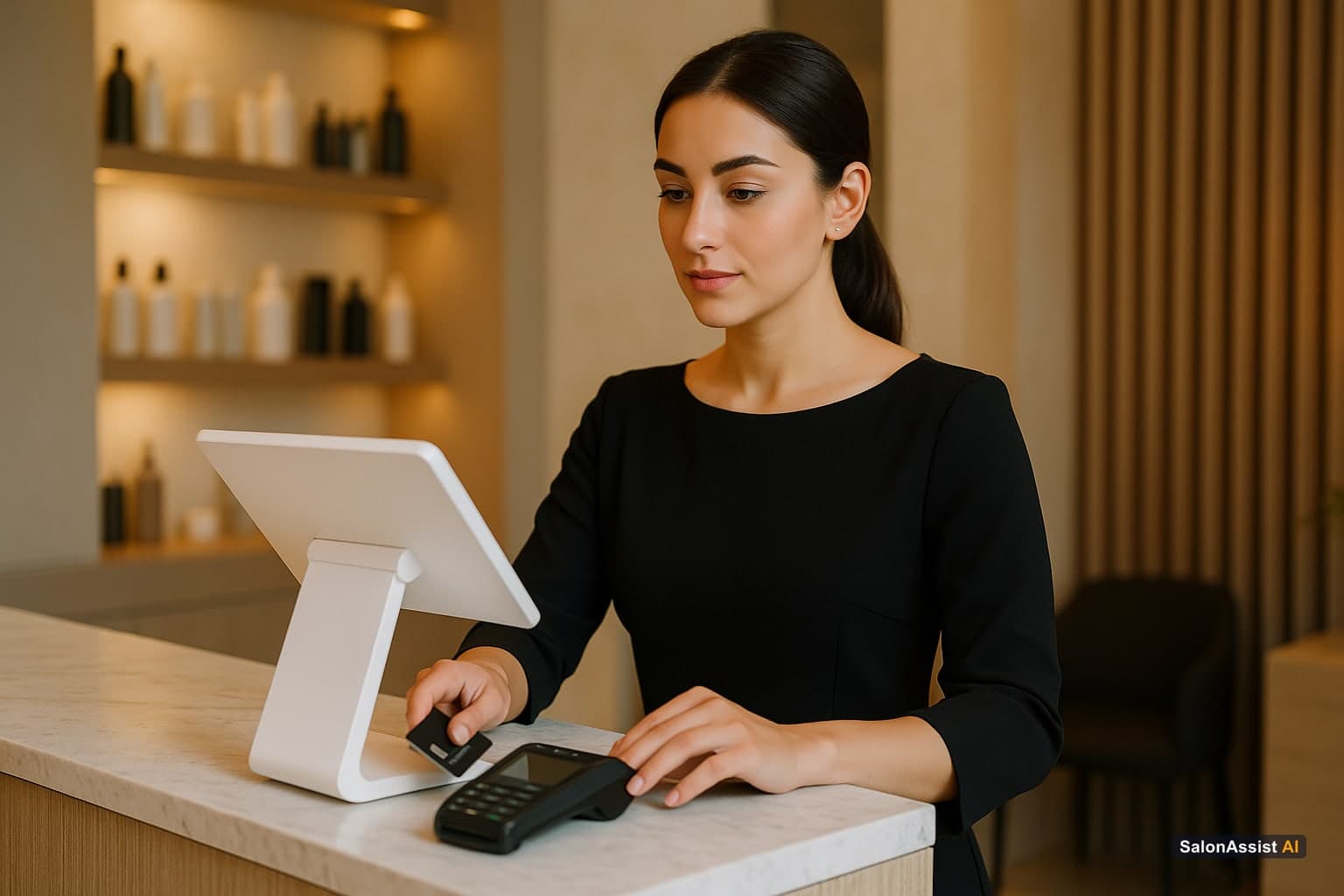
Calculate Your Salon's Missed Call Revenue Loss
Payment Modes and Checkout Options for Walk-Ins
An efficient walk-in checkout isn’t just about speed—it’s about flexibility. Clients expect to pay the way they want, and your desk staff need to record it accurately.
Cash, UPI, Card, Credit, and Mixed payment modes
SalonAssist AI’s Desk POS supports all major payment modes: Cash, UPI, Card, Credit, or even Mixed (splitting a bill across two or more methods). This flexibility means fewer delays and happier clients.
How credit and mixed payments affect customer dues
When a client pays partially on Credit, the system automatically tracks outstanding dues under their profile. Mixed payments split the amount, and only the Credit portion increases the client’s due balance—so your records stay accurate.
Instant invoice generation and record keeping
Every completed walk-in checkout generates a PDF invoice and updates the client’s visit history. There’s no risk of losing the bill or forgetting to log the visit.
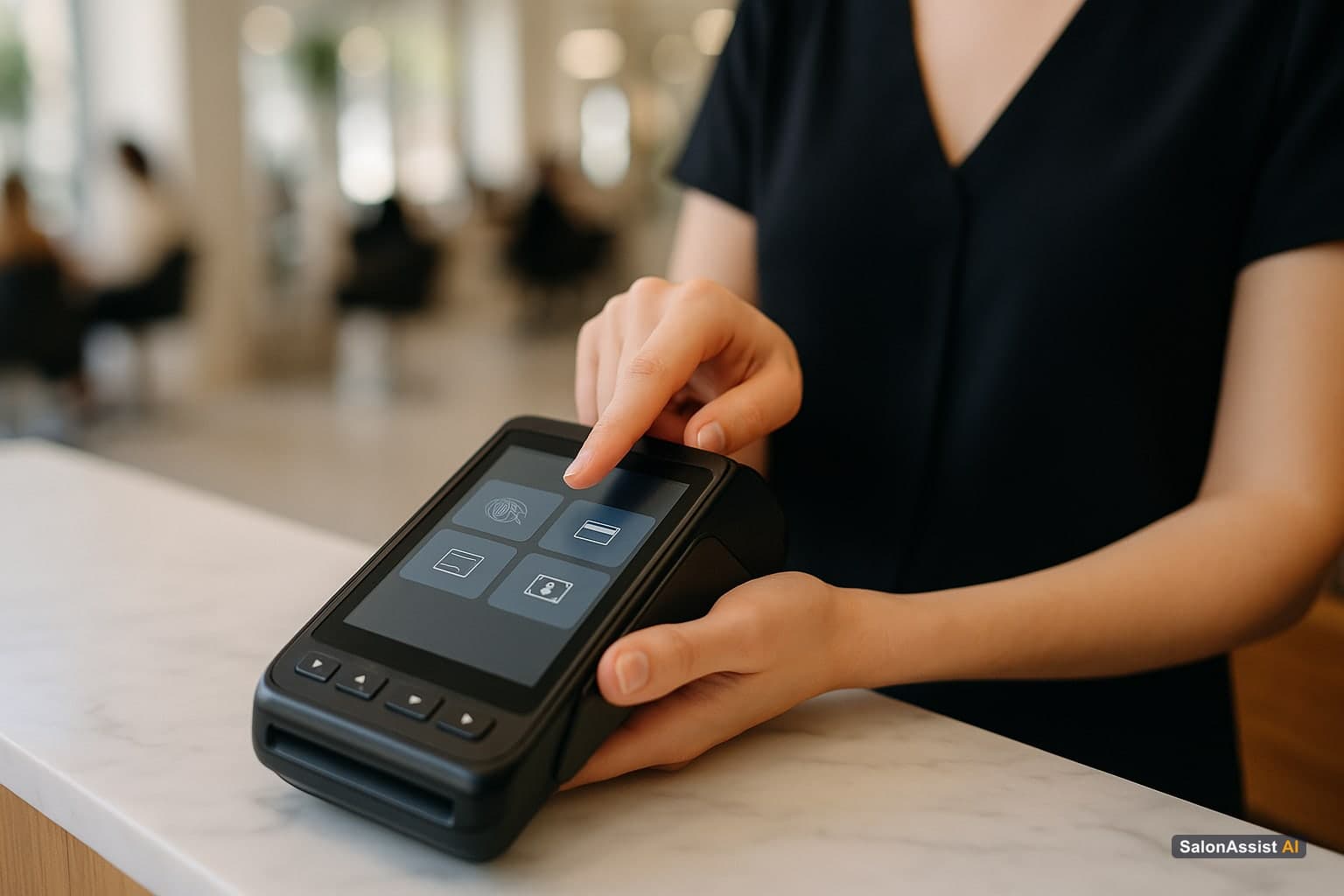
Desk POS for Walk-In Checkout
Fast service, professional assignment, and flexible payments—all from your front desk. Bill walk-ins in seconds, assign the right stylist, and keep every visit in your CRM.
Operational Benefits of Using SalonAssist AI’s Desk POS for Walk-Ins
Switching to a purpose-built walk-in checkout system isn’t just about technology—it’s about transforming your daily operations and client experience.
Reduced front desk queues and faster service
With every step optimized for speed, queues move quickly and clients don’t get stuck waiting to pay. Staff can focus on service, not paperwork.
No lost revenue from missed or forgotten walk-ins
Backfill features and instant CRM updates ensure every visit is recorded and billed, even if a walk-in was missed during a rush.
Accurate staff credit improves commission fairness
Assigning the actual professional per service means every stylist gets the credit—and commission—they deserve. This transparency builds trust and motivates your team.
Customer Insights at the counter for personalized service
When you select a client, the Desk POS displays their visit count, total spend, last visit, active memberships/packages, and loyalty points. This lets you recognize regulars, apply the right offers, and provide a personal touch at checkout.

How to Get Started with Walk-In Checkout in SalonAssist AI
Ready to streamline your walk-in billing? Here’s how to begin using SalonAssist AI’s Desk POS:
Accessing the Desk POS tab on desktop
Log in to your SalonAssist AI portal on a desktop. The Desk POS is a dedicated tab, designed for front desk use—not for mobile or offline.
Step-by-step billing workflow for walk-in clients
- Find or add the customer: Search by name or phone, or create a new profile.
- Select Male/Female segment: The system filters services accordingly.
- Add services and assign staff: For each service, pick the professional who performed it.
- Apply offers/memberships: See eligible plans and apply discounts as needed.
- Choose payment mode: Cash, UPI, Card, Credit, or Mixed.
- Complete checkout: The visit is saved, invoice generated, and CRM updated in one step.
Tips for training front desk staff on the system
- Walk staff through a few real scenarios—peak hour walk-ins, backfilling a missed visit, and using customer insights.
- Emphasize the importance of picking the right professional for every service.
- Remind staff that all payment modes are supported, but collection happens outside the system (no card/UPI gateway).
- Encourage use of customer insights to build loyalty and personalize the experience.
For a deeper look at front desk best practices, see our Salon Front Desk Software Guide.
Related Reading
- Salon Front Desk Software Guide: Explore how to modernize your front desk with software that streamlines appointments, billing, and customer management for busy salons.
- Salon Invoice Software Complete Guide: Learn how digital invoicing improves accuracy, speeds up checkout, and keeps your records audit-ready.
- Appointment Scheduling Software with Group Bookings: Discover tools for managing group appointments and complex bookings alongside walk-in workflows.
For more on integrating your POS with marketing and retention, see Salon Software Integration with Marketing Tools.
Conclusion
Efficient walk-in salon checkout is the key to happier clients, accurate staff credit, and more revenue captured every day. With SalonAssist AI’s Desk POS, you can eliminate front desk chaos, bill walk-ins in seconds, and never lose track of a visit again.
Ready to see it in action? Explore Desk POS features or book a demo today to transform your front desk operations.
Ready to speed up your walk-in billing?
Book a demo to see how SalonAssist AI’s Desk POS transforms your front desk operations.
Frequently Asked Questions (FAQ)
Related guides in this series
- 12 min read
Barber Shop Walk-In Management: Streamline Front Desk Efficiency
Discover how barber shop walk-in management improves front desk workflows, reduces queues, and credits stylists accurately with SalonAssist AI.
Read article - 11 min read
Salon Appointment Calendar for Front Desk: Streamline Scheduling
Discover how a salon appointment calendar for front desk staff streamlines daily bookings, reduces errors, and boosts operational efficiency.
Read article
Simplify Your Walk-In Billing Today
See how SalonAssist AI’s Desk POS speeds up walk-in checkout and keeps your front desk running smoothly.
Book a demo