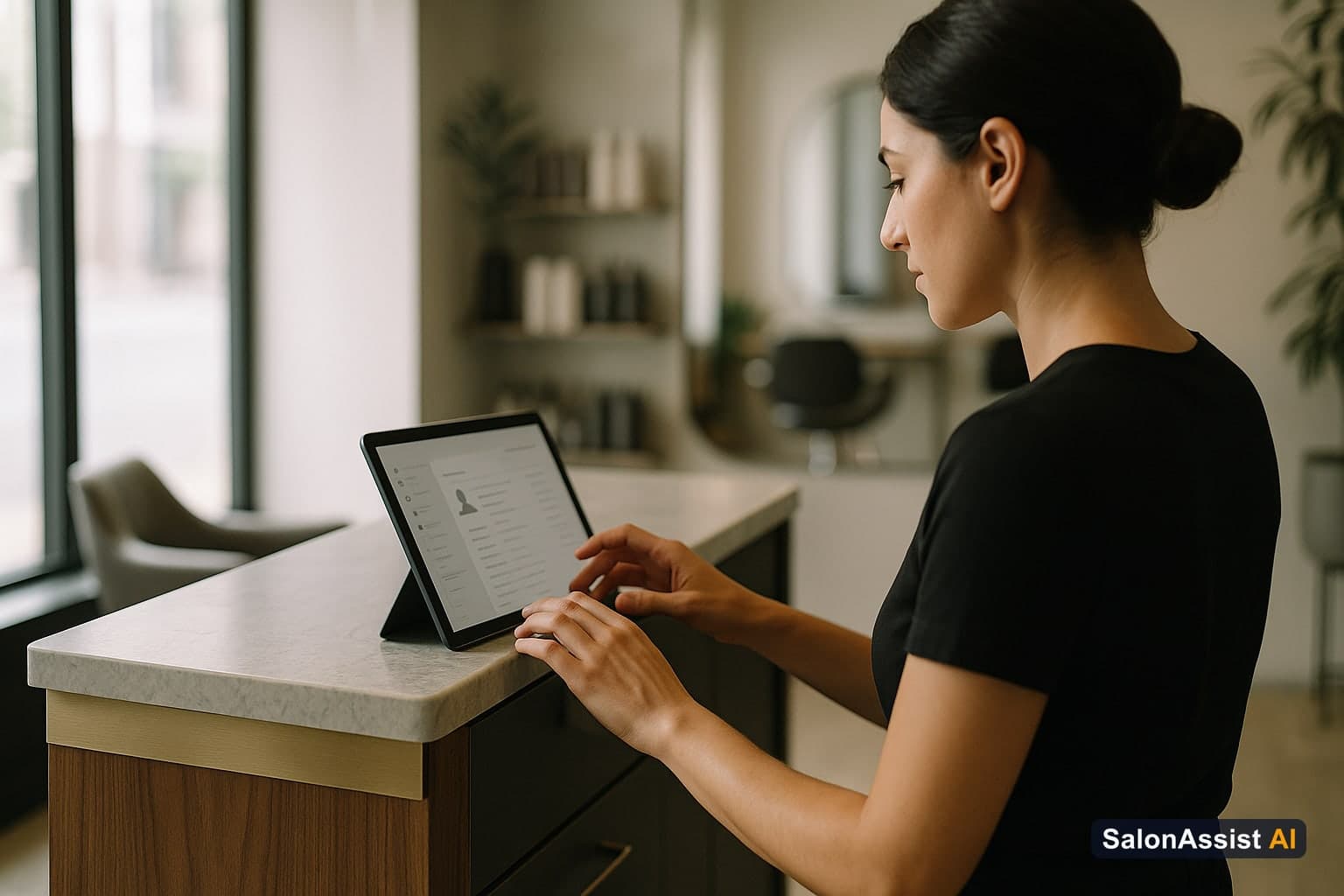
Salon CRM: Client History Meets Staff Performance
There's a search phrase that shows up often in how salon owners look for software, and it's more revealing than most people realize: "CRM software salon client history staff performance."
Not just client history. Not just staff performance. Both - in the same search. That phrasing tells you something about what salon owners already sense: what happens with clients is downstream of what happens with staff, and a system that tracks one without the other only gives you half the picture.
This guide covers why that connection matters, what "client history" and "staff performance" should actually mean in a salon CRM, and how to evaluate whether a platform genuinely links the two - or just stores them next to each other.
Why Client History and Staff Performance Belong in the Same Platform
Most salon software treats client data and staff data as separate domains. The CRM module holds client profiles. The staff module tracks schedules and commissions. The two rarely inform each other in any meaningful way.

That separation creates blind spots:
You can't easily see which stylists keep clients coming back. Completed-visit counts and cancellations per stylist are useful, but connecting that to which clients keep returning to the same stylist requires the client and staff records to sit in one system, not two.
You can't see which services tend to bring clients back. If clients who get a specific service rebook more often than clients who get another, that's worth knowing for training and scheduling - but only if visit history and service data live together.
You can't spot a client relationship quietly fading. When a regular's visits start spacing out, there's a window where a well-timed, owner-initiated outreach can bring them back. A CRM that surfaces "last visit was longer ago than usual" filters gives you that window; one that only stores a visit list does not.
You can't connect a staff change to client behavior. When a stylist leaves and their clients are reassigned, some settle in and some drift away. Having client history and staff assignment in the same record lets you see which is happening.
What "Client History" Should Actually Mean in a Salon CRM
Smart Online Booking & Client CRM
Give clients a 24/7 online booking experience synced to live stylist schedules with automated WhatsApp reminders.
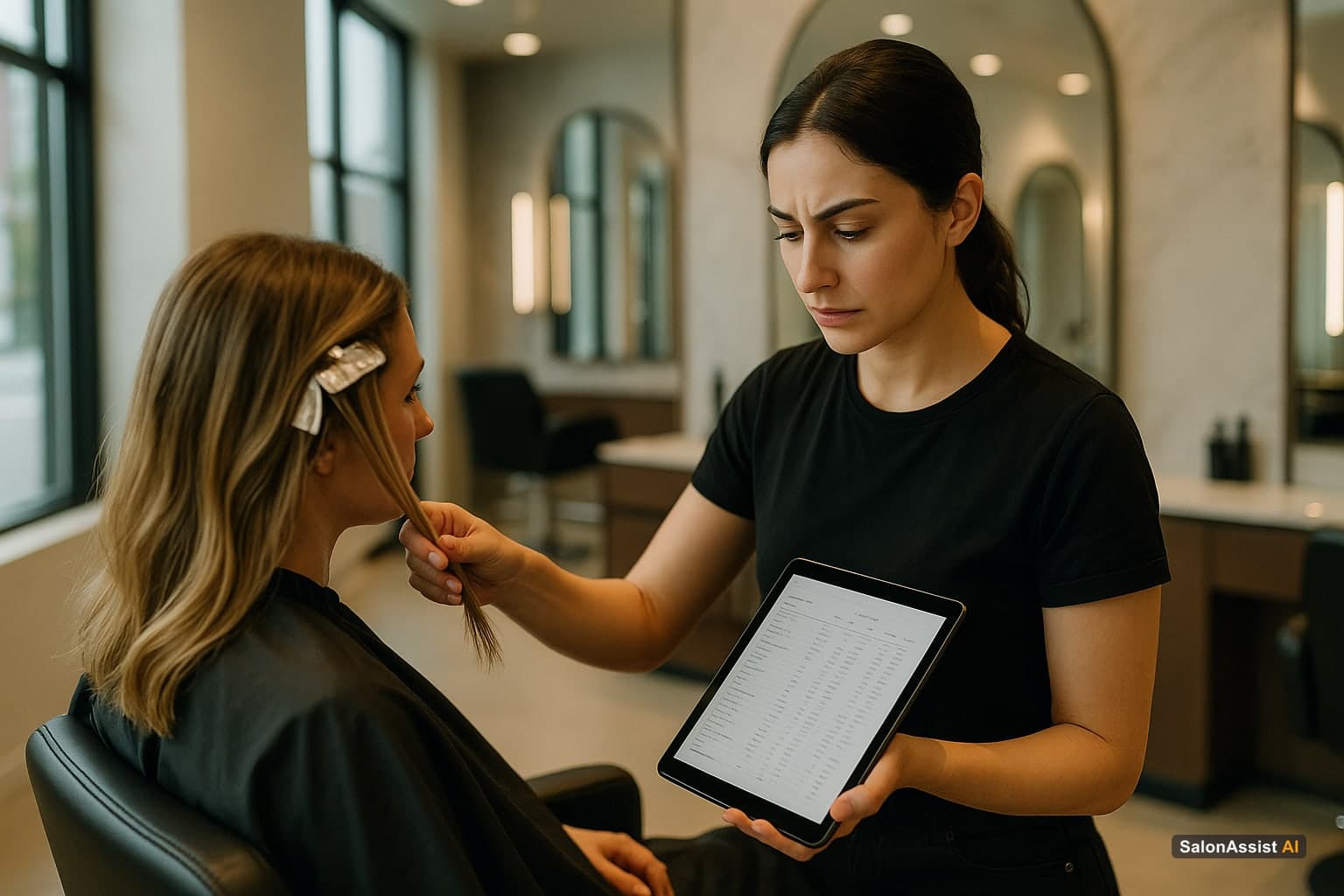
The term gets used loosely. Here's what it should cover in a genuine salon CRM:
Complete visit record. Every appointment, service, and stylist, with exact dates - populated automatically from booking and checkout, not typed in separately afterward.
Formula and service notes. For colour-focused salons, this is often the single most valuable CRM feature: exact formula, timing, and any sensitivities, logged during the visit and retrievable at the next one so a covering stylist isn't guessing.
Preferences and notes. Preferred stylist, communication preferences, allergies or sensitivities, and any other details relevant to service delivery.
Programs and offers on the profile. Active memberships, package sessions remaining, and loyalty point balance, visible on the same client record - not in a separate system.
Communication log. Which confirmation, reschedule, cancellation, or thank-you messages were sent and their delivery status - so you know whether a client is actually receiving your updates.
When these elements live in one profile, the CRM becomes genuinely useful - not a contact list with visit dates attached.
What "Staff Performance" Should Mean Alongside It
On the staff side, the metrics worth tracking are the ones a manager can act on directly from real transaction data:
Revenue per stylist. Service revenue generated in a given period - the baseline number every commission conversation starts from.
Completed vs. cancelled appointments. A fulfillment rate (completed ÷ completed + cancelled) tells you whether a stylist's book is running smoothly or leaking appointments.
Commission-aware incentive payable. When a stylist's commission rate is configured and visits are marked complete, the incentive they've earned should be calculated automatically from that transaction data - not reconstructed from a spreadsheet at month-end.
These numbers, reviewed by an owner or manager per stylist, give you a real performance picture without requiring every stylist to have their own login. Most salon platforms - SalonAssist AI included - are owner/manager operated: stylists are managed inside the system with their own skills, availability, and commission rate, but they don't get a separate self-service account. If a vendor claims individual stylist logins with live personal dashboards, ask to see it in a demo before assuming it exists.
The Connection That Matters: Client History Informing Staff Decisions
The most useful capability of a connected CRM isn't the client data or the staff data alone - it's being able to look at both together when you're making a decision.
Which stylist's clients keep coming back? Pulling completed-visit and cancellation counts per stylist, alongside the client's own visit history, gives you a real coaching conversation instead of a guess.
Which service-stylist combination is worth promoting? Revenue and appointment volume broken down by service and by stylist (available in SalonAssist AI's analytics, filterable by branch on Enterprise) shows you what's actually working, not just what's popular.
Where is a client relationship at risk? A CRM filter for "hasn't visited in 60-90 days" turns into a short, prioritized list you or your front desk can call or WhatsApp personally. That's owner-driven retention work - not an automated campaign engine running in the background. SalonAssist AI does not send automated day-before or lapse-triggered marketing messages on its own; it supports confirmation, reschedule, cancellation, and post-visit thank-you messages, plus the CRM filters you use to build your own outreach lists.
How to Evaluate Whether a Platform Actually Does This
The gap between "we have a CRM and a staff module" and "client history and staff performance actually inform each other" is significant. Here's how to test it in a demo:
Test 1: Staff performance by completed visits. Ask the vendor to show revenue, completed/cancelled counts, and commission payable for an individual stylist. If they can't filter to one person, the data isn't granular enough to coach from.
Test 2: Client lapse filter. Ask: "Can I see a list of clients who haven't visited in over 60 days, right now?" It should be a saved filter you can pull in under a minute - not a manual export.
Test 3: Formula notes at checkin. Ask to see how a note from a client's last visit appears when a different stylist checks them in. It should be immediately visible on the profile, not buried in a separate module.
Test 4: Branch-level staff reporting (if you run multiple locations). Ask whether staff performance can be filtered by branch as well as by person.
Test 5: Honest scope on automation. Ask directly: "Does this send marketing messages automatically, or do I decide when to reach out?" A vendor who's clear about the difference is more trustworthy than one who implies full automation without showing it.
What a Connected Platform Looks Like Day to Day
Here's a realistic version of what this looks like in practice, without overstating what any single platform does automatically:
A client calls to book, and the AI receptionist matches her to her existing profile by phone number, books her with her preferred stylist against live availability, and a WhatsApp confirmation goes out. At checkout, the stylist notes a small formula adjustment for next time. At the end of the week, the owner opens the client-retention filter, sees a short list of clients overdue for their usual visit, and personally sends a handful of WhatsApp check-ins. Separately, in analytics, the owner reviews staff performance cards and notices one stylist's completed-visit count and revenue are down for the month - worth a coaching conversation.
None of that requires magic. It requires the client record, the booking engine, and the staff performance data living in one system instead of three.
SalonAssist AI: Built Around the Connection
SalonAssist AI keeps client profiles, appointment history, and staff performance in one platform rather than as separate modules that happen to share a login. Client visit history and preferences sit on the same profile the AI voice agent and your front desk use to book. Staff performance - revenue, completed and cancelled appointments, fulfillment rate, and commission-aware incentive payable - is calculated from the same completed-visit data, filterable by branch on the Enterprise tier. CRM filters let you build your own outreach lists for lapsed or high-value clients; the platform does not run automated marketing campaigns on your behalf.
For a deeper look at each side individually, see our guides to salon CRM software and salon staff management software.
Calculate Revenue Losses from Booking Conflicts & No-Shows
The Bottom Line
The data you need to grow your salon already exists - in every appointment booked, every service performed, every client interaction. A platform that keeps client history and staff performance in one place just makes that data easier to act on.
Ready to see it connected in your own account? Book a demo or explore booking and CRM.
Frequently Asked Questions (FAQ)
Related guides in this series
- 12 min read
Staff Productivity Benchmarks for Salons: Metrics to Measure
Learn key staff productivity benchmarks for salons and how to measure stylist efficiency to boost performance and revenue. Practical metrics for salon owners.
Read article - 9 min read
Salon Staff Attendance Software: QR Check-In That Works
How salon staff attendance software should work: geofenced QR check-in, PIN verification, owner overrides, and month history-without a payroll punch clock.
Read article - 10 min read
Salon Software for Staff Targets & Commission Tracking
Looking for salon software with real commission tracking and target visibility? An honest breakdown of what to expect - and what to verify before buying.
Read article
Connect your client and staff data
See how SalonAssist AI keeps client history and stylist performance in one record instead of two disconnected tools.
Book a demo