Salon Appointment Calendar for Front Desk: Streamline Scheduling
The front desk is the operational heartbeat of any salon. Every call, walk-in, and online booking flows through this nerve center—so a single missed appointment or scheduling error can mean lost revenue and chaos during peak hours. That’s why a salon appointment calendar for front desk teams isn’t just a nice-to-have—it’s a game changer for efficiency, accuracy, and client satisfaction.
In this guide, you’ll learn how a visual appointment calendar designed for front desk staff streamlines daily bookings, reduces scheduling errors, and empowers your team to deliver a seamless client experience. We’ll break down the must-have features, show you how modern calendars integrate with walk-in checkout and team roles, and help you choose the right solution for your salon.
For a comprehensive look at front desk POS, walk-in handling, and checkout, see our Salon Front Desk Software Guide or explore the Front Desk & POS solution.
Visualizing Your Salon Day with a Front Desk Appointment Calendar
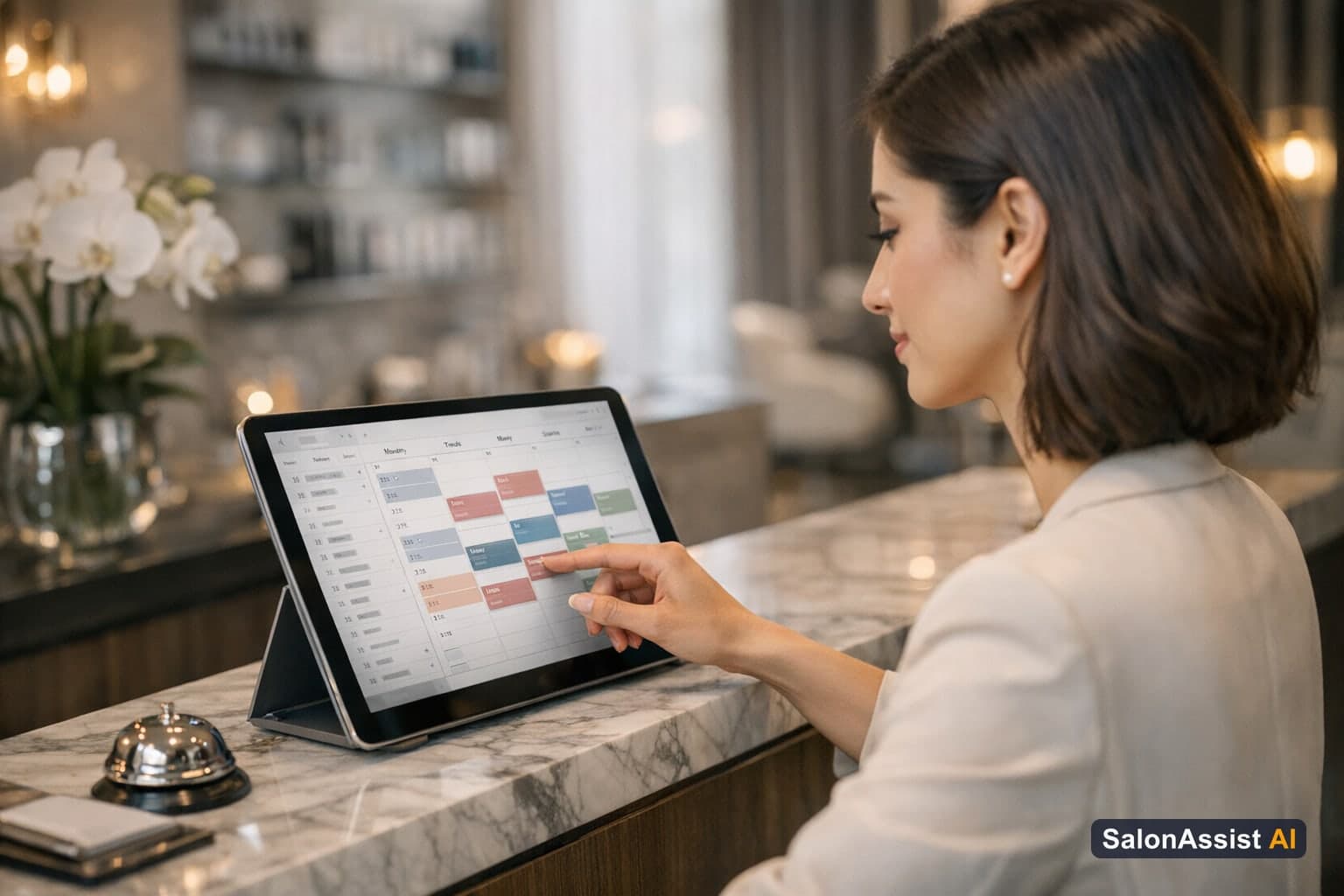
A visual salon day view calendar transforms the way your front desk manages bookings. Instead of flipping through paper lists or hunting through spreadsheets, your team sees the entire schedule for the day—color-coded, organized by stylist, and updated in real time.
Columns for each stylist (or a single column for smaller salons) let staff instantly spot open slots, double-bookings, and gaps for last-minute appointments. Appointment cards show the client’s name, service, and status: scheduled, completed, cancelled, or no-show. This clarity is critical for reducing errors and making quick decisions during busy periods.

For a deeper dive into front desk operations and how software can further streamline your workflow, check out our Salon Front Desk Software Guide.
Key Features of SalonAssist AI’s Desk Booking Calendar
Not all calendars are created equal. SalonAssist AI’s Desk Booking calendar is purpose-built for salon front desks, combining intuitive visuals with powerful booking tools:
- Appointment Cards: Each card displays the customer’s name, chosen service(s), time slot, and real-time status.
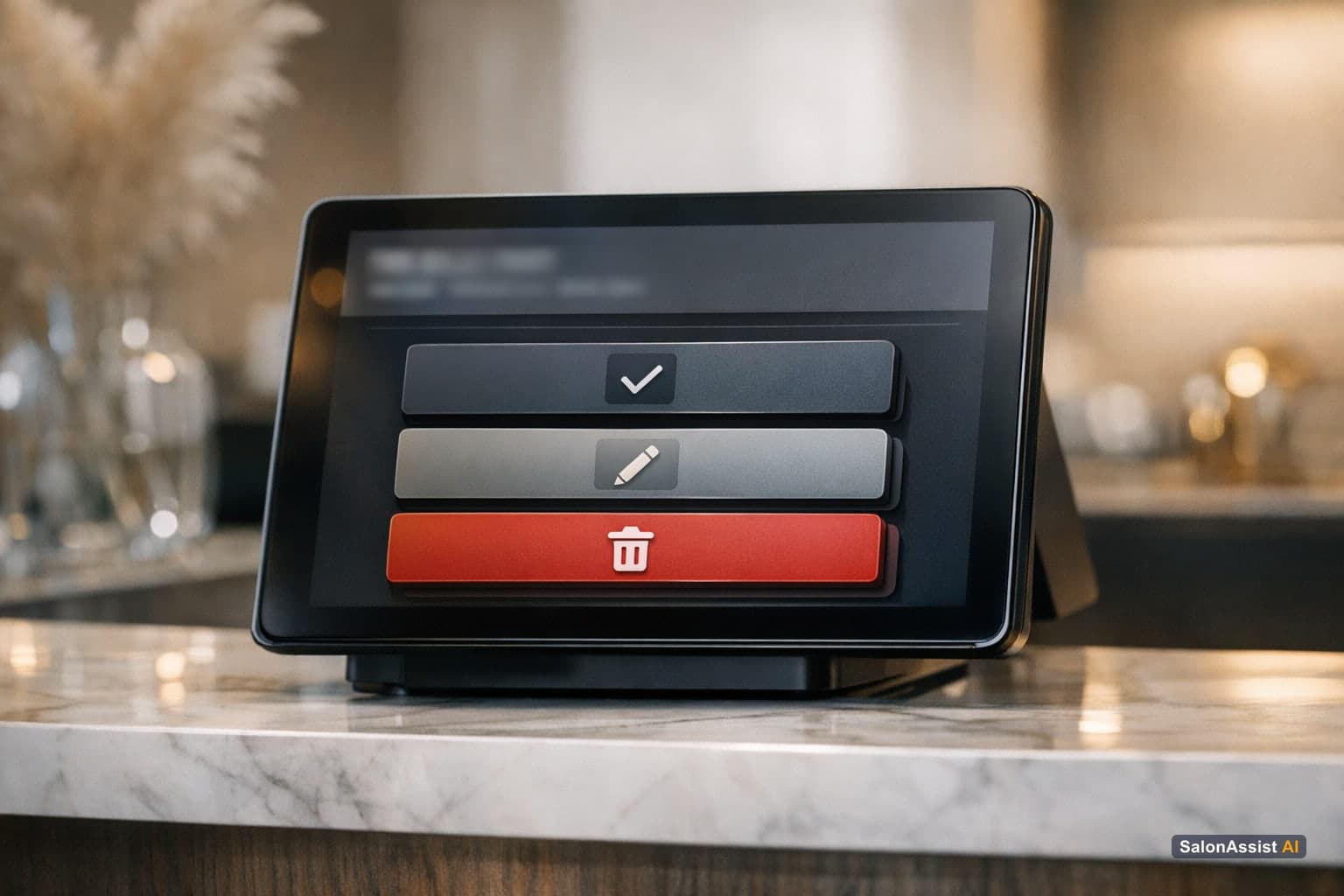
- Quick Action Menu: Every appointment card has labeled buttons—Complete (with payment mode), Edit, No Show, Cancel, Delete, View Invoice, and WhatsApp message—so your team can act without leaving the calendar.
- Find Availability Sidebar: Search by segment (Male/Female), pick services, choose staff, and drag to reorder multi-service bookings.
- Prefilled Booking: Clicking an empty slot pre-populates the booking form, reducing errors and speeding up data entry.
- Integrated Offers & Pricing: See available promotions and correct prices at the time of booking.
- Live Updates: Changes made by one team member are reflected instantly for everyone.
What sets SalonAssist AI apart is the seamless integration between the Desk Booking calendar, POS, and team access controls. The front desk can manage bookings, process walk-in checkouts, and handle billing—all from one unified workspace. This reduces handoff errors, eliminates the need to switch between tools, and ensures that every client interaction is tracked and actionable.
For more on optimizing walk-in and same-day checkout, read our Walk-In Salon Checkout Guide.
Managing Walk-Ins and Same-Day Bookings Seamlessly
Walk-ins are a daily reality for most salons—and a major source of operational stress if not handled smoothly. SalonAssist AI’s Desk Booking calendar tackles this with a dedicated Walk-In mode and a powerful Desk POS tab.
- Walk-In Mode: Bookings are recorded with today’s date (or backfilled for earlier visits), skipping the reservation schedule but still tracking the actual professional for each service—essential for accurate commission and reporting.
- Desk POS Tab: The front desk can search for or add a client, see Customer Insights (visits, spend, last visit, dues, active memberships/packages), select services, choose who performed each one, and complete the checkout in one flow.
- Offers and Payment Modes: Apply offers, select payment method (Cash, UPI, Card, Credit, Mixed), and generate an invoice instantly.
- No WhatsApp for Walk-Ins: Walk-In appointments do not trigger appointment WhatsApp messages, keeping the process focused and efficient.

Walk-in management links directly to the Front Desk & POS solution and is tightly integrated with Booking & CRM for unified client records.
Missed walk-ins and unlogged visits can quietly drain your revenue. Use the calculator below to see how much missed bookings might be costing your salon:
Calculate Your Salon's Missed Call Revenue Loss
Who Sees What: Team Access and Roles at the Front Desk
Team access is as important as the calendar itself. SalonAssist AI lets the owner assign each team member their own login with a ready-made role:
- General Manager: Runs the salon day to day—bookings, billing, customers, attendance, services, staff, branches, offers, inventory, website booking, notifications, support.
- Receptionist / Front Desk: Handles bookings, checkout and billing, customers, and attendance; can view services, staff, coupons and packages but not change them; cannot access revenue reports.
- Stylist / Staff: Sees only their own appointments, linked to their staff profile (Growth/Enterprise).
- Custom: Owner can switch on exactly what each person needs, area by area.
- Own Records Only: Stylists can be limited to their own bookings, visits, invoices, and numbers—keeping earnings private.
Access changes apply instantly. When a staff member leaves, their login is switched off immediately—no more shared owner passwords or lingering access.

For a detailed look at team roles and privacy, see our Operations and Team Access Guide.
Comparison: Traditional Booking vs Generic Calendars vs SalonAssist AI Desk Booking
How does a purpose-built salon appointment calendar for front desk teams compare to other methods? Here’s a side-by-side look:
Checklist: How to Choose a Salon Appointment Calendar for Your Front Desk
When evaluating solutions, look for these essential features:
- Visual day view with staff columns: Instantly see who is available and when.
- Quick action buttons on appointments: Complete, edit, cancel, or mark no-shows without leaving the calendar.
- Integrated walk-in checkout: Desk POS for fast, accurate billing and CRM updates.
- Team access and role management: Ready-made roles, own logins, and privacy controls.
- Real-time availability and multi-service support: Book multiple services, assign professionals, and reorder with ease.
- Offers and payment mode integration: Apply discounts, loyalty, and record payment types at checkout.
- Support for Male/Female service segments: Ensure the right services are shown at booking.
See SalonAssist AI’s Desk Booking Calendar & POS in Action
SalonAssist AI brings all of these features together in one platform—purpose-built for front desk teams who want less chaos and more control.
Desk Booking Calendar & POS
Visual scheduling with quick booking actions and integrated walk-in checkout.
For more tips on managing product sales at checkout, see Salon Billing Software with Product Sales, or learn about team access in Salon Software with Staff Login Access Control.
Conclusion
A salon appointment calendar for front desk teams is more than just a digital schedule—it’s the foundation for smooth operations, fewer errors, and a better client experience. With a visual day view, quick action buttons, integrated walk-in checkout, and tailored team access, your front desk can handle even the busiest days with confidence.
Ready to see how SalonAssist AI’s Desk Booking calendar can transform your front desk? Explore the Front Desk & POS solution or book a demo today.
Frequently Asked Questions (FAQ)
Related guides in this series
- 12 min read
Barber Shop Walk-In Management: Streamline Front Desk Efficiency
Discover how barber shop walk-in management improves front desk workflows, reduces queues, and credits stylists accurately with SalonAssist AI.
Read article - 11 min read
Walk-In Salon Checkout: How to Bill Walk-In Clients Efficiently
Learn how walk-in salon checkout software streamlines billing, reduces queues, and ensures accurate staff credit for busy salons.
Read article
See how SalonAssist AI simplifies front desk scheduling
Empower your front desk with a visual calendar that reduces errors and speeds checkout. Book a demo to explore SalonAssist AI’s Desk Booking features.
Book a demo