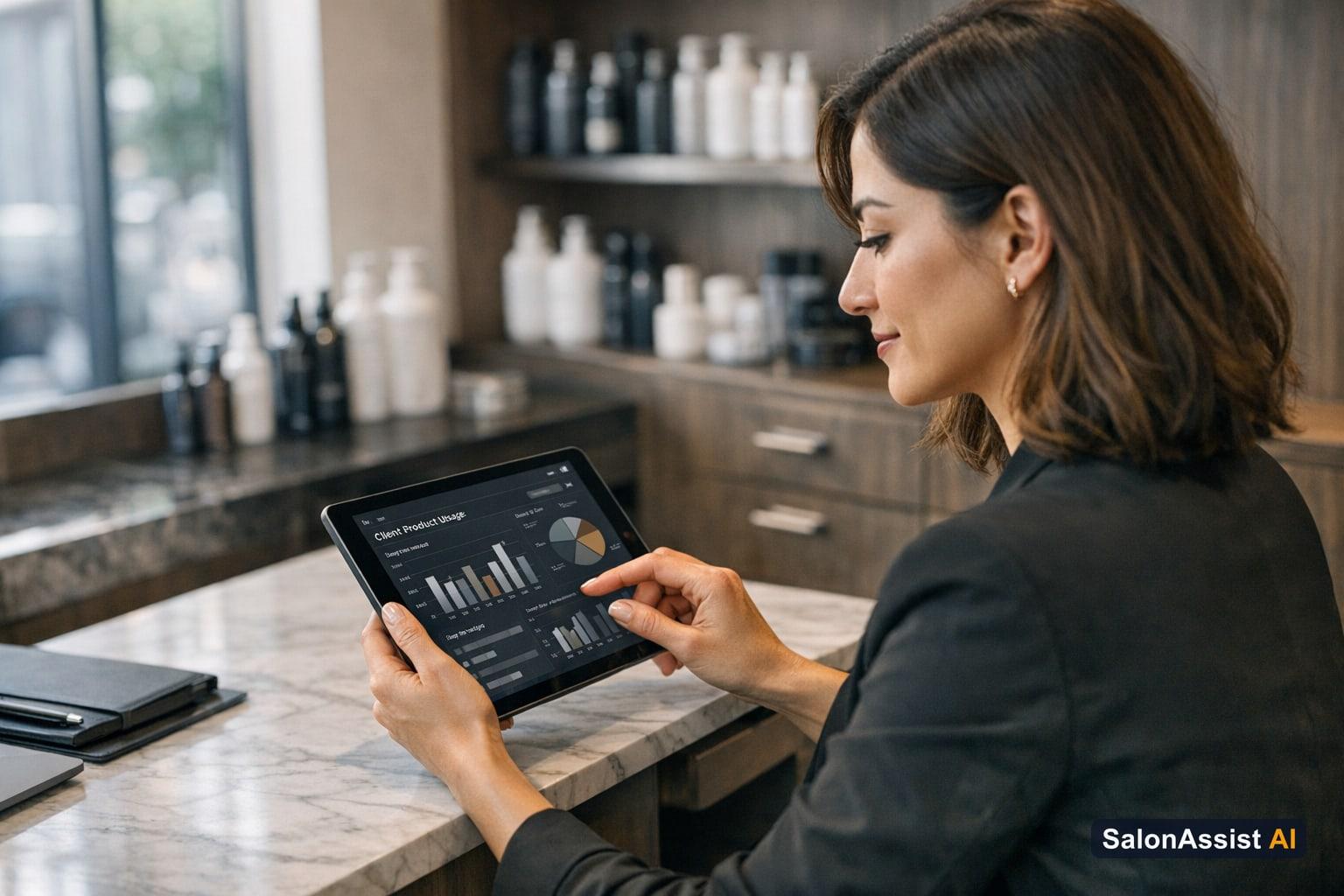
Track Salon Product Usage Per Client for Better Inventory Control
Salon owners know the pain of discovering a nearly empty bottle of hair colour right as a client sits in the chair. When backbar products run out without warning or are wasted, profits slip away and service quality suffers. That’s why it’s essential to track salon product usage per client—not just to avoid embarrassing stock-outs, but to run a more profitable, efficient business.
Modern inventory control goes beyond counting bottles on a shelf. With SalonAssist AI’s Inventory module, you can see exactly how each product is used across services and clients, helping you reduce waste, optimize ordering, and improve your bottom line. This article explains why tracking product usage matters, how running products work, and how your team can implement smarter backbar tracking in daily operations.
Looking for a complete inventory management solution? Start with our pillar guide on salon inventory management software.
Why Tracking Salon Product Usage Per Client Matters
Backbar products—hair colour, keratin, serums, wax, and more—are the silent drivers of salon services. Yet, without proper tracking, it’s easy to lose sight of how much is used, wasted, or lost. Unmanaged product usage leads to:
- Unexpected stock-outs: Running out of a key product mid-service disrupts appointments and can frustrate loyal clients.
- Inaccurate ordering: Without usage data, you risk over-ordering (tying up cash in slow-moving stock) or under-ordering (missing sales opportunities).
- Hidden waste: Over-pouring or inefficient use means higher costs per service and lower profit margins.
For a complete overview of inventory best practices and digital tools, see our in-depth guide to salon inventory management software.
Impact on Profitability and Customer Experience
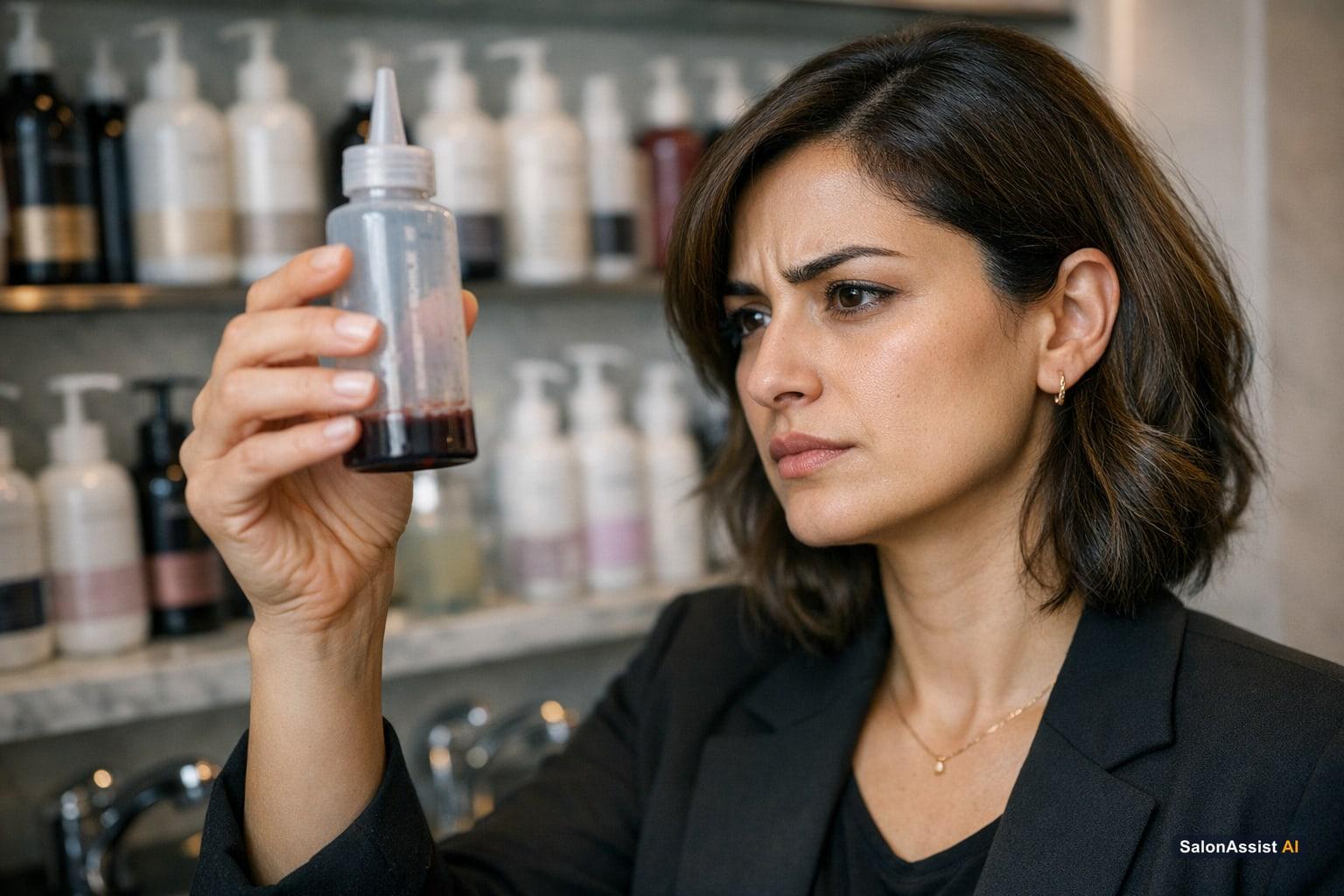
Every wasted milliliter cuts into your margins. When a stylist grabs a new bottle because the last one ran dry unexpectedly, you’re not just losing product—you’re risking client trust and potentially delaying appointments. Imagine a client booked for a premium colour service, only to have their session interrupted because the backbar ran out. These moments erode loyalty and can lead to lost business.
Understanding Running Products and Backbar Tracking
Traditional inventory systems count unopened stock, but that’s only half the story. Running products are opened bottles tracked by how many services and unique clients they serve. Instead of guessing how long a bottle lasts, you’ll know exactly how many appointments it supported before running out.
SalonAssist AI brings this to life by letting you track every opened bottle’s journey—how many times it was used, and for which clients. This goes beyond simple stock counts and gives you actionable insights into actual usage patterns.
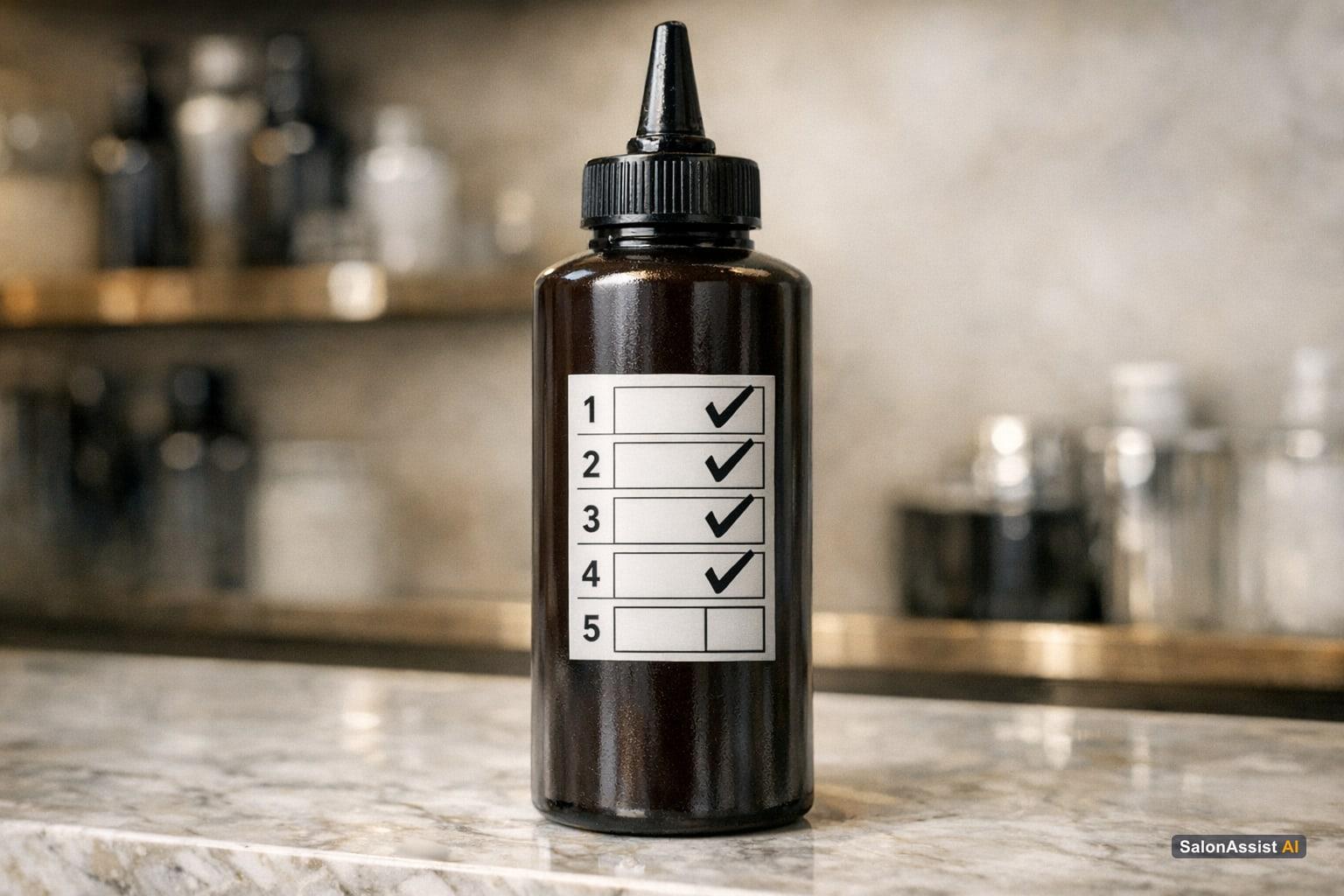
How does this help? If a bottle of hair colour typically supports 18 services, but you notice one finished after only 12, you can investigate for overuse or waste. This level of detail empowers you to coach staff, adjust pricing, or refine ordering—no more guesswork.
FAQ: How many services per bottle of hair colour?
With running product tracking, you’ll know the real number for your salon—not just what the manufacturer claims. Usage is tallied per bottle, per client, so you can see if you’re getting full value from every product.
Product stock is deducted only when a bottle is opened, not every time it’s used in a service. This ensures your inventory stays accurate without forbidden automatic deductions per service.
How to Track Salon Product Usage Per Client with SalonAssist AI
SalonAssist AI’s Inventory module makes product usage tracking part of your everyday workflow—no extra spreadsheets or guesswork required.
-
During checkout (Desk POS or Walk-In):
When a client completes a service, the front desk or stylist selects which open product was used for each service. This links the usage to both the product and the client. -
Usage counts update automatically:
Each time a product is used, SalonAssist AI increments the service and client count for that bottle. Managers can see these stats live and in reports. -
Benefits:
- Accurate usage data: Know exactly how much each product is used and by whom.
- Smarter ordering: Order based on real usage, not rough estimates.
- Waste reduction: Spot overuse or inefficiencies and coach staff accordingly.
For more on connecting product usage with retail sales growth, read our guide on increasing salon retail sales.
Calculate Your Salon's Missed Call Revenue Loss
Why does this matter? If you’re not tracking usage per client, you’re likely missing profit on both services and retail. Wasted backbar product eats into your margins, while understocking can mean lost sales and disappointed clients. SalonAssist AI’s running product tracking and real-time stock alerts close this gap.
Real-Time Stock Alerts and Usage Reports
SalonAssist AI automatically sends low-stock alerts when a product is running out, so you can reorder before it’s too late. The system also keeps a full stock history, showing when bottles were opened, how many services they supported, and who used them.
Usage tracking feeds directly into your ordering process. Instead of guessing how many bottles to buy next month, you’ll see real numbers—helping you avoid both overstocking and stock-outs. Remember, stock is counted for the whole salon, not per branch, ensuring simple, claim-safe inventory control.
Who Should Use Product Usage Tracking in Your Salon Team
Tracking product usage isn’t just a manager’s job—it’s a team effort. Here’s how different roles participate:
- Front desk staff: Record which product was used during checkout. This ensures every service is accurately tracked.
- Stylists: Confirm and select the correct product, especially for specialized services.
- Managers/Owners: Monitor usage reports, review low-stock alerts, and make ordering decisions.

This workflow supports real-time decision-making at the front desk and helps managers stay in control of inventory.
Want to see how front desk operations and product tracking come together? Explore our guide to front desk and POS workflows.
SalonAssist AI Inventory & Running Products
Track product usage per client, get low-stock alerts, and optimize ordering.
Common Questions About Salon Backbar Product Tracking
Salon backbar product tracking is a hot topic for owners who want to run a tighter ship. Below, we answer key questions salon teams ask when getting started.
Conclusion: Optimize Your Inventory and Boost Salon Profitability
Tracking salon product usage per client is no longer a luxury—it’s a necessity for salons that want to protect margins and deliver consistent service. With running product tracking, real-time stock alerts, and clear usage reports, you can cut waste, avoid costly stock-outs, and make smarter ordering decisions.
SalonAssist AI brings all of this together in one platform, making it easy for your team to log usage, monitor trends, and act before small problems become big losses.
Ready to take control of your inventory and boost profitability? Explore SalonAssist AI’s Inventory features or book a demo to see product usage tracking in action.
Frequently Asked Questions (FAQ)
Related guides in this series
- 12 min read
How to Increase Salon Retail Sales: Tips for Boosting Revenue
Learn how to increase salon retail sales with practical tips on selling products, motivating staff, and improving customer experience to boost revenue.
Read article - 12 min read
Salon Billing Software with Product Sales: One Invoice, More
Discover how salon billing software with product sales unifies invoices for services and retail, boosting revenue and simplifying checkout.
Read article
Take control of your salon inventory today
See how SalonAssist AI’s product usage tracking helps reduce waste and boost profits—book a demo to get started.
Book a demo