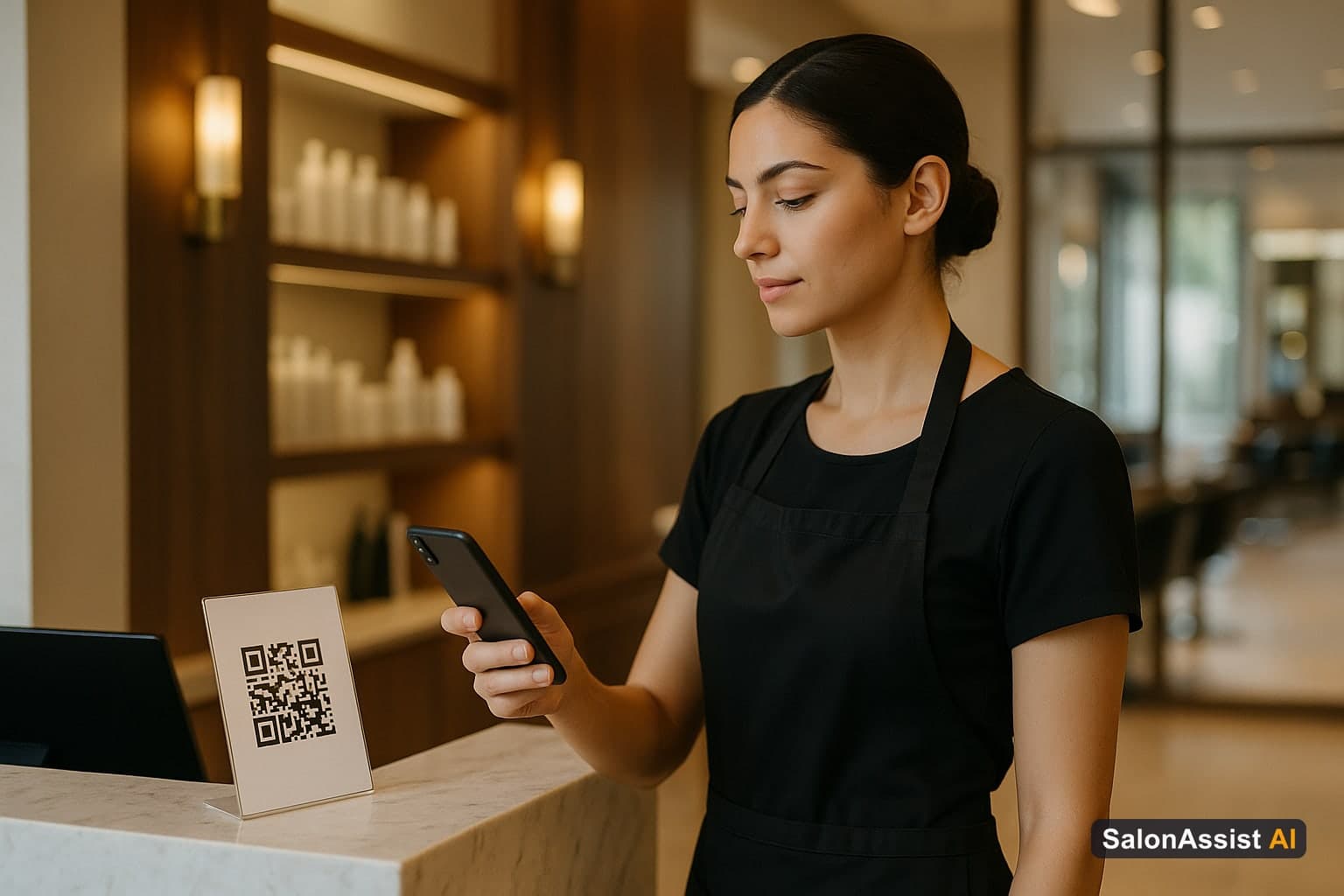
Salon Staff Attendance Software: QR Check-In That Works
Paper sign-in sheets and "I'm in" WhatsApp messages do not give multi-chair owners a trustworthy month of Present / Absent history. Salon staff attendance software should answer a simple question: who checked in on site today - and what did the month look like?
This guide covers what to expect from modern salon attendance tools, how SalonAssist AI ships QR + PIN check-in on Growth and Enterprise, and how attendance differs from booking availability and payroll punch clocks.
Why Attendance Is Not the Same as Scheduling
Weekly availability and time off decide who can be booked. Attendance decides who showed up on site.
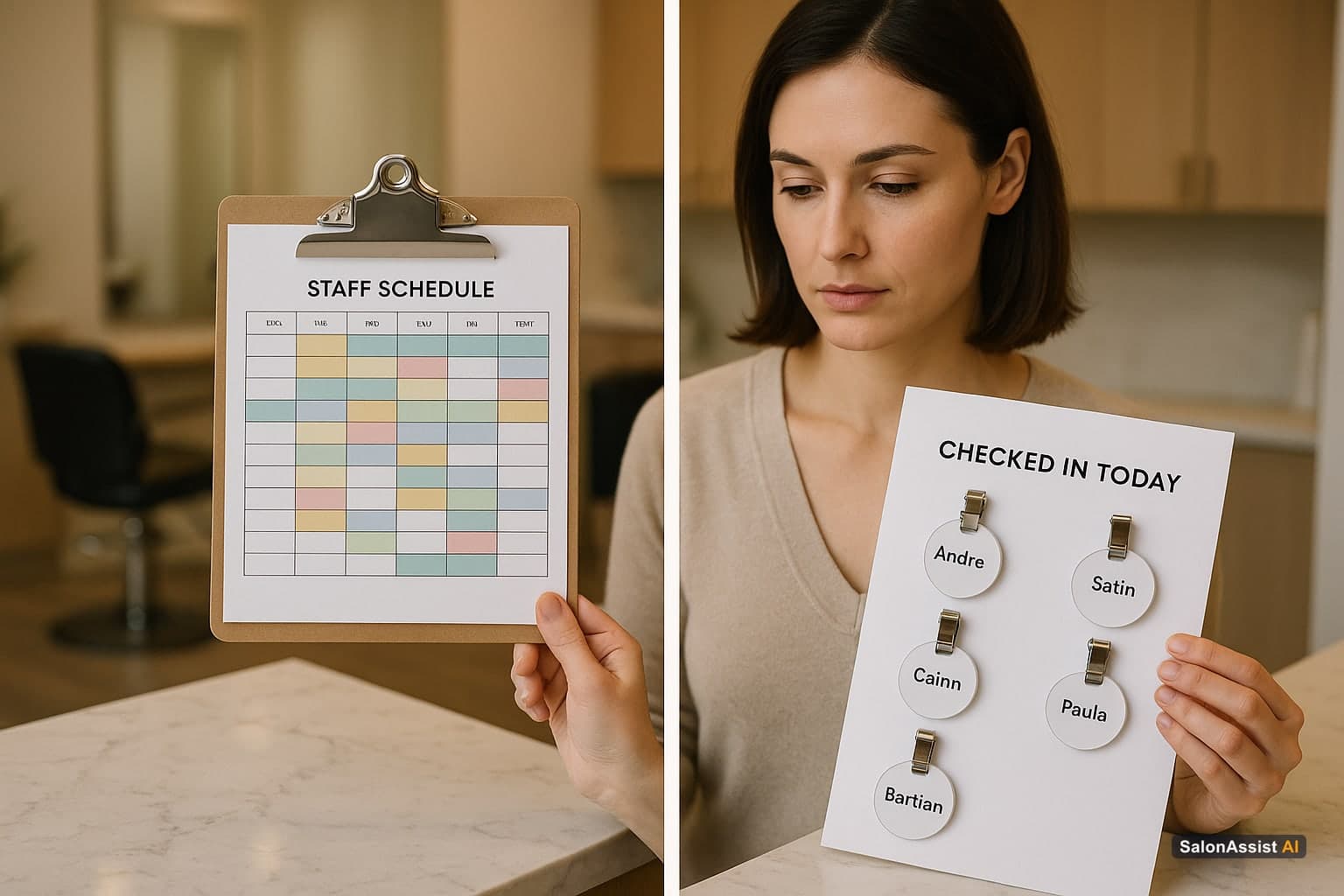
Mixing the two creates bad buying decisions:
- Drag-and-drop shift rostering is a scheduling UI - SalonAssist AI uses weekly availability + time off for the book, not a roster builder
- Payroll punch clocks track hours in/out for wages - SalonAssist AI Attendance is check-in presence only (no check-out)
- Commission analytics come from completed visits, not from attendance marks
For skills, availability, and commissions, start with salon staff management software. For the wider ops suite, see salon management software.
What Good Salon Attendance Software Should Include
1. On-site proof without a staff login app
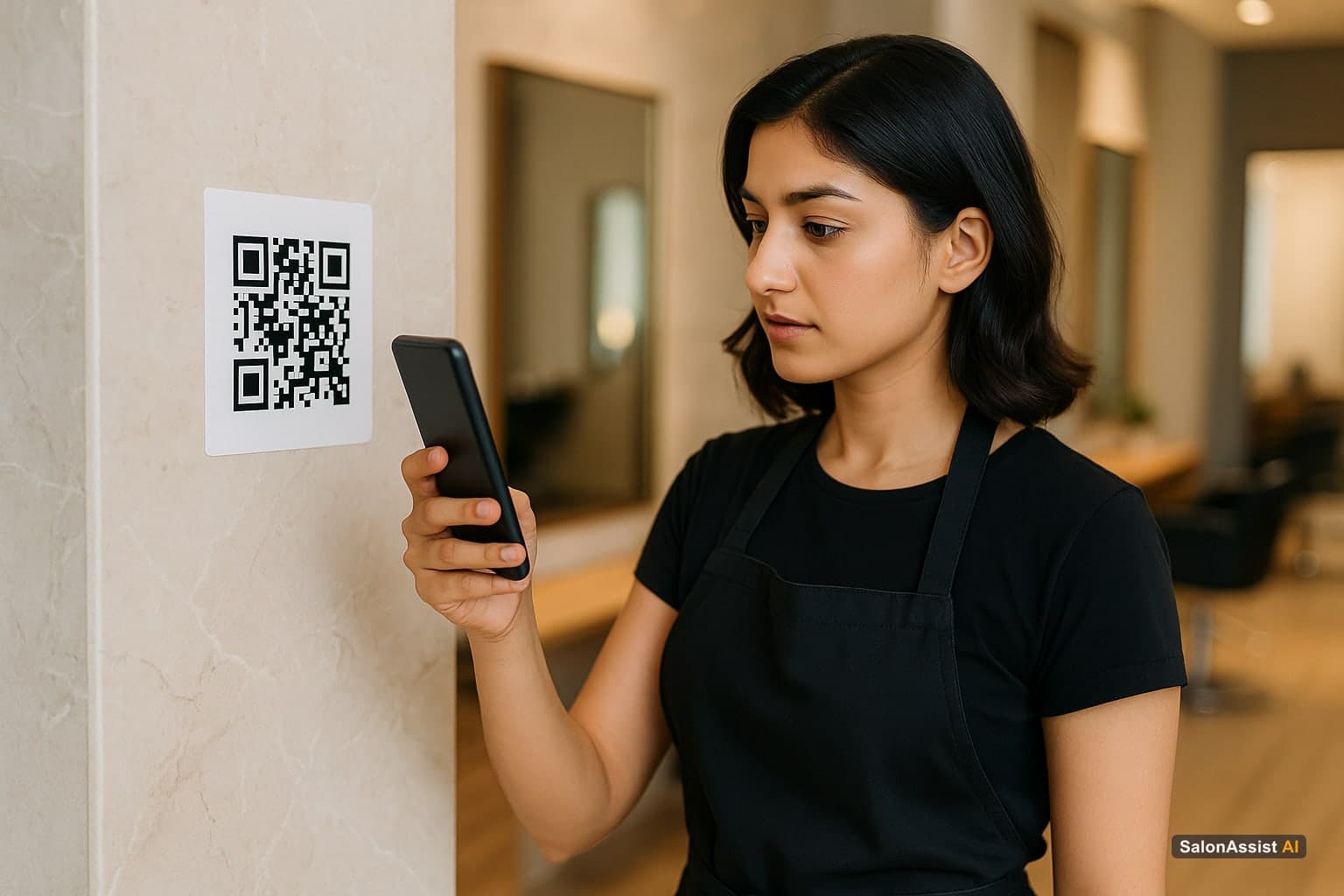
Stylists should not need a separate consumer app account. A shared location QR plus a personal PIN is enough for floor check-in.
2. Geofence so "Present" means at the salon
If anyone can mark Present from home, the record is theatre. Radius-based geofencing keeps check-in tied to the salon (or branch) location.
3. Owner override for real life
Leave, holiday, late arrival, or a forgotten PIN - owners must mark or edit the day without waiting for a developer.
4. Month overview and a day-by-day log
Owners need both "how was this month?" and "what happened on the 12th?" in one place - not a dump of unfiltered rows.
5. Clear plan gates
Solo Starter chairs rarely need attendance. Multi-chair Growth and multi-branch Enterprise do. See pricing.
How SalonAssist AI Attendance Works
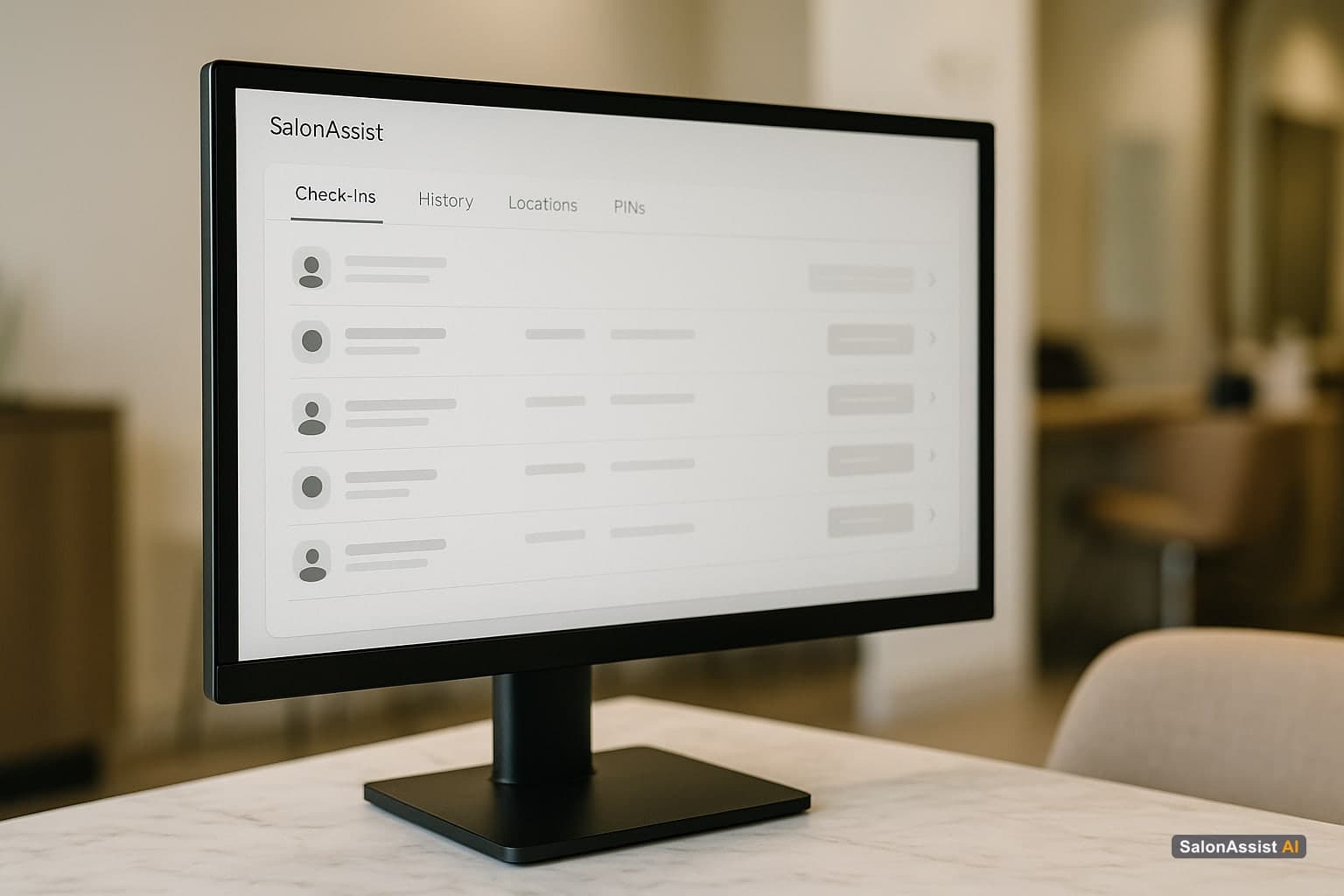
On Growth and Enterprise, the Salon Portal includes an Attendance hub with four tabs: Today, History, Locations, and Staff PINs.
Locations and QR
- Configure a geofenced attendance location (name and address come from salon settings on Growth, or branch records on Enterprise)
- Growth: one location; Enterprise: one per branch
- Staff open the public page from the QR, share location, enter their 6-digit PIN, and mark Present when inside the radius
- Regenerating a location slug invalidates old printed codes
Staff PINs
- Each active staff member gets a unique 6-digit PIN
- Owners can reveal, copy, or regenerate PINs in the portal
- Staff do not log into the salon portal for check-in
Today and manual mark
- See Present, Absent, On leave, Holiday, and Not marked at a glance
- Mark or edit any staff member for the day
- Override a prior QR check-in when needed
History: Overview + Check-in log
- Shared filters for month, staff, and (on Enterprise) branch
- Overview: month KPI chips and per-staff summary - drill into a staff member's log
- Check-in log: status and source filters, paginated records, edit via the same manual drawer
Explore the full operations story on /operations.
Growth vs Enterprise
Starter does not include Attendance - stylist pickers and staff ops unlock on Growth+.
Buying Checklist
- Confirm check-in vs check-out (presence vs payroll hours)
- Ask how geofencing and PINs work on the floor
- Verify owner override and month history views
- On multi-branch, confirm staff can only check in at the right location
- Keep rostering and payroll expectations separate from attendance
Ready to Replace Paper Sign-In?
SalonAssist AI Attendance gives multi-chair salons geofenced QR check-in, unique staff PINs, Today and History views, and owner manual marks - on Growth and Enterprise - without inventing a payroll punch clock or drag-drop roster.
Explore Operations, compare pricing, or book a demo.
Frequently Asked Questions (FAQ)
Related guides in this series
- 10 min read
Salon CRM: Client History Meets Staff Performance
The best salon CRM connects client history to staff performance instead of storing them separately. Here's what to look for and why it matters.
Read article - 10 min read
Salon Software for Staff Targets & Commission Tracking
Looking for salon software with real commission tracking and target visibility? An honest breakdown of what to expect - and what to verify before buying.
Read article
Ready for clearer on-site attendance?
See Growth and Enterprise QR attendance, Today and History views, and owner manual marks in SalonAssist AI. Book a demo.
Book a demo