Multi-User Salon Software: Secure Team Access and Roles
Keeping your salon secure and efficient starts with controlling who can access your business data. Too many salons still share a single owner password, leaving sensitive information and revenue exposed to risk. If you’ve ever worried about ex-staff still having access, or about mistakes caused by unclear roles, you’re not alone. The right multi-user salon software gives you confidence that only the right people see the right information—no more shared logins, no more uncertainty.
In this guide, you’ll learn how multi-user salon software like SalonAssist AI secures team access, protects your revenue, and keeps your business running smoothly. We’ll cover the operational risks of shared access, the benefits of ready-made roles, and exactly how to add, edit, or remove staff logins instantly. Plus, you’ll see how these controls connect with attendance, billing, and reporting across your entire operation.
Why Multi-User Salon Software Matters for Your Business
When you run a growing salon, relying on a single login or sharing the owner’s password with staff might seem convenient—but it quickly becomes a liability. Without proper access controls, you risk accidental changes to prices, unauthorized discounts, or even confidential data leaks. If an employee leaves and you forget to change the password, your business remains exposed.
A modern multi-user salon software system solves these challenges by giving each team member their own login and role. This means you can grant, adjust, or remove access instantly, keeping your business secure and your staff accountable. No more wondering who made a change or whether ex-staff can still see your reports. Operational efficiency and trust both improve when everyone has the right access and nothing more.
For more on the risks of shared logins and the basics of access control, see Cybersecurity Tips: Choosing and Protecting Passwords from the US Cybersecurity & Infrastructure Security Agency.
Common Challenges with Single-User or Shared Access
- Lost passwords: When everyone uses the same login, password resets become a hassle, slowing down your day.
- Unauthorized discounts or edits: Without clear roles, any staff member could change prices or apply discounts unnoticed.
- Data exposure: Revenue, client lists, and sensitive business info may be visible to staff who shouldn’t see it.
- Delayed removal: When an employee leaves, it’s easy to forget to change the password, allowing them continued access.
- Damaged trust: Clients expect their data to be secure; breaches or mistakes erode confidence and can impact loyalty.

Calculate Your Salon's Missed Call Revenue Loss
How SalonAssist AI Secures Team Access with Multi-User Logins
SalonAssist AI is designed for real-world salon teams. Every team member—from owner to stylist—gets a unique email and password login. No more sharing credentials or relying on memory. The number of logins depends on your setup: Starter (owner only), Growth (up to 5, including the owner), and Enterprise (unlimited). You can add, modify, or remove access in seconds, with changes taking effect immediately.
This approach means you’re always in control. If a staff member changes roles or leaves, you simply update or remove their login. No waiting, no risk. Your business data and revenue stay protected, and your team has exactly the tools they need—nothing more, nothing less.
Ready-Made Roles Tailored for Salon Teams
SalonAssist AI makes it easy to assign the right level of access from day one:
- Owner: Full control over every area—settings, staff, reports, and more.
- General Manager: Handles daily operations (bookings, billing, customers, attendance, inventory), but can’t access marketing or AI voice features unless enabled.
- Receptionist / Front Desk: Manages bookings, checkout, customers, and attendance, but does not see revenue reports or sensitive settings.
- Stylist / Staff: Sees only their own appointments, attendance, and the service list (Growth/Enterprise setups).
- Custom: Fine-tune access area by area, so each team member gets exactly what they need.
“Own Records Only” Access for Privacy and Control
With “own records only” enabled, stylists can view only their own bookings, client visits, invoices, and numbers in reports. Front desk staff can handle billing and scheduling, but never see overall revenue or client lists they don’t need. This reduces the risk of accidental data leaks and keeps sensitive business information private. The owner always controls who sees what, with changes taking effect instantly.
Secure Team Access with SalonAssist AI
Ready-made roles and instant login management keep your business protected and your team empowered.
Managing Team Access Day-to-Day: Adding, Editing, and Removing Staff Logins
SalonAssist AI makes managing team access straightforward, even as your team grows or changes. Here’s how you stay in control:
- Add a new user: Enter their email, choose a ready-made role, and they get their own login instantly.
- Adjust permissions: As roles evolve, update access with a few clicks—no need to reset passwords or call support.
- Remove access: When a staff member leaves or changes roles, revoke access immediately. The login stops working at once, protecting your data.
- No shared passwords: Each person manages their own password, meaning you never have to circulate or update a master password again.
This approach eliminates the risk of ex-staff accessing your system after departure and ends the confusion of shared credentials. You gain peace of mind knowing your operations and data are always secure.
Real-World Impact: Peace of Mind and Smooth Operations
- Front desk independence: Receptionists can book, bill, and handle clients without seeing revenue or sensitive settings.
- Stylists’ focus: Each stylist checks only their own appointments and performance—no distractions, no privacy concerns.
- Owner control: You decide who sees what, and you can make changes instantly without micromanaging every detail.
- No operational slowdowns: When someone leaves, their access is gone that day—no more waiting for IT or risking accidental logins.

Integration with Other SalonAssist AI Modules
Multi-user access and role control aren’t just about logins—they connect deeply with every part of your salon operations. Explore the Operations overview for the full picture.
- Staff Management: Assign roles that match each team member’s skills and schedule. Only those with the right access can view or adjust staff details.
- Attendance: Growth and Enterprise setups use geofenced QR and PIN check-in, with only authorized users able to view and mark attendance.
- Desk Booking & POS: Roles determine who can create bookings, handle checkout, apply offers, and see customer insights at the counter.
- Reports: Revenue and analytics are restricted to owners and managers. Stylists see only their own numbers, protecting privacy and keeping sensitive data secure.
This seamless integration means your team always works within the boundaries you set—no accidental overreach, no confusion.
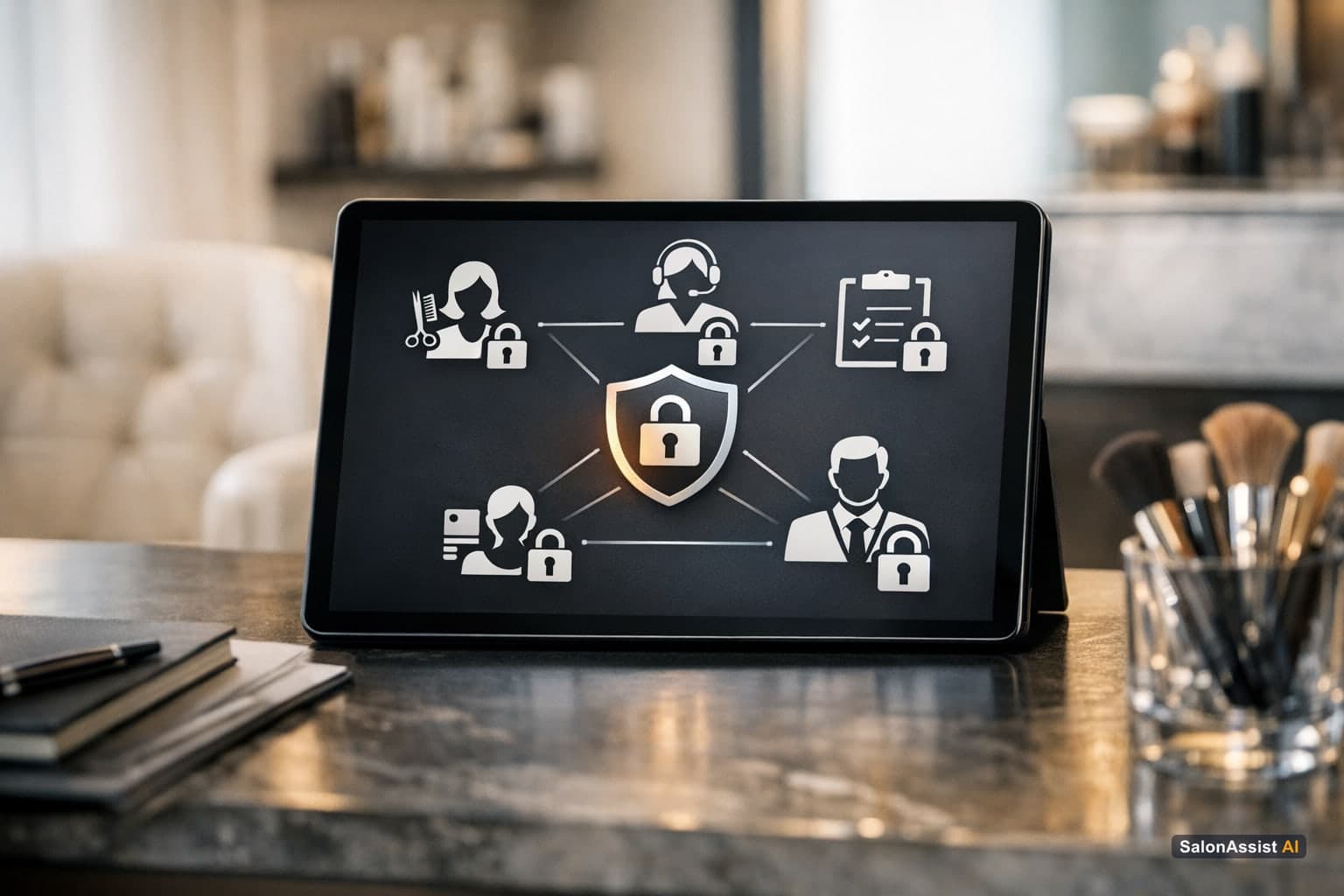
Ready to eliminate shared passwords and secure your team?
SalonAssist AI gives each team member their own login and role, so your business stays protected as you grow.
Related Reading
- How to Set Up Staff Logins and Access Control
- Salon Staff Attendance Software: Track and Protect Your Team
- Key Salon KPIs to Track Every Week
- Salon Staff Management Software Explained
Frequently Asked Questions (FAQ)
Related guides in this series
- 11 min read
Salon Software with Staff Login: Secure Access and Roles
Discover how salon software with staff login and role management secures access, stops password sharing, and protects your business data.
Read article - 12 min read
Staff Productivity Benchmarks for Salons: Metrics to Measure
Learn key staff productivity benchmarks for salons and how to measure stylist efficiency to boost performance and revenue. Practical metrics for salon owners.
Read article - 9 min read
Salon Staff Attendance Software: QR Check-In That Works
How salon staff attendance software should work: geofenced QR check-in, PIN verification, owner overrides, and month history-without a payroll punch clock.
Read article - 10 min read
Salon CRM: Client History Meets Staff Performance
The best salon CRM connects client history to staff performance instead of storing them separately. Here's what to look for and why it matters.
Read article
Secure your salon with multi-user access control
Protect your business and streamline operations by managing team logins and roles effortlessly with SalonAssist AI.
Book a demo