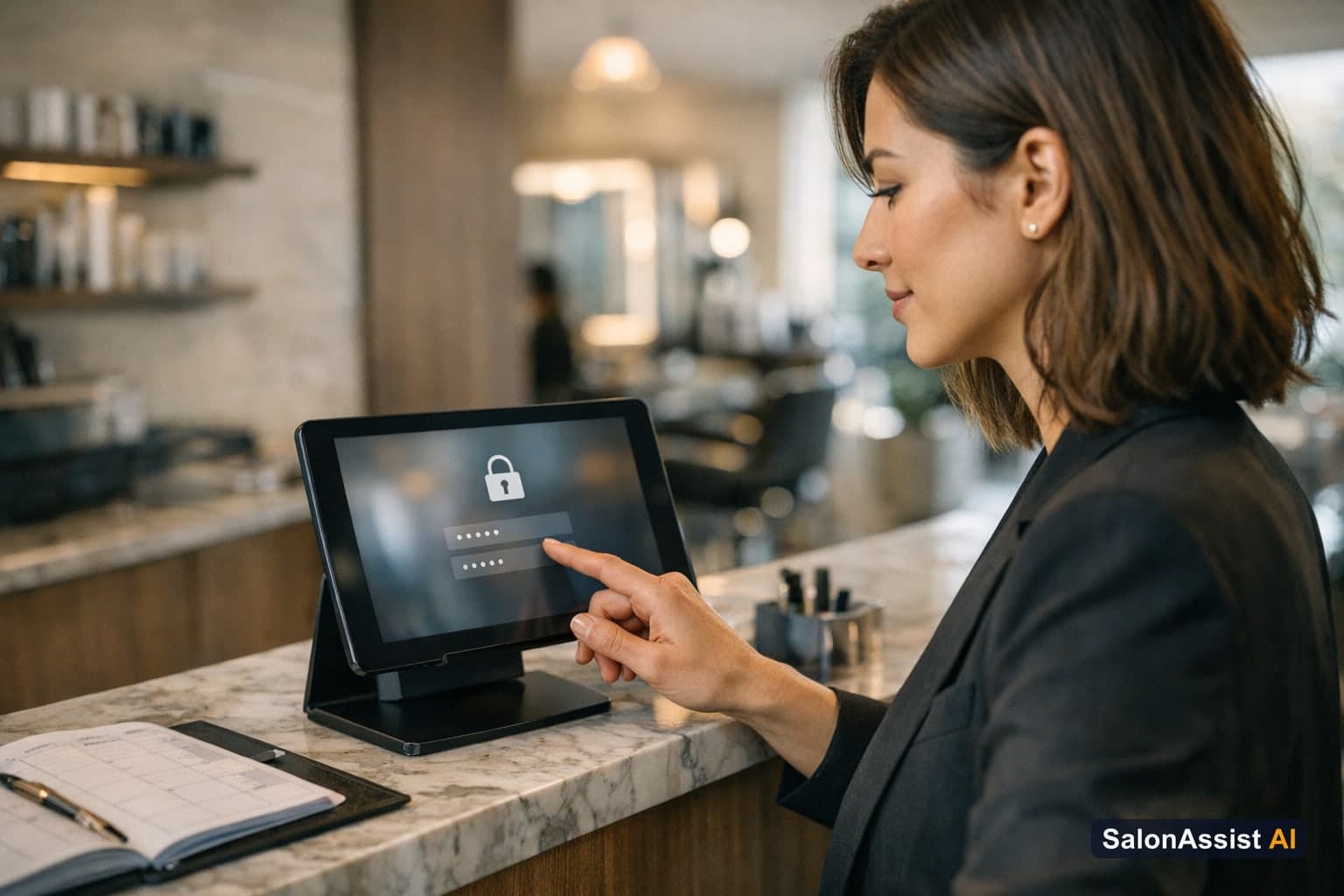
Salon Software with Staff Login: Secure Access and Roles
Running a modern salon means trusting your team—but trust shouldn’t mean sharing your owner password with everyone. Too many salons still rely on one shared login for the entire staff, risking data leaks, accidental changes, and a lack of control over who can see or do what. If you’re worried about security, privacy, and operational clarity, there’s a better way.
This guide will show you how salon software with staff login and role management can secure your business, protect sensitive data, and empower your team to work efficiently. We’ll break down the risks of shared passwords, the benefits of individual logins, and how to implement these best practices in your salon. For a broader look at staff analytics and access control, see our complete staff management guide.
Why Separate Staff Logins Matter in Salon Software
If your team is still using a single owner password, you’re not alone. But this approach opens the door to security risks and operational headaches. When every staff member logs in as “the owner,” anyone can access sensitive business data, change prices or discounts, or even see confidential revenue reports. Worse, ex-staff may continue to access your salon’s system long after they’ve left.
The consequences are real: accidental data changes, unauthorized discounts, and lost control over your business. There’s also the risk of data privacy violations if personal or financial information is exposed to the wrong team member. These issues can erode trust within your team and with your clients.
The solution: Give every team member a separate login, with access tailored to their role. Modern salon software with staff login lets you assign permissions—so your receptionist can book appointments and bill clients, but never see revenue reports, while stylists can only view their own schedules and earnings. When someone leaves, you can instantly revoke their access, protecting your salon from unauthorized entry.

Key Features of Salon Software with Staff Login
Ready-Made Roles for Quick Setup
The best salon software comes with ready-made roles designed for real-world teams. Instead of spending hours configuring permissions, you can assign an Owner, General Manager, Receptionist / Front Desk, Stylist / Staff, or set up a Custom role. Each role is tailored to what that team member needs, so you don’t have to worry about technical setup.
Own Login for Every Team Member
Every staff member gets their own email and password login. This means no more sharing credentials or risking someone changing your password. Each person can change their own password at any time, keeping access secure and personal.
Role-Based Access Control—No Jargon Needed
Forget confusing permission matrices or technical terms. In owner language, role-based access means you decide what each team member can see and do. The front desk can manage bookings and checkouts, but can’t view revenue or change prices. Stylists can see their own appointments and earnings, but nothing else. Managers can oversee the day-to-day without touching sensitive owner settings.
Own Records Only Access
With “own records only” access, stylists and staff see only their own bookings, client visits, invoices, and numbers. This keeps earnings private and prevents accidental changes to other team members’ schedules. The front desk can bill clients and manage appointments, but can’t peek into confidential reports or financials.
Instant Access Revocation
When a staff member leaves, the owner can switch off or remove their login instantly. Access stops the moment someone is switched off—no more ex-staff logging in or seeing private data after their last day.
How SalonAssist AI Implements Staff Login and Role Management
SalonAssist AI takes the complexity out of staff logins and access control. Here’s how it works:
Setup by Salon Owner in Minutes
Adding users is simple. The owner invites each team member, assigns them a ready-made role, and can toggle “own records only” if needed. No technical jargon—just plain language and clear choices.
Role Descriptions in Plain Language
- General Manager: Runs the salon day to day—bookings, billing, customers, attendance, services, staff, and more. Can’t change owner-level settings unless granted.
- Receptionist / Front Desk: Handles bookings, checkout, billing, customers, and attendance. Can view service and staff lists, but not edit them or access revenue reports.
- Stylist / Staff: Sees only their own appointments, linked to their staff profile. Perfect for multi-chair salons where privacy and clarity matter.
- Custom: The owner can switch on exactly what’s needed, area by area.
Login Limits by Setup
SalonAssist AI adapts to your business size:
- Starter: Owner login only (ideal for solo operators)
- Growth: Up to 5 logins (including the owner)
- Enterprise: Unlimited logins for large or multi-branch salons
The number of team logins depends on your setup—the price stays the same.
Real-World Impact on Salon Operations
- No more sharing a single owner password with the whole team
- The front desk can bill clients and manage bookings without seeing revenue or sensitive data
- Stylists check their own day and earnings, but can’t access other staff’s information
- The moment someone leaves, their access is switched off—no lingering logins or security risk

Benefits of Using Salon Software with Staff Login
Switching to salon software with staff login brings concrete benefits:
- Improved security and privacy: Only authorized staff can access the system, and sensitive data stays protected.
- Simplified team management and onboarding: Add or remove users in seconds, assign roles, and keep your team organized.
- Reduced risk of accidental data changes or unauthorized discounts: Only the right people can make key changes or apply offers.
- Clear accountability and operational clarity: Everyone knows what they can do, and you always know who did what.
- Supports compliance and professional standards: Demonstrates to clients and regulators that your salon takes data security seriously.

How SalonAssist AI’s Team Access & Roles Module Solves Operational Pain
If you’ve ever worried about lost control, accidental changes, or ex-staff still logging in, SalonAssist AI’s team access and roles module is built for you. With ready-made roles, own-records-only privacy, and instant access revocation, you can finally stop sharing the owner password and start running your salon with confidence.
Team Access & Roles
Secure, role-based logins with instant control. Give every team member the right access and protect your business data—no more shared passwords or lost control.
How to Get Started with SalonAssist AI’s Staff Login Features
Ready to secure your salon’s data and simplify team management? Here’s how to get started:
- Book a demo: See SalonAssist AI’s staff login and access control features in action.
- Add your team: Invite each staff member with their own email and assign a ready-made or custom role.
- Set access levels: Use “own records only” for privacy, and customize access as needed.
- Manage on the fly: Add, edit, or remove users anytime. Switch off access instantly when someone leaves.
- Grow with your business: Move from Starter to Growth or Enterprise setups as your team expands, without worrying about login costs.
For a detailed walkthrough and to see how team access fits into your salon’s operations, visit our team access & roles page.
Related Reading
- Salon Staff Management Software: The Complete Guide
- Salon Reports and Analytics Software Guide
- Salon Portal Explained: Features for Modern Salons
Frequently Asked Questions (FAQ)
Related guides in this series
- 11 min read
Multi-User Salon Software: Secure Team Access and Roles
Discover how multi-user salon software secures team access with ready-made roles and instant removal of staff logins to protect your business.
Read article - 12 min read
Staff Productivity Benchmarks for Salons: Metrics to Measure
Learn key staff productivity benchmarks for salons and how to measure stylist efficiency to boost performance and revenue. Practical metrics for salon owners.
Read article - 9 min read
Salon Staff Attendance Software: QR Check-In That Works
How salon staff attendance software should work: geofenced QR check-in, PIN verification, owner overrides, and month history-without a payroll punch clock.
Read article - 10 min read
Salon CRM: Client History Meets Staff Performance
The best salon CRM connects client history to staff performance instead of storing them separately. Here's what to look for and why it matters.
Read article
Secure your salon with role-based staff access
Protect sensitive data and simplify team management with SalonAssist AI’s staff login and access control features.
Book a demo