
Book a Salon Appointment Without Choosing Services (Slot-Only)
Salons today need more flexibility than ever in how they book appointments. Not every client knows exactly what services they want in advance, and not every appointment is straightforward. The traditional model—where you select services first, then pick a time—works for routine visits. But what about clients seeking a consultation first, or those who want to secure a spot during peak hours and decide on services later?
Slot-only booking is a game-changing approach that lets your front desk reserve a time for a client without locking in services upfront. This method is ideal for consultation-first experiences, busy salons, or clients who are undecided. In this guide, you'll learn exactly how to book a salon appointment without choosing services, why slot-only booking matters, and how SalonAssist AI makes it seamless for owners and teams.
For a complete overview of booking models and digital appointment strategies, see our Salon Booking Software Guide and explore the Booking & CRM solution.
What Is Slot-Only Booking in a Salon?
Slot-only booking means reserving a time slot for a client without requiring them to choose specific services at the time of booking. Instead, the details are finalized during the actual salon visit. This is a departure from the traditional booking process, where the client must select their services before a time can be secured.
This approach is especially useful for:
- Salons that offer in-depth consultations before service selection
- Clients who are unsure of what they need and want to discuss options in person
- Busy front desks that need to quickly secure a spot for a client, even if the service list isn’t ready
Importantly, salon slot only booking is available at the front desk only—not through your website or voice AI channels. This keeps the process streamlined and under staff control.

How Slot-Only Booking Fits into Salon Appointment Types
Salons typically manage three main appointment types:
- Reservation: Client chooses services first, then books a slot. Availability checks ensure the right staff and time are free.
- Walk-In: Client arrives at the salon and is served immediately if a professional is available. Services are picked on the spot.
- Slot-Only Reservation: Client reserves a time without choosing services. “Services pending” is shown on the calendar and invoice until finalized at the salon.
Here's how these modes compare:
For a full breakdown of appointment management, see Booking & CRM.
Benefits of Slot-Only Booking for Salon Owners and Clients
Slot-only booking addresses common pain points for both salon owners and their clients. Here’s how:
- Reduces front desk pressure: Staff can quickly secure a booking without waiting for clients to decide on every detail, keeping queues moving.
- Improves client experience: Clients who prefer a consultation or are unsure about services feel less rushed and more valued.
- Avoids lost bookings: When a client is indecisive or calls during a busy period, you can reserve their spot now and finalize details later.
- Increases chair utilization: By capturing more appointments, you fill more seats—even when service choices are undecided.
This flexibility is particularly valuable for salons that want to reserve salon time without service details upfront.

How Slot-Only Booking Improves Front Desk Efficiency
During peak hours, every second counts. With slot-only booking, your front desk can:
- Book appointments quickly, keeping the line moving
- Handle phone or in-person inquiries without lengthy service discussions
- Easily add services later, right before or during the client’s visit
For more on how slot-only and other booking models impact your operations, see Front Desk & POS.
Calculate Your Salon's Missed Call Revenue Loss
How SalonAssist AI Enables Slot-Only Booking
SalonAssist AI makes it simple to activate and manage slot-only bookings:
- Enable slot-only bookings: From the Salon Profile, toggle on “Allow slot-only bookings.”
- Set default slot length: Choose your standard slot duration (e.g., 30, 45, or 60 minutes); staff can adjust this per booking.
- Book by time and professional: The desk can reserve a slot for "Any available" or a specific professional (on Growth/Enterprise setups).
- Add services later: On the day of the appointment, staff use the same editor as Walk-In to add services before checkout.
- Checkout enforcement: The POS tab blocks payment until at least one service or product is added—no empty invoices.
- WhatsApp messaging: Clients receive a confirmation that their slot is reserved, with a clear note: “Services to be chosen at the salon.”
This consultation first salon booking workflow empowers both your team and your clients.
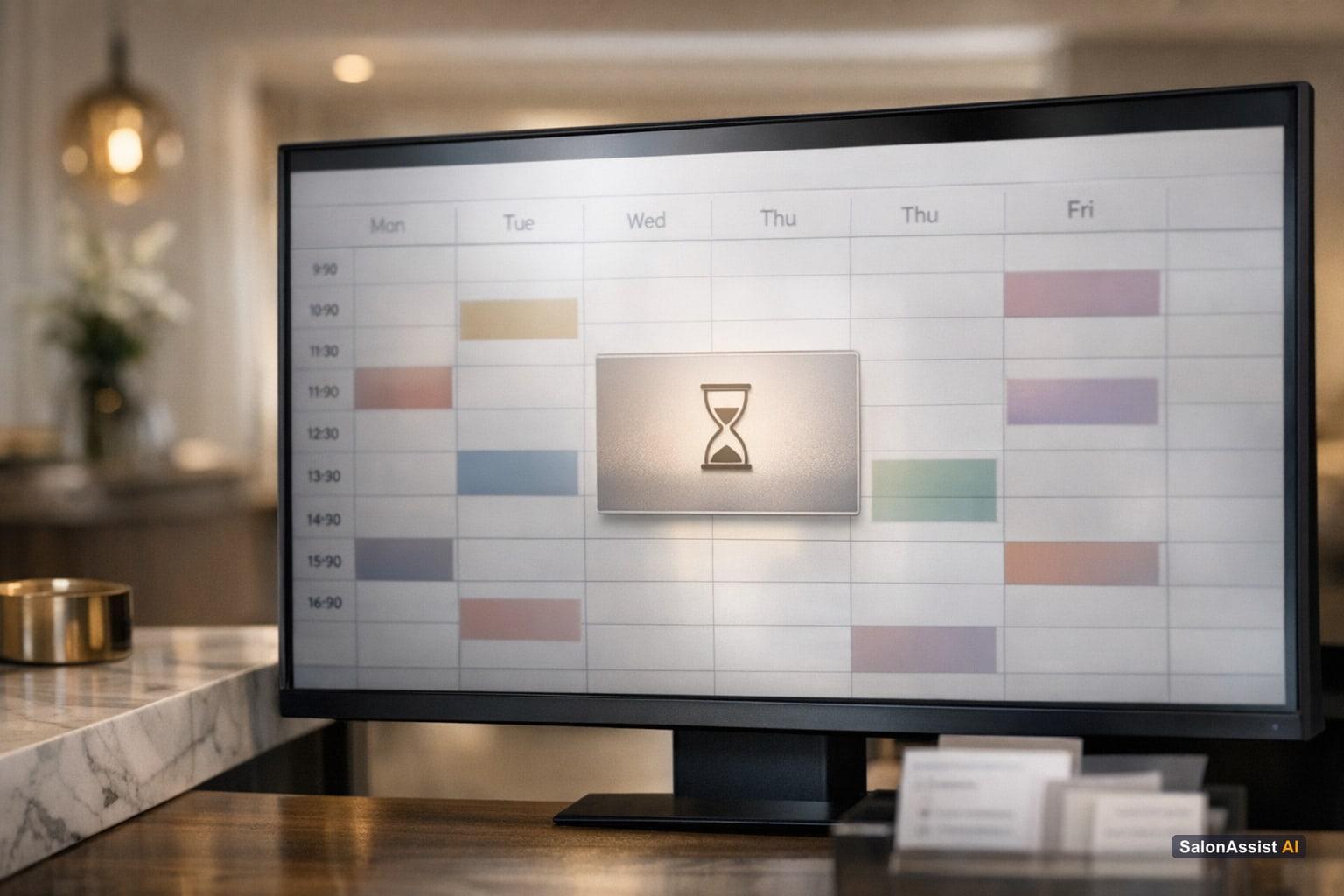
Step-by-Step Desk Booking with Slot-Only Enabled
- Start a new booking from the Desk Booking calendar or appointment drawer.
- Choose “Slot only” as the booking type.
- Select the customer, professional, slot length, and date/time.
- Save the booking—it appears on the calendar with a “Services pending” label.
- On the visit day: Staff add services, then save or complete checkout.
- Payment and invoicing proceed as usual once services/products are added.
For more operational details, visit Booking & CRM and Front Desk & POS.
Flexible Booking with SalonAssist AI
Slot-only booking lets your front desk reserve time quickly and add services later, reducing missed appointments and improving client satisfaction.
Important Considerations and Limitations
While slot-only booking is a powerful tool, it’s important to understand its boundaries:
- Desk-only feature: Slot-only booking is only available at the front desk. Clients cannot self-book slot-only appointments online or by phone/voice AI.
- No deposits or prepayments: The system does not support taking deposits or prepayments for slot-only bookings.
- No auto-suggested services: Services must be added manually by staff at the salon.
- Checkout requires services/products: You cannot complete a slot-only booking with an empty bill.
- Walk-In mode is separate: Walk-Ins still require services to be picked at the counter; slot-only is a Reservation variant.
For a full list of booking rules and options, see Booking & CRM and our Salon Booking Website Portfolio Guide.
Related SalonAssist AI Features That Complement Slot-Only Booking
Slot-only booking works even better when combined with these SalonAssist AI features:
- Customer Insights: After selecting a customer, see loyalty points, active memberships, and packages—helpful for recommending services during the visit. Learn more in Customer Insights at Salon Checkout Guide.
- Walk-In checkout: For immediate billing or forgotten visits, the Desk POS lets you handle walk-ins efficiently. See Walk-In Salon Checkout Guide.
- Team access roles: Each staff member can have their own login and permissions—only those with the right role can add services or complete bookings.
- Inventory & Retail: Sell retail products on the same bill after services are added, with inventory tracked automatically.
Explore these features further in Booking & CRM, Front Desk & POS, and Salon User Roles and Permissions Explained.
How to Choose the Right Booking Model for Your Salon
Every salon is different. Consider these factors when deciding if slot-only booking is right for you:
- Consultation style: If your services often begin with a consultation, slot-only booking gives you the flexibility to decide together with the client.
- Salon size and team structure: Busy, multi-chair salons benefit from quickly reserving slots and finalizing details later.
- Client preferences: Some clients want to book everything in advance; others appreciate the freedom to decide at the salon.
- Mix and match: Many salons use a combination of Reservation, Walk-In, and Slot-Only modes for maximum flexibility.
For a deeper dive into booking strategies and operational impact, see Booking & CRM and Salon Management.

Ready to eliminate missed calls and reduce front-desk workload?
SalonAssist AI automates phone scheduling, client history CRM, and checkout billing in one unified platform.
Conclusion
Slot-only booking gives salons a new level of flexibility—helping you capture more appointments, reduce front desk stress, and deliver a better client experience. By enabling your team to book a salon appointment without choosing services upfront, you open the door to consultation-first visits and higher chair utilization.
SalonAssist AI supports slot-only, Reservation, and Walk-In booking modes in one seamless system. Ready to see how slot-only booking can transform your salon? Book a demo and experience the difference.
Frequently Asked Questions (FAQ)
Related guides in this series
- 11 min read
Salon Booking Website: Showcase Services, Team & Offers Online
Learn how your salon booking website portfolio showcases services, team, and promo codes to boost bookings and client engagement online.
Read article - 10 min read
Appointment Scheduling Software with Group Bookings
Discover how appointment scheduling software with group bookings helps salons streamline family and multiple client appointments efficiently.
Read article - 12 min read
Barbershop Booking System: Features, Benefits & How to Choose
Discover key features and benefits of a barbershop booking system and learn how to choose the right software for your business needs.
Read article - 12 min read
No Show Reduction Salon Booking: Strategies to Keep Chairs Filled
Discover effective no show reduction salon booking strategies to keep your chairs filled and boost revenue with smarter booking and CRM workflows.
Read article
Simplify your salon bookings with slot-only scheduling
Discover how SalonAssist AI’s slot-only booking improves front desk efficiency and client experience. Book a demo to see it in action.
Book a demo