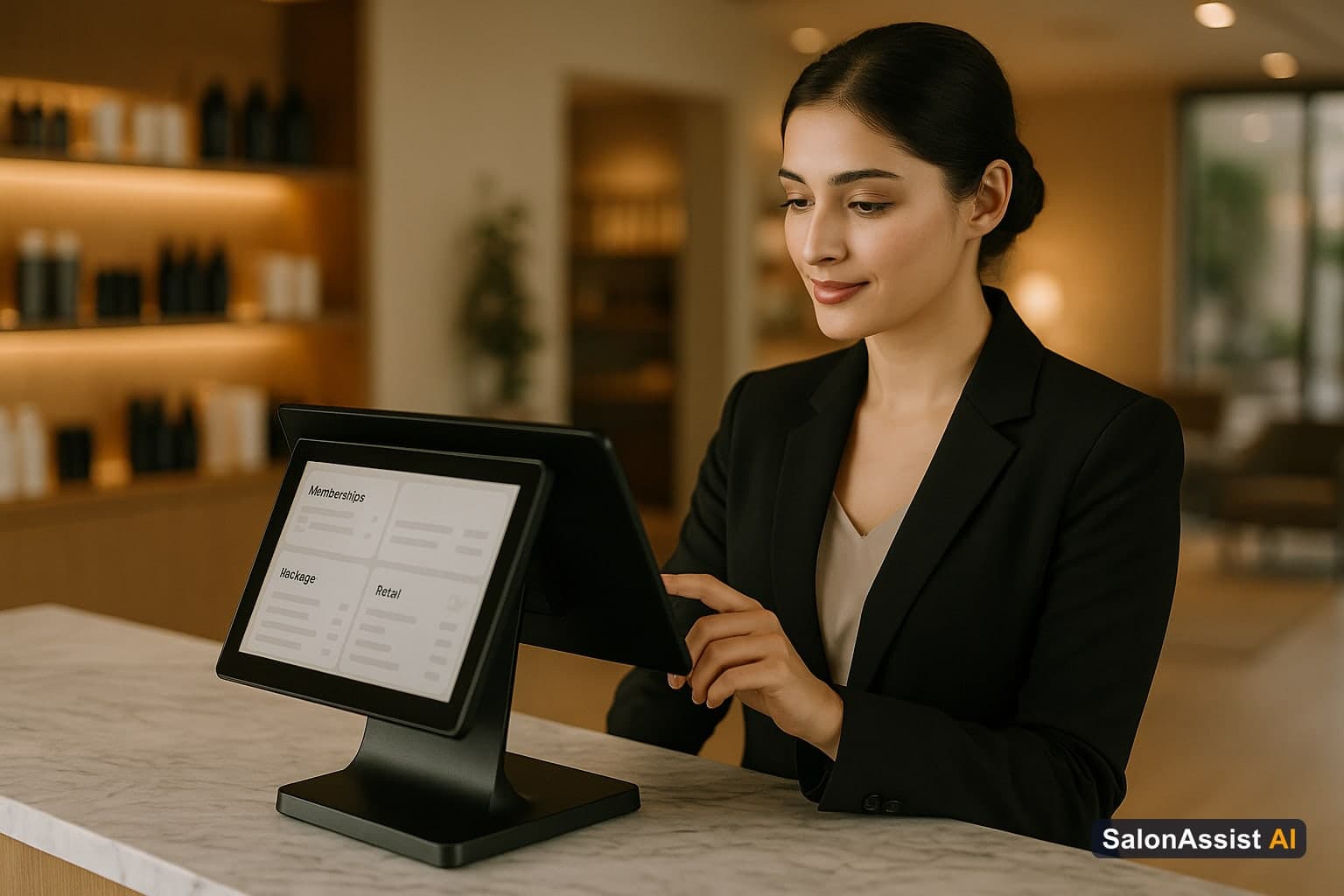
Salon POS With Memberships, Packages & Retail: Everything on One Platform
There's a version of salon software shopping that goes like this: you find a POS that handles checkout cleanly, you sign up, everything seems fine - and then three months in you realize it can't sell a 10-session package without a workaround. Or it sells memberships but tracks them in a separate spreadsheet. Or it handles retail but can't distinguish between a product used during a service and one sold across the counter.
You're not imagining these gaps. They're real, they're common, and they're the reason so many salon owners end up running three different tools that technically work but don't talk to each other.
If you want a single platform that handles memberships, packages, retail inventory, and service transactions without duct tape holding it together, this guide explains exactly what to look for - and how to know if a system actually delivers it.
Why Memberships, Packages, and Retail Are Different Business Models - and Why Your POS Needs to Treat Them That Way
This is the root of the problem. Most salon POS systems are designed around a single transaction model: one client, one service, one payment, done. That model handles a standard appointment perfectly.
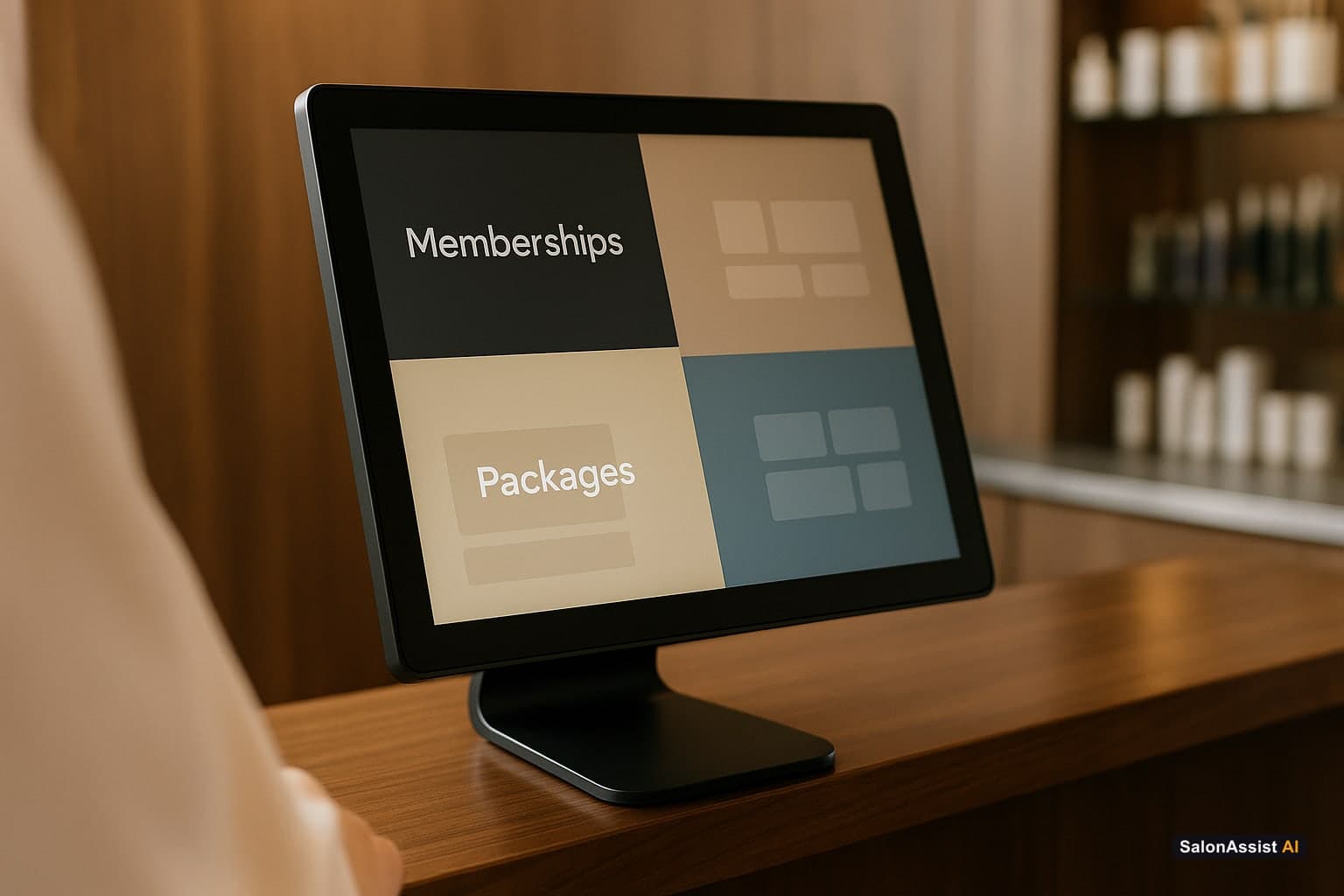
But the moment you introduce a membership - where a client pays monthly for access to services, discounts, or credits - that's a subscription model sitting inside your POS. The system needs to handle recurring billing, usage tracking, access controls, and proration when someone joins mid-month. That's meaningfully different from a one-time checkout.
A service package - where a client pre-pays for a bundle of six blow-drys or twelve laser sessions - is a prepaid liability model. The revenue is collected upfront but isn't truly "earned" until each session is redeemed. A serious POS tracks prepaid package balances, applies redemptions at checkout automatically, and can tell you at any moment exactly how many unredeemed sessions you're carrying on your books.
Retail is yet another model. Retail products are physical inventory with cost of goods, shrinkage risk, and a completely different margin profile than services. A good system tracks retail separately from service revenue, manages stock levels, and distinguishes between product sold to a client and product used during a service treatment.
Most basic best salon POS software systems handle one of these models well and muddle the other two. The best ones treat all three as native, first-class features - not afterthoughts.
What a Membership Feature Actually Needs to Do
Listen to AI Answering Salon Calls Live
Listen to how SalonAssist AI answers a live caller, checks calendar availability, and completes booking in under 90 seconds.

Before you trust any platform's membership claims, run through this checklist:
Recurring billing without manual intervention. Membership fees should charge automatically to the client's card on file on their billing date. You shouldn't be manually chasing payments or running charges one by one.
Service access controls tied to tier. If your Gold membership includes two complimentary blow-drys per month, the system should enforce that limit automatically - not require a staff member to manually count and verify.
Rollover rules. Some membership models allow unused monthly credits to roll forward; others don't. Whichever policy you choose, the system should apply it automatically at month-end.
Discount application at checkout. If a member gets 15% off retail products, that discount should apply automatically when they check out - tied to their membership status, not manually entered by a receptionist who might forget.
Pause and cancel workflows. Clients go on holiday. Clients have financial constraints. A membership system needs clean pause and cancellation flows, with clear proration logic, that staff can action quickly without calling you.
Revenue reporting that separates membership from service. How much of your monthly revenue is predictable, recurring membership income vs. variable service income? These should be clearly separated in your reports because they're fundamentally different cash flow types.
What a Package Feature Actually Needs to Do
Package management sounds simple - a client buys 10 sessions, they come in and use them one by one - but the operational details matter.
Automatic balance deduction at checkout. When a package client checks in for their fourth session out of ten, their checkout should automatically show their package balance, deduct one session, and leave them with six remaining. No staff counting, no manual note in a client file.
Multi-service package support. Some packages bundle different service types - three haircuts plus two treatments, for example. Your system should handle this cleanly, tracking each type of redemption separately.
Expiry date tracking. Packages often come with expiry windows. The system should show expiry dates clearly, alert staff when a client's package is about to expire, and handle expired sessions according to your stated policy.
Package liability reporting. At any given moment, you should be able to see your total outstanding package liability - how many sessions have been sold but not yet redeemed, and what that represents in service obligations. This matters for your financial reporting accuracy.
Gifting and transfers. Clients buy packages as gifts. Some packages need to be transferable between accounts. This sounds minor until it isn't - and platforms that don't support it cleanly create support headaches.
What a Retail Feature Actually Needs to Do
Retail in a salon environment has specific requirements that generic point-of-sale retail systems don't address.
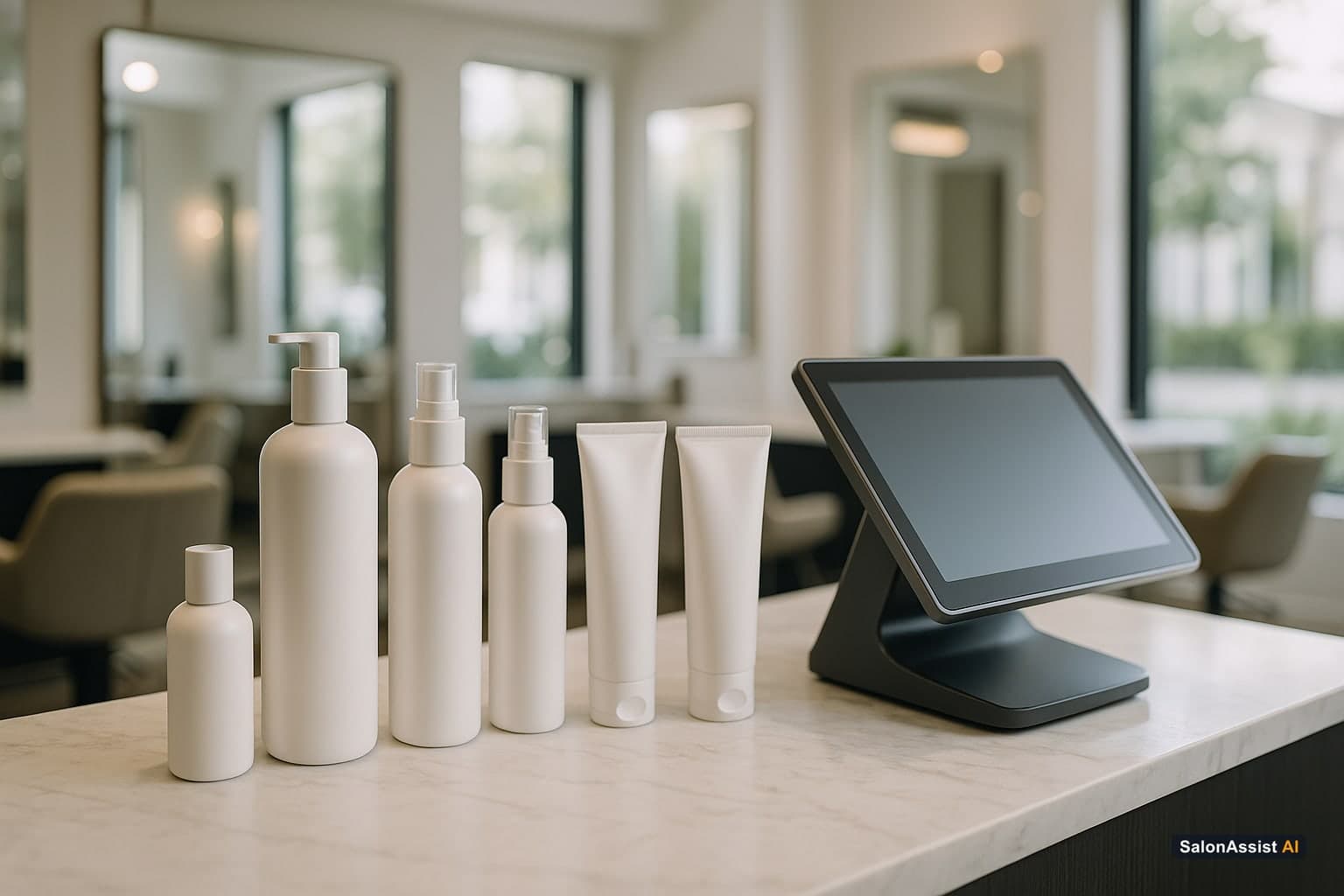
Service vs. retail inventory tracking. When a stylist uses a 50ml colour product during a client's treatment, that product comes out of your inventory at cost - but it's not a retail sale. When a client buys the same product to take home, that's a retail transaction with a retail margin. Your system must track both, separately and accurately.
Low-stock alerts. Your best-selling shampoo running out on a Saturday afternoon when you can't reorder until Monday is an avoidable problem with automated stock alerts. Set your threshold; let the system flag it.
Retail attachment rate reporting. What percentage of clients who receive a service also purchase a retail product? This number - tracked per stylist, per service category, and per time period - is one of the most powerful levers in your salon's revenue per visit. If your POS can't surface it, you're flying blind on retail performance. For more on retail growth, refer to our beauty salon POS software benefits guide.
Product performance analytics. Which products sell consistently? Which are slow-moving stock you've been reordering out of habit? The right retail analytics answer these questions without requiring manual analysis.
The Integration Question: Why Memberships, Packages, and Retail Must Live in the Same Platform
Here's the scenario that breaks most multi-tool setups:
A client has a Gold membership (managed in Tool A) that gives her a 15% retail discount and one complimentary treatment per month. She also has a prepaid package of five remaining colour sessions (tracked in Tool B). She comes in for her monthly treatment (which should redeem from her membership allocation), buys a bottle of toner at the retail discount her membership entitles her to, and uses one session from her colour package.
Now: what does checkout look like in Tool A? What does it look like in Tool B? How does your receptionist know which allocations to apply? How does the CRM in Tool C get updated? How does the inventory adjustment get logged?
In a single integrated platform, all of this happens automatically. The system recognizes the client, sees her membership status, applies the right discount, deducts the right session from the right package, and updates inventory - in one checkout flow, in under two minutes.
Across three disconnected tools, this same checkout involves manual lookups in multiple places, manual entries, and a high likelihood of error. Multiply that across 30 checkouts a day, and the admin overhead becomes a real operational drag.
The most important question to ask any POS vendor isn't "do you support memberships?" It's "show me how a membership client with a package also buying retail completes checkout." Watch exactly how many systems are involved and how many manual steps the staff member has to take.
What to Look for in Platform Reports
If you're running memberships, packages, and retail as meaningful revenue streams, you need platform reports that reflect all three distinctly:
Monthly recurring revenue (MRR) from memberships - separate from service and retail, showing growth, churn, and net expansion.
Package liability report - total outstanding sessions by package type, by expiry window, and by client.
Retail revenue vs. cost of goods - actual margin on retail, not just gross revenue.
Retail attachment rate per stylist - who is selling retail effectively, and who is leaving money on the table.
Membership conversion rate - what percentage of regular clients have been offered and converted to a membership.
If a platform can't generate all five of these reports natively, that's a sign the feature depth doesn't match the marketing. For more insights on reports, check out salon CRM software.
How AI Connects to All of This
One of the most underappreciated aspects of a modern salon platform is how AI automation ties memberships, packages, and retail together behind the scenes.
When a client's membership is approaching renewal, an automated message should go out reminding them of their upcoming charge and their current month's unused credits - nudging them to book before they lose unused value.
When a client's colour package has two sessions remaining and no upcoming appointment, an automated outreach should trigger - because a client who bought a package clearly has purchase intent, and a gentle nudge at the right moment converts far better than a generic re-engagement campaign.
When a retail product consistently sells out before the reorder arrives, your inventory system should flag the reorder threshold and, in the most advanced setups, can trigger a supplier order automatically.
This is what a truly connected salon platform looks like - not just a POS, but a system that takes membership, package, and retail data and turns it into automated action that grows your revenue without adding to your admin workload.
SalonAssistAI's AI Voice Agent plugs directly into your membership and booking data, meaning when a member calls to book, the AI already knows their tier, their remaining credits, and their preferred stylist - and can confirm their appointment while applying the right membership logic automatically.
The Implementation Checklist Before You Launch Memberships or Packages
If you're setting up these features for the first time, work through this before going live:
- Membership billing dates, recurring amounts, and tier benefits are fully configured and tested with a staff demo account
- Package session limits, expiry windows, and multi-service logic are verified with a test checkout
- Retail products are loaded with accurate cost prices, not just retail prices
- Service vs. retail inventory tracking is set up and understood by staff
- Reports for MRR, package liability, and retail attachment rate are accessible and reviewed in a dry run
- Staff are trained on how to apply membership benefits manually when needed (as a backup to automatic application)
- Cancellation, pause, and expiry policies are documented and loaded into the system's logic
Missing any of these before launch creates confusion for staff and frustration for clients. Spend an extra two days in setup, and the first three months of operation will be significantly smoother.
Calculate Your Salon's Missed Call Revenue Loss
The Bottom Line
Running memberships, packages, and retail out of one platform isn't a nice-to-have anymore - it's the difference between a salon that grows on systems and one that grows on hustle. Ensure you have the foundation right, and your revenue will scale smoothly. For more general POS tips, read our salon POS software guide.
Frequently Asked Questions (FAQ)
Related guides in this series
- 11 min read
Barber Seeking Software Upgrade from Simple Calendar to Full POS
Barbers looking to upgrade from simple calendars to full POS systems can streamline billing, appointments, and offers with SalonAssist AI’s platform.
Read article - 12 min read
Salon Invoice Software: Accurate Billing for Modern Salons
Learn how salon invoice software automates billing, reduces errors, and delivers professional invoices for salons-improving operations and customer trust.
Read article - 12 min read
Beauty Salon POS Software Buyers Guide for 2026
Explore key features and benefits of beauty salon POS software in 2026. Learn how to choose the right system for your salon's billing and operations.
Read article - 9 min read
Top-Rated Salon POS Systems With Client Profiles: 2026 Comparison Guide
Looking for a salon POS system with strong client profiles, formula history, and loyalty tracking? Here's a clear, honest comparison of what to look for and which systems actually deliver.
Read article
Simplify your POS today
See how SalonAssist AI combines memberships, packages, and retail seamlessly into a single integrated system.
Get Started Free