Best Salon POS Software: Features, Benefits, and What to Choose
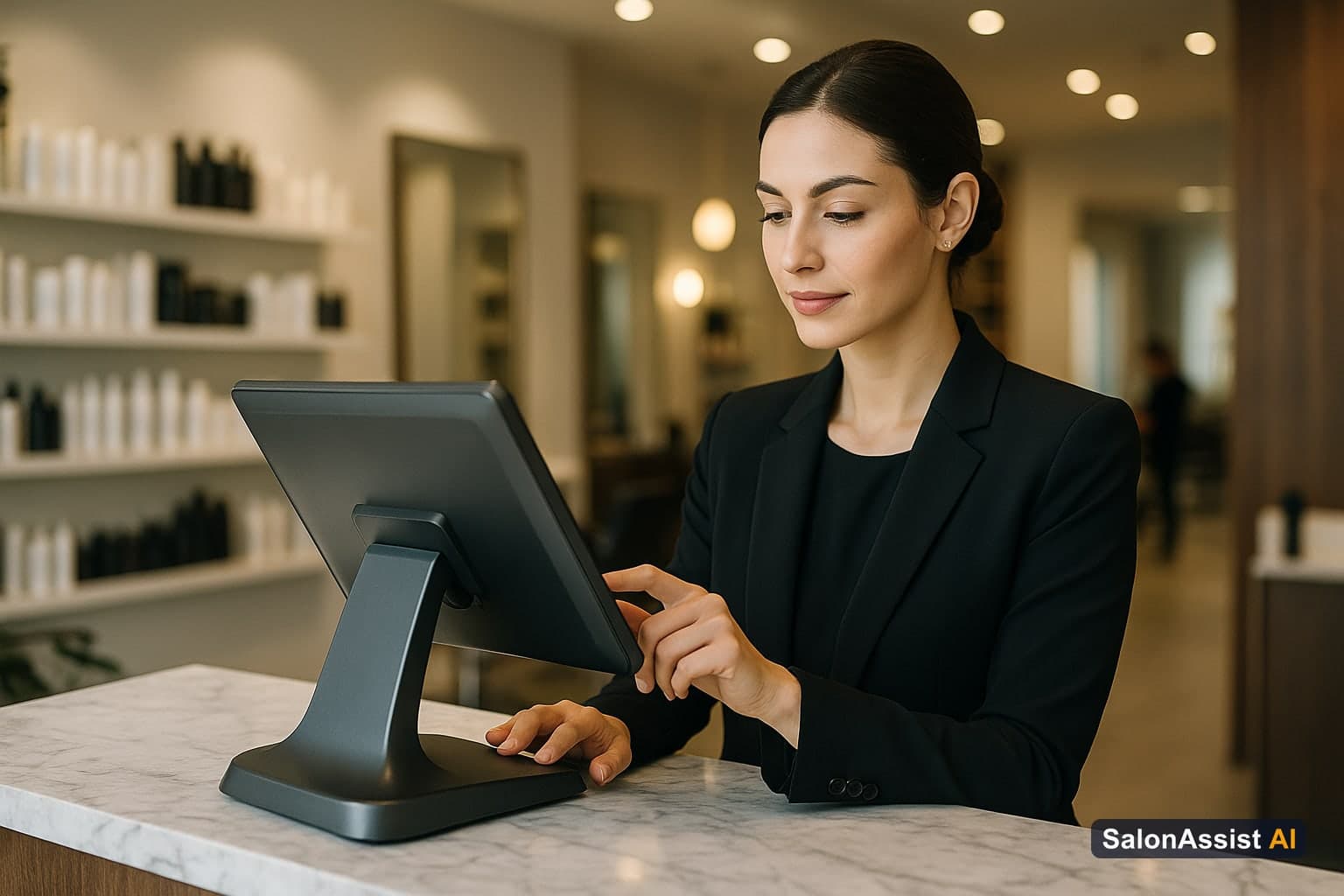
Choosing the best salon POS software is not just about taking payments faster. For a modern beauty business, your point-of-sale system should connect the front desk, appointment book, product inventory, client history, staff performance, and daily reporting in one place.
If your salon is still using a cash register, a generic card reader, or a disconnected booking tool, you are probably spending too much time on admin and missing clear opportunities to grow. The right Salon POS software helps you serve clients faster, reduce errors, and understand exactly what is happening inside your business. If you want a complete cloud-based system that links appointments, POS billing, and team commission tracking, modern salon management software is highly recommended.
This guide walks through what salon owners should look for in 2026, which features matter most, and how a modern POS works alongside automation tools like an AI receptionist for salons.
What Is Salon POS Software?
Salon POS software is a point-of-sale and business management system built for hair salons, beauty salons, spas, barbershops, and wellness studios. Unlike a basic payment terminal, it understands the way salons actually operate: appointments, stylists, services, product sales, tips, commissions, repeat visits, and customer preferences.

A strong beauty salon POS software setup should help you:
- Take payments quickly and securely
- Manage appointments and checkouts in one workflow
- Track retail product inventory
- Store client notes, formulas, preferences, and visit history
- Calculate tips and staff commissions
- View sales, service, and retention reports
- Support marketing, loyalty, and rebooking campaigns
In other words, your POS should be more than the place where money changes hands. It should be the operational center of your salon.
Why Generic POS Tools Fall Short for Salons
Checkout Billing & Offer Engine
Manage coupons, wallet memberships, package deals, and checkout invoicing seamlessly in one unified platform.
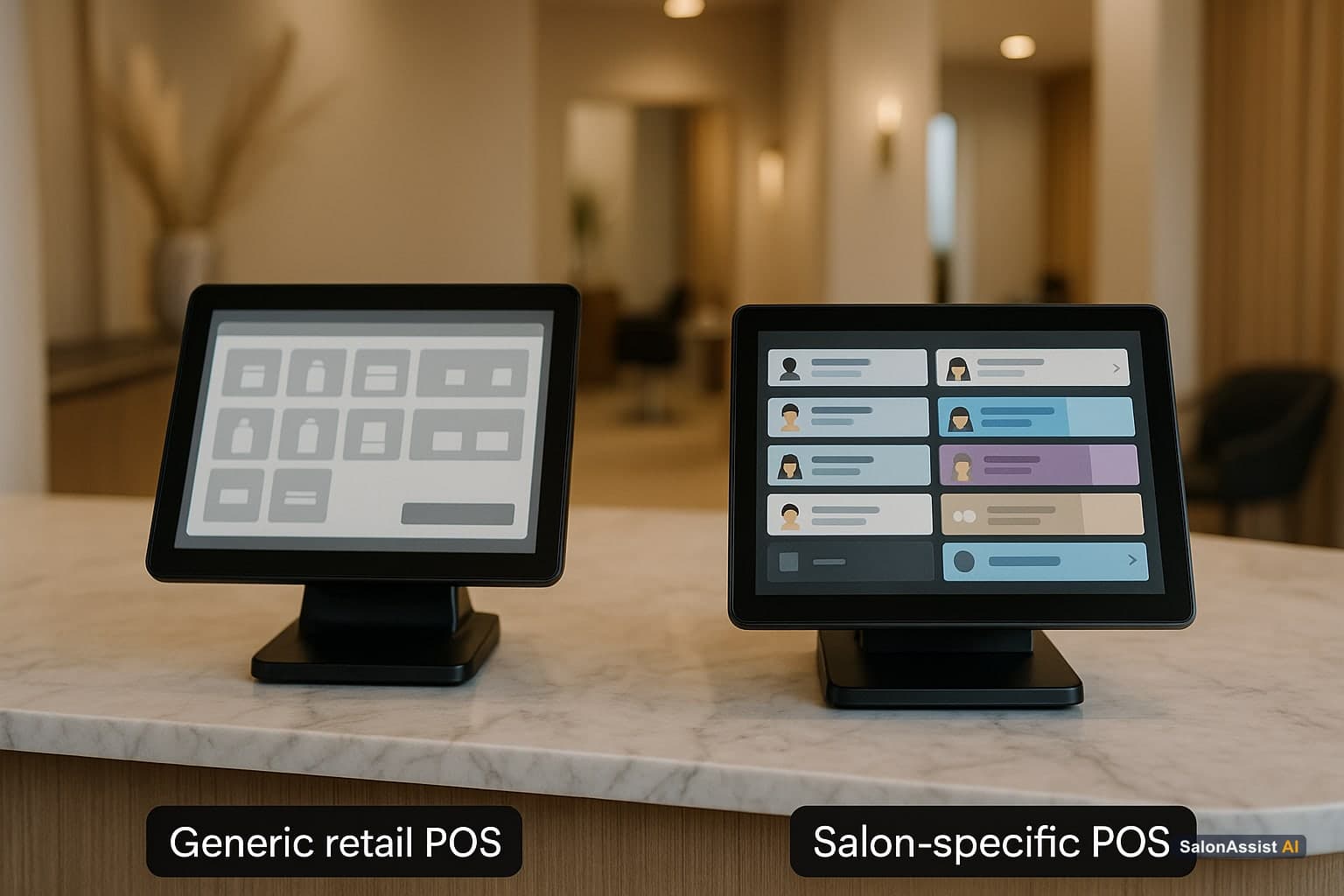
Generic retail systems are designed around products. Salons are built around time, service quality, client relationships, and staff performance. That difference matters.
For example, a clothing store mainly needs to know which item sold and how much inventory is left. A salon needs to know which stylist performed the service, how long it took, whether the client bought retail products, what formula was used, how much commission was earned, and when the client should come back.
That is why the best salon software includes appointment-aware checkout, service history, client profiles, and reporting built around repeat visits. If you want a deeper look at loyalty and retention, we also covered this in our guide to beauty salon POS software benefits.
Top Benefits of Salon POS Software
Investing in dedicated beauty salon POS software can improve both the client experience and the owner's visibility into the business.

1. Faster, Cleaner Checkouts
Checkout should feel like a natural end to the appointment, not a slow front-desk bottleneck. A modern POS lets staff add services, retail items, discounts, tips, and payments in a few clicks.
Some systems also support tablet or chair-side checkout, which can make the experience feel more polished and convenient for clients.
2. Better Inventory Control
Retail products can be a major profit center, but only if you know what is in stock. A salon POS tracks product sales, low-stock items, and reorder needs so you are not guessing how many bottles, color tubes, or styling products are left.
Better inventory control also helps reduce waste, prevent stockouts, and identify which retail items are actually worth keeping on the shelf.
3. Accurate Staff Commissions
Manual commission tracking is one of the easiest places for mistakes to happen. A good Salon POS software records which team member performed each service or sold each product, then helps calculate commissions, tips, and performance totals.
That transparency helps owners run payroll more confidently and gives stylists clearer insight into their own results.
4. Stronger Client Retention
Client profiles are one of the most valuable parts of a salon POS. When you can see visit history, formulas, preferences, birthdays, allergies, product purchases, and rebooking patterns, you can deliver a more personal experience. This is where your POS connects directly with your salon CRM software to automate client relationships.
This is where POS data becomes a marketing tool. You can send reminders, win-back offers, birthday rewards, and targeted promotions based on real client behavior.
5. Smarter Business Decisions
The best salon owners do not run only on instinct. They use data. Your POS can show which services are most profitable, which stylists are fully booked, which products move fastest, and which days or hours need more marketing support.
With those reports, you can make better decisions about pricing, staffing, promotions, product purchasing, and growth.
Key Features to Look For in 2026
When comparing salon POS software options, focus on features that directly improve your daily operations.
You do not need every advanced feature on day one. But your software should be flexible enough to support your next stage of growth.
Free Salon POS Software: Is It Worth It?
Many salon owners delay switching because they worry about expensive subscriptions or complicated setup. A free salon POS can be a practical starting point if it gives you the essentials: booking, checkout, inventory, client records, and reporting.
The key is to choose a system that can grow with you. Starting free is useful, but you should still look for professional workflows, clean data, and upgrade paths for automation, marketing, or voice AI when your salon is ready. If you are operating in the Indian market, check out our guide on the best free salon software in India for a complete local breakdown.
With SalonAssist AI, the goal is to give salons a practical free POS foundation while offering advanced automation when they want to scale.
How POS Software Works With AI Receptionists
The future of salon operations is connected. Your POS should not sit separately from your booking, marketing, and phone systems.
For example, an AI receptionist for salons can answer calls, check availability, book appointments, reschedule clients, and keep your calendar updated. When that connects with your POS, your client data becomes more useful across the full customer journey.
Imagine a returning client calling after hours. The AI can recognize their history, help book the right service, and keep the appointment synced with your salon system. The next day, your team sees the booking, client notes, and service details without extra admin work.
That is the real power of combining Salon POS software with automation: fewer missed calls, cleaner records, and a smoother experience from booking to checkout.
Best Salon POS Software Checklist
Before choosing a platform, ask these questions:
- Is it built specifically for salons, spas, or beauty businesses?
- Can it manage both services and product sales?
- Does it connect bookings, checkout, and client profiles?
- Can it track staff commissions and tips?
- Does it provide clear daily, weekly, and monthly reports?
- Will it help with reminders, loyalty, and repeat bookings?
- Can it support automation as your salon grows?
- Does it offer a mobile salon management app for on-the-go tracking?
- Is the setup simple enough for your team to use every day?
The best system is not always the one with the longest feature list. It is the one your team will actually use consistently.
Calculate Revenue Losses from Billing Errors & Missed Bookings
Conclusion
The best salon POS software should help your business feel more organized, more professional, and easier to manage. It should speed up checkout, improve inventory control, simplify commissions, store client history, and give you clear reports you can act on.
For salons that want to grow, POS software is no longer just a payment tool. It is the foundation for better client retention, smarter operations, and connected automation. To go deeper on loyalty and marketing, read our guide on beauty salon POS software benefits, check out our comprehensive salon POS software guide, or explore how an AI receptionist for salons can help you capture more bookings around the clock.
Frequently Asked Questions (FAQ)
Related guides in this series
- 11 min read
Barber Seeking Software Upgrade from Simple Calendar to Full POS
Barbers looking to upgrade from simple calendars to full POS systems can streamline billing, appointments, and offers with SalonAssist AI’s platform.
Read article - 12 min read
Salon Invoice Software: Accurate Billing for Modern Salons
Learn how salon invoice software automates billing, reduces errors, and delivers professional invoices for salons-improving operations and customer trust.
Read article - 12 min read
Beauty Salon POS Software Buyers Guide for 2026
Explore key features and benefits of beauty salon POS software in 2026. Learn how to choose the right system for your salon's billing and operations.
Read article - 10 min read
Salon POS With Memberships, Packages & Retail: Everything on One Platform
Looking for a salon POS that handles memberships, service packages, and retail in one place? Here's what to look for, what to avoid, and how modern platforms do it right.
Read article
Modernize your checkout today
Switch to our free Salon POS software and start managing your revenue, inventory, and staff with professional precision.
Explore Free POS