Salon CRM Software: Client History That Drives Retention
Ask strong salon owners about growth and they talk about keeping clients - not only finding new ones. Acquisition is expensive; retention is where margin lives. That is the job of salon CRM software.
A modern salon CRM is not a corporate sales pipeline tool. It is the client record beside your calendar: visit history, preferences, notes, spend signals, and filters that help you act. For the wider platform, see salon management software. If you operate a suite / booth rental business, your landlord CRM problem is different - read salon suite CRM software.
What Is Salon CRM Software?
Salon CRM software stores and connects client identity to appointments, services, staff interactions, memberships/packages where used, and checkout history. It should feel native to beauty ops - time, stylists, and service notes - not a B2B lead board.
Unlike generic CRMs, a beauty-focused CRM expects:
- Appointment-aware history (what happened on which visit)
- Stylist relationships and preferences
- Formula / service notes your team actually reads
- Filters for VIP, inactive, or high-spend clients so you can outreach
It may connect to booking and billing inside one suite. It should not pretend to be inventory, a payment gateway, or an autopilot marketing cloud unless those modules truly exist.
Why Spreadsheets and Generic CRMs Fall Short
Smart Online Booking & Client CRM
Give clients a 24/7 online booking experience synced to live stylist schedules with automated WhatsApp reminders.

- Formula and allergy notes get lost in cells
- Stylist preference is hard to enforce at booking time
- Notes are not tied to visits and invoices
- Nobody trusts "the list" after six months of duplicates
Dedicated salon CRM keeps the record beside the book.
Core Features That Drive Retention
1. Detailed client profiles
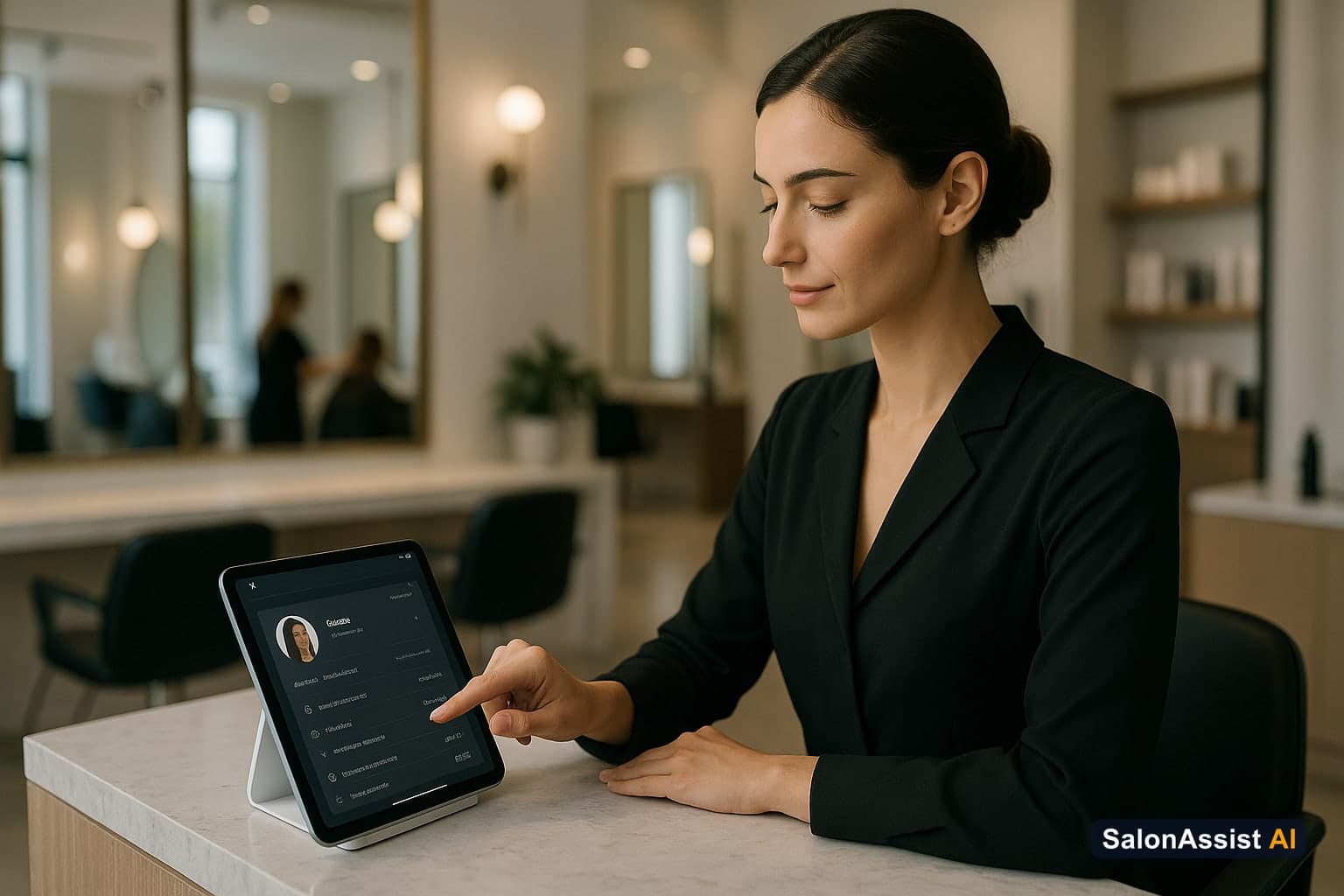
History, preferences, notes, allergies, and past services - so recognition is real. Deeper combo with checkout: POS systems with client profiles. History + performance angle: CRM client history and staff performance.
2. Confirmations that clients actually get
WhatsApp/SMS habits vary by product. SalonAssist AI supports confirmation, reschedule, cancellation, thank-you, and manual membership/package purchase receipts with delivery tracking - not a full "day-before reminder campaign builder" unless listed.
3. Owner-driven retention workflows
Use CRM filters (e.g., last visit older than 60-90 days) to build a call/WhatsApp list. That is retention work. It is not the same as automated email/SMS campaign blasts. SalonAssist AI does not ship an automated marketing campaign module.
4. Offers tied to the client
Memberships, packages, loyalty, and coupons should appear on the profile and apply at booking/checkout when configured - so retention has a commercial mechanism, not only a message.
5. Voice + CRM recognition
When an AI receptionist can match a returning caller and book against live availability, CRM and phone stop being separate worlds. See voice agent.
6. Import and export for migration
SalonAssist AI lets you import and export customers as CSV/Excel from the Customers page (template download; create-only import skips duplicate phones). That helps migrate from another system or keep a backup - it does not import visit history, memberships, packages, or loyalty via CSV.
Pricing Honesty (No "Free Forever" Trap)
Ignore vague free-CRM promises. SalonAssist AI publishes pricing for management tiers plus optional voice. Start with accurate profiles and history; add voice when missed calls hurt.
CRM Benefits You Should Feel Within Weeks
- Faster check-in recognition
- Fewer "what did we do last time?" moments
- Cleaner inactive lists for manual win-back
- Better stylist continuity
- Clearer spend and visit patterns in analytics
Getting Started Checklist
- Import clients; fix duplicate phones
- Require notes on chemical services
- Train the team to open the profile before every visit
- Build one inactive filter and work it weekly
- Connect public booking so new clients land in CRM automatically
Explore booking and CRM or book a demo.
Calculate Revenue Losses from Booking Conflicts & No-Shows
Conclusion
Salon CRM software wins when history is trusted and used - at the chair, on the phone, and in weekly retention habits. Keep suite-landlord occupancy problems on the suite CRM guide. Keep AI voice evaluation on the AI features guide.
Frequently Asked Questions (FAQ)
Related guides in this series
- 12 min read
Automated Salon Marketing: Boost Client Engagement in 2026
Learn how automated salon marketing with WhatsApp campaigns and CRM filters can boost client engagement and revenue using SalonAssist AI.
Read article - 12 min read
Salon Portal: What It Is and How It Simplifies Your Salon
Discover how a salon portal unifies booking, CRM, and billing to simplify your salon management and boost operational efficiency.
Read article - 12 min read
Answering Service for Beauty Salons: What It Is and Why You Need
Learn what an answering service for beauty salons is, how it differs from AI voice receptionists, and why your salon benefits from integrating one.
Read article - 12 min read
Beauty Parlour Software for Local Parlour: Features & Benefits
Discover how beauty parlour software for local parlours streamlines operations, reduces front-desk overload, and boosts client retention.
Read article
Build a CRM your team actually uses
See SalonAssist AI client profiles, history, and filters-plus optional voice booking that recognizes returning callers. Book a demo.
Book a demo