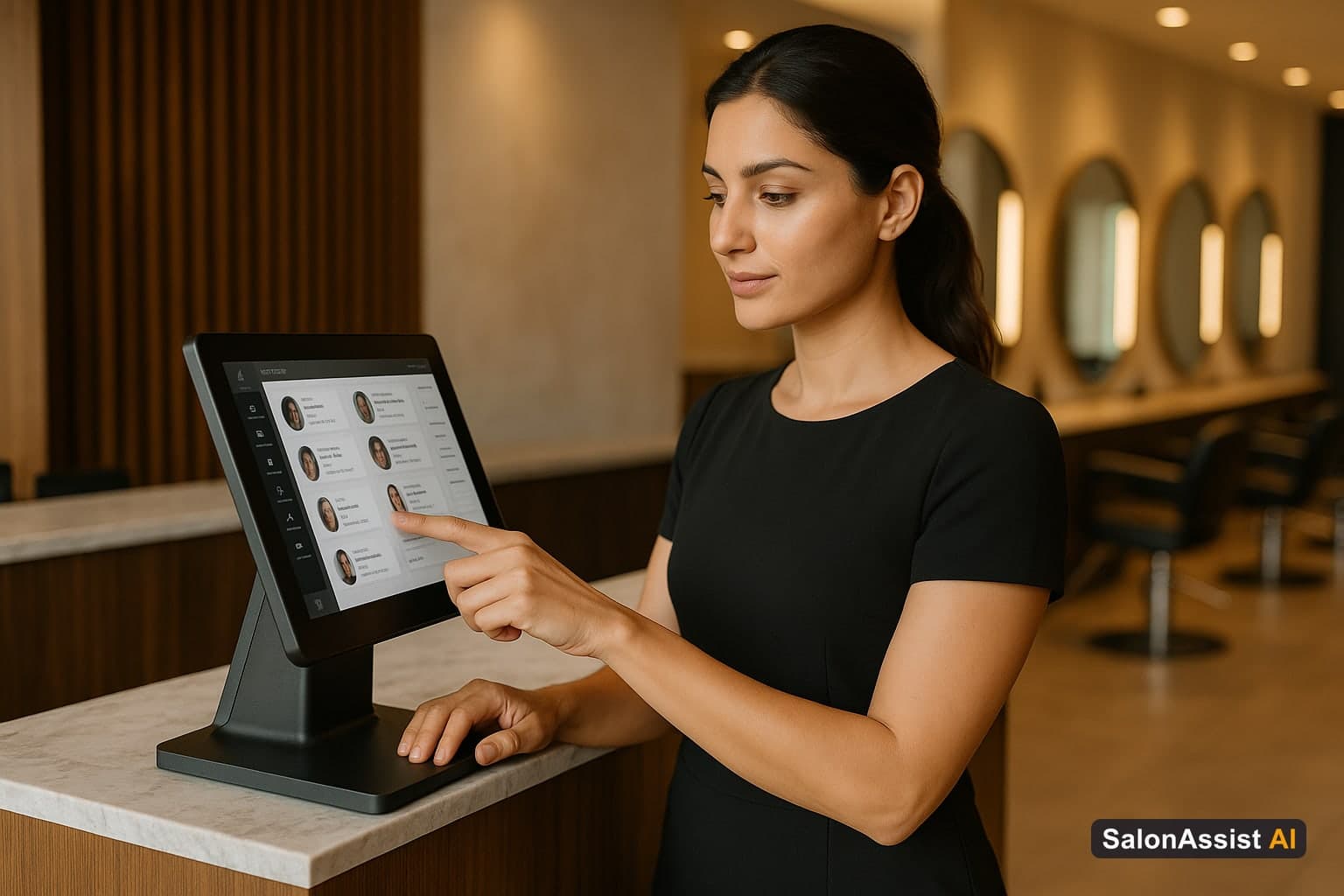
Top-Rated Salon POS Systems With Client Profiles: 2026 Comparison Guide
If you've searched for the "top-rated salon POS systems with client profiles," you're already asking a smarter question than most salon owners do.
Most people shopping for salon software start with price, or with the checkout screen, or with whatever their friend down the street is using. But the owners who actually grow their business with software know that the client profile - not the payment terminal - is where the real value lives.
A POS that just takes payments is a calculator with a card reader attached. A POS with rich client profiles is a system that remembers every formula, every preference, every visit pattern, and turns that memory into repeat business automatically. The difference between those two things, over a year, is the difference between a salon that just survives and one that compounds.
Here's what "client profiles" should actually mean in a modern salon POS, and how to evaluate systems honestly.
What "Client Profiles" Should Actually Include
A lot of platforms claim client profile support. In practice, that claim covers a huge range of capability - from "we store your client's phone number" to "we track formula history, retail preferences, visit cadence, and trigger automated marketing based on behavior."
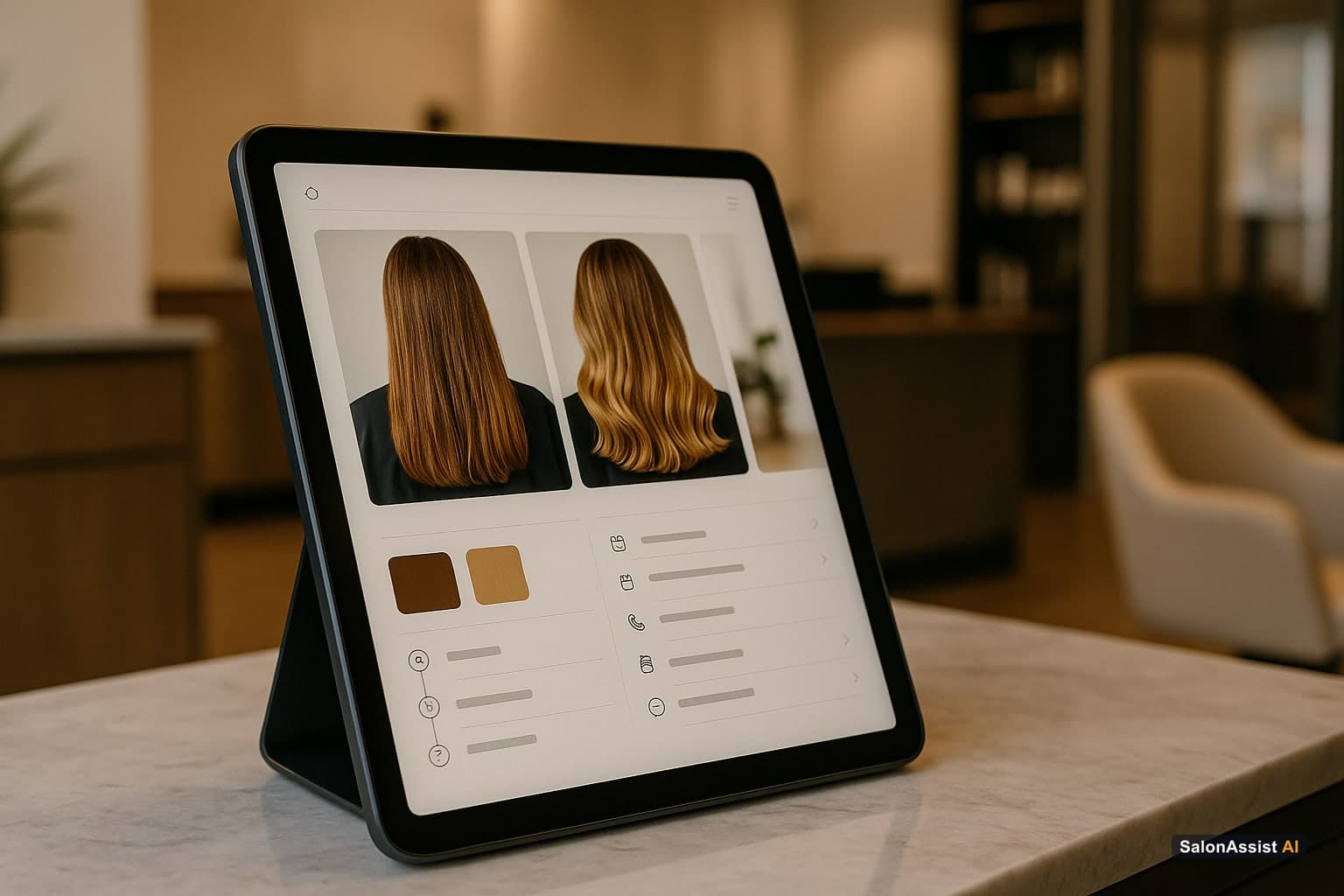
Here's what a genuinely strong salon CRM software system includes:
Contact and basic info - name, phone, email, birthday, how they found you. Table stakes, every system has this.
Full visit history - every appointment, every service, every stylist, with dates. This should be automatically populated from your booking and checkout flow, not manually entered.
Formula and treatment notes - exact colour formulas, developer strength, processing time, any treatment-specific notes. For colour-heavy salons, this single feature alone justifies the switch from a basic system.
Retail purchase history - what products the client has bought, how often, and which ones they've repurchased. This is gold for personalized upsell recommendations.
Preferences and allergies - noted stylist preference, product sensitivities, communication preferences (text vs. call vs. WhatsApp).
Photos - before-and-after images attached directly to the profile, useful for both tracking progress and consultations with new stylists.
Visit frequency and rebooking status - a clear flag for whether the client is "on track," overdue, or at risk of lapsing.
Loyalty and rewards balance - points, credits, or membership tier, visible at checkout.
If a system you're evaluating is missing more than one or two of these, it's not really offering "client profiles" - it's offering a contact list with a payment button.
Why Client Profiles Matter More Than Almost Any Other Feature
Checkout Billing & Offer Engine
Manage coupons, wallet memberships, package deals, and checkout invoicing seamlessly in one unified platform.
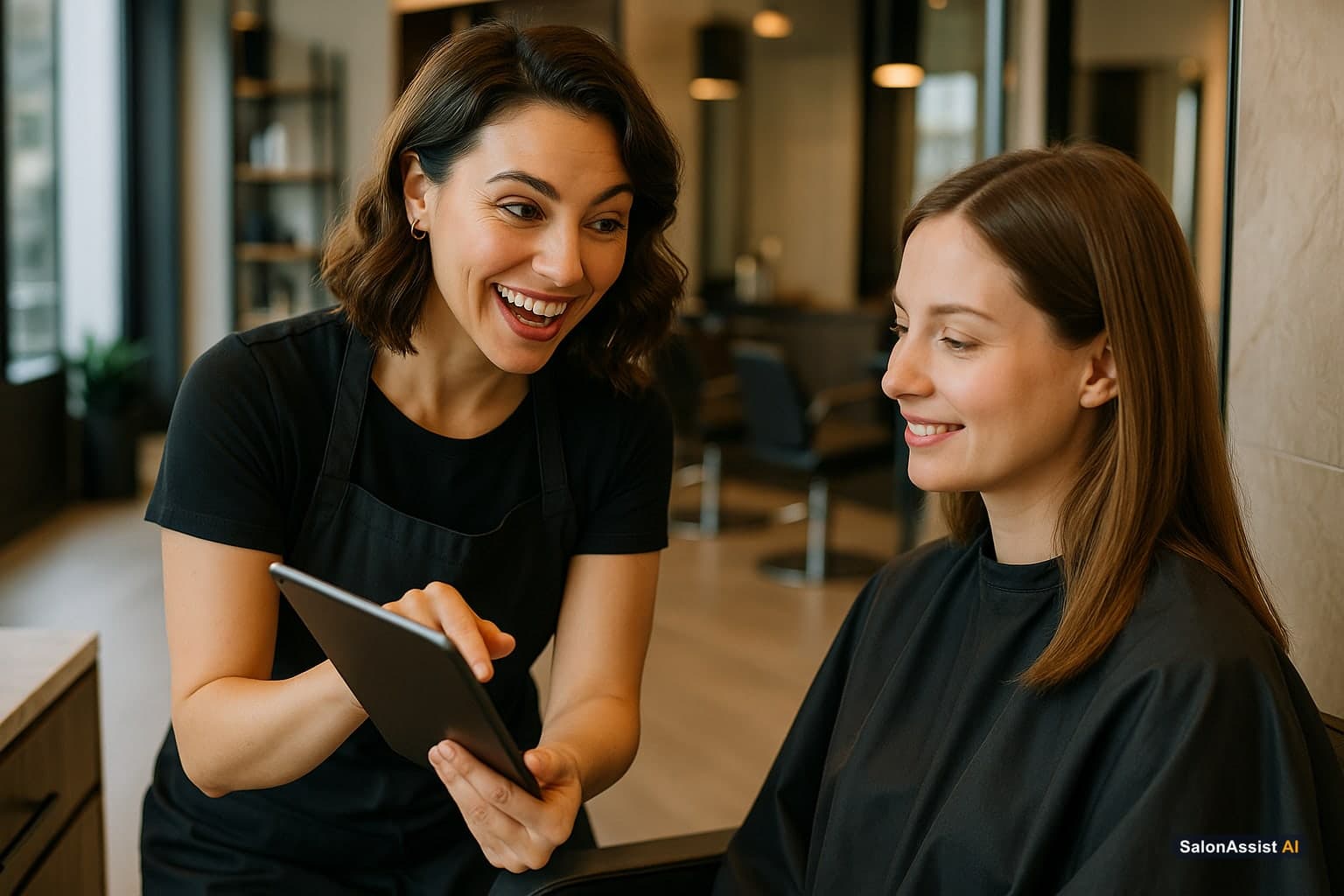
Here's the part that doesn't get said enough: your POS's client profile system is your retention engine. Full stop.
Acquiring a new client costs significantly more than keeping an existing one. Industry estimates suggest acquiring a new salon client costs 5-7 times more than retaining a current one through better service and follow-up. Your client profiles are what make smart retention possible at scale - because you can't personalize what you don't remember, and no human can remember 500 clients' formula histories and visit patterns without help.
When client profiles are done well, three things happen automatically:
Personalization becomes default, not effort. A stylist seeing a client for the first time can pull up exactly what was done last time, by anyone, on any visit. The client feels remembered even with a new stylist.
Win-back becomes systematic. When a client's visit pattern shows they're 30 days overdue based on their typical 6-week cycle, your system can flag it or trigger an automated message - without anyone having to remember to check.
Upsell becomes relevant, not pushy. When the system shows a stylist that a client always buys a specific shampoo but hasn't restocked recently, suggesting it feels like service, not sales pressure.
What to Test Before You Buy: A Practical Checklist
Rather than trusting marketing copy, here's how to actually evaluate a system's client profile capability during a demo, as detailed in our comprehensive beauty salon POS system buyer's guide:
1. Pull up a sample client profile and count the fields. How much information is actually visible at a glance? Is it organized, or is it a wall of disconnected data?
2. Ask to see formula history specifically. Request a demo of how a colour formula gets logged and how it appears on the next visit. This single workflow reveals a lot about how seriously the platform treats salon-specific needs.
3. Check photo attachment capability. Can staff upload before-and-after photos directly from a phone during or after the appointment? Is there a limit on storage or number of photos per client?
4. Test the "overdue" or "at-risk" flagging. Does the system automatically identify clients who haven't booked within their typical window? Or do you have to manually run a report to find this?
5. Look at how retail purchase data surfaces. During checkout, does the system suggest products based on the client's history? Or is retail tracking entirely separate from the client profile?
6. Ask about data export. If you ever switch systems, can you export full client profiles - including formula notes and photos - or just basic contact info? This question alone filters out platforms that quietly lock in your data.
Client Profiles and Loyalty: Why They Should Be Connected
A recurring search pattern shows salon owners specifically looking for "salon POS system with loyalty" - and for good reason. Loyalty programs only work well when they're tied directly into the client profile, not bolted on as a separate module. One of the greatest beauty salon POS software benefits is having everything interconnected.
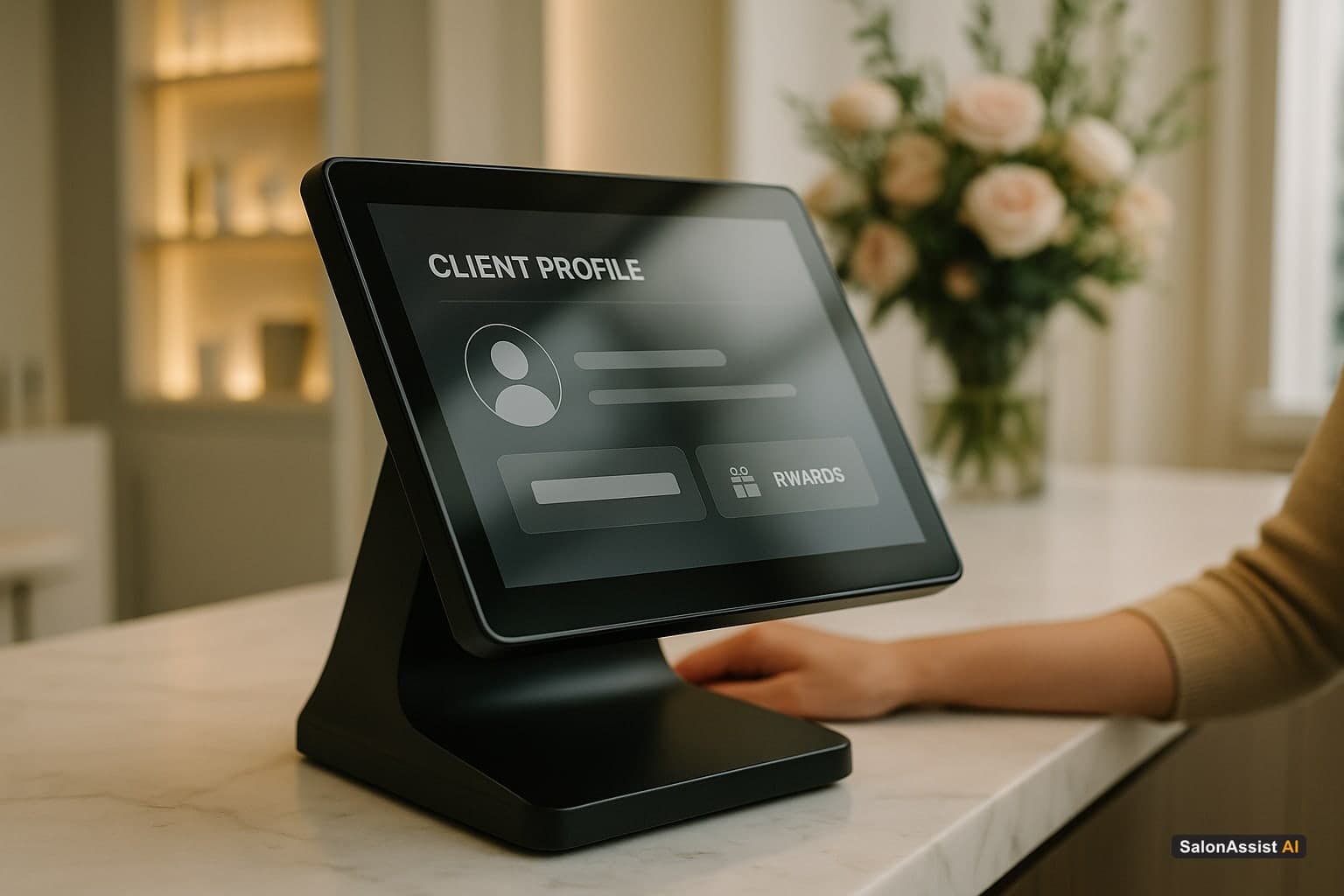
Here's what well-integrated loyalty looks like:
A client's loyalty point balance is visible at checkout, automatically updated with every transaction, with no manual entry required. Birthday rewards trigger automatically based on the birthday field already in their profile. Referral credits apply automatically when a referred client's first visit is logged. VIP tier status (based on lifetime spend or visit frequency, both tracked in the profile) unlocks automatically rather than requiring a manual upgrade.
When loyalty is disconnected from client profiles, you end up running two systems - one for client data, one for points - that don't talk to each other, and the manual reconciliation work falls back on your front desk.
Common Mistakes Salon Owners Make When Evaluating Client Profile Features
Mistaking "CRM" labeling for actual depth. Plenty of platforms label a basic contact database as a "CRM" without the salon-specific depth - formula history, photo attachment, service-specific notes. Don't take the label at face value; test the actual fields.
Underestimating photo storage needs. If your salon does a lot of colour correction or transformation work, before-and-afters add up fast. Confirm there's no restrictive cap that will force you to delete history later.
Ignoring mobile access. Client profiles are most useful when stylists can access them from a tablet or phone chairside - not just from a front-desk computer. Test the mobile experience specifically, not just desktop.
Not checking multi-stylist visibility rules. If a client sees multiple team members over time (a colourist and a separate cutting stylist, for example), make sure the profile surfaces clearly to both - not siloed to whoever entered the original notes.
How SalonAssistAI Approaches Client Profiles
We built client profiles at SalonAssistAI around a simple principle: every interaction a client has with your salon should make the next interaction better, automatically.
Every checkout, every booking, every call handled by our AI receptionist updates the same client profile. Formula notes, visit history, retail preferences, and loyalty status all live in one place, accessible to your whole team, on any device. When a client is overdue for a rebooking based on their pattern, the system flags it. When they call to book again, our AI receptionist can recognize their history and book accordingly.
This isn't a separate CRM module bolted onto a payment system. It's how the platform is built from the ground up.
See how client profiles work in SalonAssistAI → salonassistai.com/contact
Calculate Revenue Losses from Billing Errors & Missed Bookings
The Bottom Line
The best salon POS system isn't the one with the most features listed on a pricing page - it's the one whose client profiles actually become a tool your team uses every single day. Formula history that gets referenced. Loyalty points that update automatically. Rebooking reminders that fire on their own.
If your current system's idea of a "client profile" is a name and a phone number, you're sitting on a retention opportunity that's currently going to waste.
Your clients already trust you enough to come back. The right software just makes sure you never give them a reason not to.
Frequently Asked Questions (FAQ)
Related guides in this series
- 12 min read
Salon Invoice Software: Accurate Billing for Modern Salons
Learn how salon invoice software automates billing, reduces errors, and delivers professional invoices for salons-improving operations and customer trust.
Read article - 12 min read
Beauty Salon POS Software Buyers Guide for 2026
Explore key features and benefits of beauty salon POS software in 2026. Learn how to choose the right system for your salon's billing and operations.
Read article - 10 min read
Salon POS With Memberships, Packages & Retail: Everything on One Platform
Looking for a salon POS that handles memberships, service packages, and retail in one place? Here's what to look for, what to avoid, and how modern platforms do it right.
Read article - 10 min read
Salon Billing Software: The Complete Guide to Faster, Smarter Checkout for Indian Salons
Struggling with manual salon billing? The complete guide to salon billing software with GST invoicing, UPI payments & commission tracking for India.
Read article
Stop missing client context
Join hundreds of premium salons using SalonAssist AI to automate their front desk and build robust client profiles automatically.
Book a Free Demo