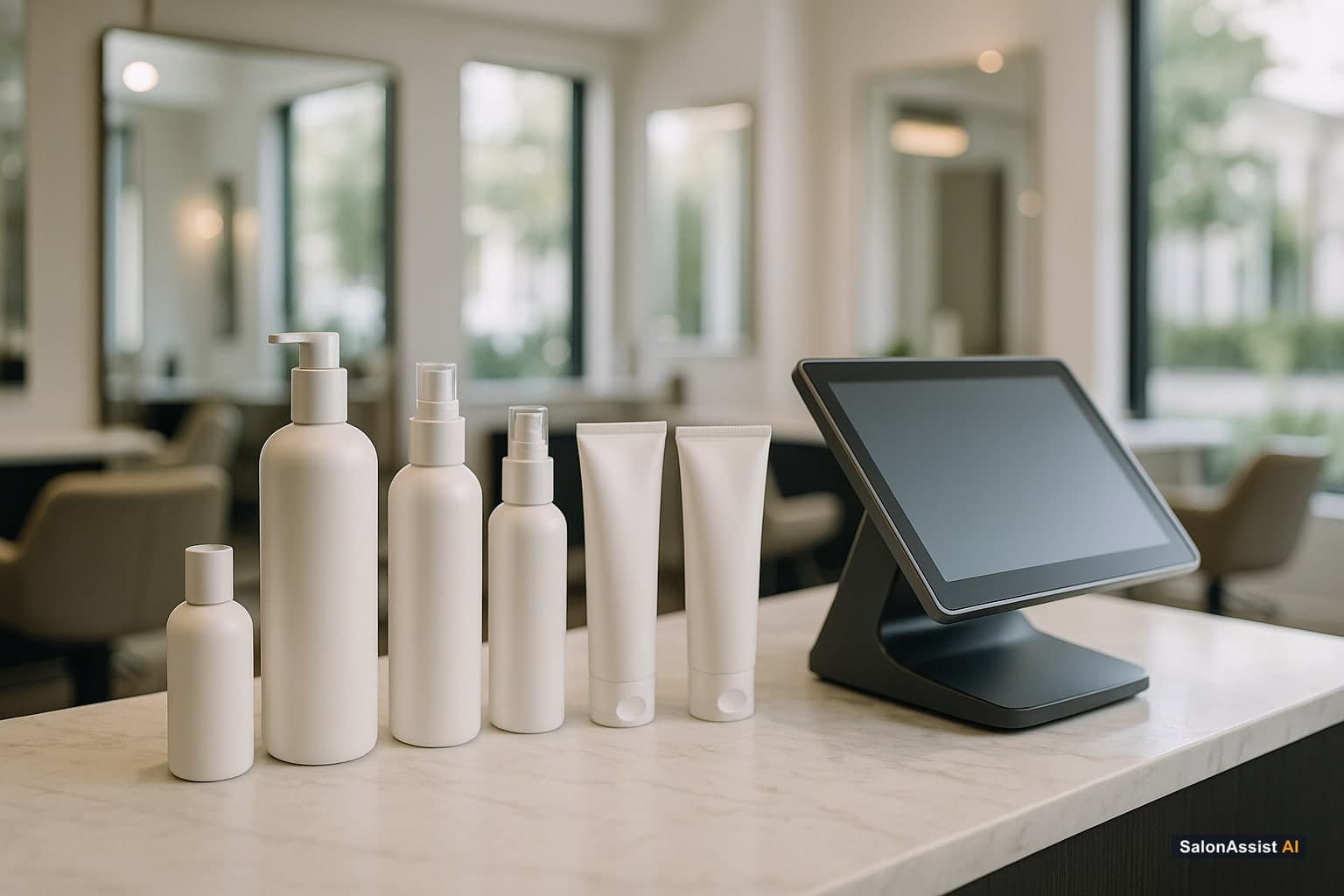
Salon Inventory Management Software: Stock, Retail & Usage
Salon inventory software that stops surprise stock-outs, puts retail on the same bill, shows how far each bottle goes and credits staff who sell.
Related guides
Each link below opens a separate article on a specific subtopic - not a section of this page.
- How to Increase Salon Retail Sales: Tips for Boosting RevenueLearn how to increase salon retail sales with practical tips on selling products, motivating staff, and improving customer experience to boost revenue.12 min read
- Salon Billing Software with Product Sales: One Invoice, MoreDiscover how salon billing software with product sales unifies invoices for services and retail, boosting revenue and simplifying checkout.12 min read
Every salon has two kinds of products. There are the ones on the shelf - shampoos, serums, oils and home-care kits that clients take home. And there are the ones in the chair - colour tubes, keratin, wax and facial kits that your team uses on every service. Both cost real money, and in most salons both are tracked in a notebook, in someone's memory, or not at all.
Salon inventory management software brings those products into the same place as your bookings, bills and staff. In this guide you will see what that changes day to day, which features actually matter for a salon or beauty parlour, and how to tell whether your products are making or losing money. If you want to see it working, explore SalonAssist AI Inventory & Retail.
Why Products Quietly Decide Your Profit
Services pay the rent, but products decide the margin. A good retail habit can add a meaningful amount to every bill, and the colour or keratin used on a service often decides whether that service is really profitable.
The trouble is that product losses are silent:
- The bestselling shampoo runs out and you only find out when a client asks for it. The sale walks out of the door.
- A bottle of keratin is opened on Monday and finished by Thursday. Nobody knows whether it served six clients or sixteen.
- A stylist recommends a serum and the client buys it, but there is no record of who sold it - so the stylist never earns anything for it and stops recommending.
- Products go on a second bill or into a notebook, so the day's total never matches and the client's history is incomplete.
None of these problems show up as a single big loss. They show up as a slightly lower margin every month, which is why so many owners never fix them.
What Salon Inventory Management Software Should Do
Good salon inventory software is not a warehouse system. It should feel like part of your front desk, not a separate job. Here is what matters for a real salon.
1. One product list with clear stock levels
Every product sits in one list with its category, brand, product code or barcode, cost and selling price. You set a minimum level for each product, and the software labels it In stock, Low stock or Out of stock. Owners stop counting shelves on a Sunday night - a glance tells you what needs ordering.
2. Alerts before the shelf is empty
Low-stock labels mean you reorder your bestseller before the last bottle goes, not after a client is disappointed. When a delivery arrives, the desk records it in a few taps and the count is right again.
3. Retail on the same bill as services
This is where most salons gain the most. When a client finishes a haircut and picks up a shampoo, both should go on one invoice with one payment. With SalonAssist AI, the desk searches the product by name or scans its barcode, adds it to the same bill and finishes checkout as usual. A client who only drops in for a product gets a proper bill too.
The software also stops you from selling what you do not have. Out-of-stock items cannot be added, so the desk never promises a product that is not on the shelf.
For more on handling the counter during a rush, see our walk-in salon checkout guide.
4. Products used during services - "running products"
This is the feature owners tell us they did not know they needed. When you open a new bottle of colour, keratin, wax or massage oil for use in services, you mark it as running. While billing each service, the desk picks which open product was used.
The result is a simple, real-time answer to a question every owner has asked: how many services and how many customers did this bottle actually serve before it finished?
That number changes how you run the salon:
- Fair service pricing - if one bottle of keratin serves twelve clients, you know your real cost per treatment.
- Spotting wastage early - if a tub of wax usually lasts forty clients and the latest one finished at twenty-five, you know to look into it.
- Comparing brands - see which brand of colour goes further for the same price.
Each opened bottle keeps its own history, so you can look back at any product and see who it was used on.
5. Sold by - and a product incentive for your team
Retail grows when stylists know their recommendations count. Every product on the bill shows Sold by, filled in automatically with the stylist on the visit. The desk can change it in one tap, or leave it empty when the reception team made the sale.
Each staff member can then have a Product incentive % that is separate from their service incentive. Staff reports show product sales, units sold and product incentive right next to their service earnings - so the stylist who recommends the right serum sees it in their numbers.
If you are setting up commission structures, our guide on salon staff targets and commission covers how to keep incentives motivating and fair.
6. Products in every customer's story
When a regular comes back, the desk should know what she bought last time. A Products section on the customer profile shows every product a client purchased and when, plus the open products used during their services. Recommending the right product again becomes natural instead of a guess.
7. Product reports next to service reports
Finally, owners need to know whether retail is worth the shelf space. Reports show product revenue next to service revenue, top-selling products, the value of stock on hand and product sales for each staff member. That is enough to decide what to reorder, what to promote and what to drop.
Inventory & Retail in SalonAssist AI
Stock with low-stock alerts, retail on the same bill as services, running products that show how many clients each bottle served, and a separate product incentive for staff - at no extra cost.
A Day With Products Under Control
Picture a busy Saturday at a three-chair salon.
At 11 a.m. a stylist opens a new bottle of keratin and marks it as running. Over the day, every keratin treatment billed at the desk is linked to that bottle. By the time it finishes the following week, the owner can see it served fourteen clients - and that the treatment price leaves a healthy margin.
At 1 p.m. a client finishes a hair spa and picks up a shampoo and a serum on the stylist's advice. The desk adds both products to the same bill, the stylist is credited as Sold by, and the client pays once by UPI. The shelf count drops by two on its own.
At 4 p.m. the desk sees the bestselling conditioner has moved to Low stock. The owner orders more before the evening rush instead of discovering the empty shelf on Monday.
At the end of the month, the staff report shows which stylists sold the most products and the product incentive each one earned. The stylist who sold the most retail gets recognised - and the rest of the team notices.
None of this needed a separate stock app, a second bill or a notebook.
Salon Types: What to Track
Every niche has its own products that matter most:
Start with the products that cost the most or sell the most. You do not need every cotton pad in the system on day one.
Inventory vs a Separate Stock App
Many salons try a general stock app alongside their salon software. It usually fails for one reason: the stock app does not know about the bill. Someone has to enter every sale twice, so by the second week nobody does.
When inventory lives in the same place as your front desk, the numbers stay right because the desk is already billing there. Our salon front desk software guide explains why keeping the counter in one system matters so much.
How to Get Started in a Week
- Add your products. Import your list from a spreadsheet or start from a ready sample of common salon products, then set price, tax and a minimum level for each.
- Count what is on the shelf today. Enter the opening stock once. From then on, sales and deliveries keep it right.
- Open your running products. Mark the colour, keratin, wax or oil bottles currently in use so services start counting against them.
- Set product incentives. Give each stylist a Product incentive % alongside their service incentive (Growth and Enterprise setups).
- Review weekly. Check low-stock labels, top sellers and how far each bottle went. Adjust prices and orders based on real numbers.
In SalonAssist AI, Inventory & Retail is included in every plan at no extra cost - it stays hidden until you switch it on, so you can start when your salon is ready. See pricing for the plans.
Choosing Salon Inventory Software: Checklist
- Is it inside your salon software? If the desk has to enter sales twice, the stock count will drift.
- Can services and products go on one bill? One invoice, one payment, one record.
- Does it warn you before stock runs out? Minimum levels and clear labels.
- Can it tell you how far each opened product goes? This is the number that protects your service margins.
- Does it credit the staff member who sold the product? With a separate product incentive, not mixed into service commission.
- Does it show products in the customer profile? So your team can recommend again.
- Is it simple enough for the front desk? If it needs training every week, it will not be used.
Know every product - on the shelf and in the chair
SalonAssist AI brings stock, retail sales, running products and staff product incentive into the same system as your bookings and bills.
Frequently Asked Questions (FAQ)
See Your Products, Stock and Retail in One Place
SalonAssist AI includes Inventory & Retail in every plan at no extra cost - stock alerts, retail on the same bill, running products and staff product incentive.
Book a demo