
Salon Software for Staff Targets & Commission Tracking
There's a specific frustration that comes up when a salon owner evaluates software for the second or third time: they picked a platform that said it had "staff management," it handled scheduling, and it produced a commission summary at month-end - and that was the end of it. No target-setting, no performance trend, no data to have a real conversation with their team about.
That gap - between platforms that record what happened and platforms that help you coach what happens next - is what this guide addresses. It's also where it's easiest for vendors to oversell: "staff targets" and "live progress dashboards" get thrown around loosely, so it's worth being precise about what's actually common in the market versus what a specific platform can show you in a demo.
Why "Staff Management" and "Commission Tracking" Are Not the Same Thing
Almost every salon software platform claims staff management. What they mean varies.

At the basic level: individual staff profiles, service assignment, and a commission summary at checkout. Most platforms worth considering offer this - see our full staff management guide for what to look for.
At a more useful level: performance visibility per stylist (revenue, completed vs. cancelled appointments, fulfillment rate) calculated automatically from real transaction data, plus commission-aware incentive figures based on each stylist's configured rate.
Fewer platforms go further into formal target-setting with a live, always-on progress view per stylist. Before you assume a vendor has this, ask them to demo it directly rather than taking "staff targets" as a checkbox on a features list.
What Real Commission Tracking Should Look Like
Complete Salon Management & Live Salon TV
Unify multi-chair schedules, staff targets, Live Salon TV lobby displays, and customer profiles under one roof.
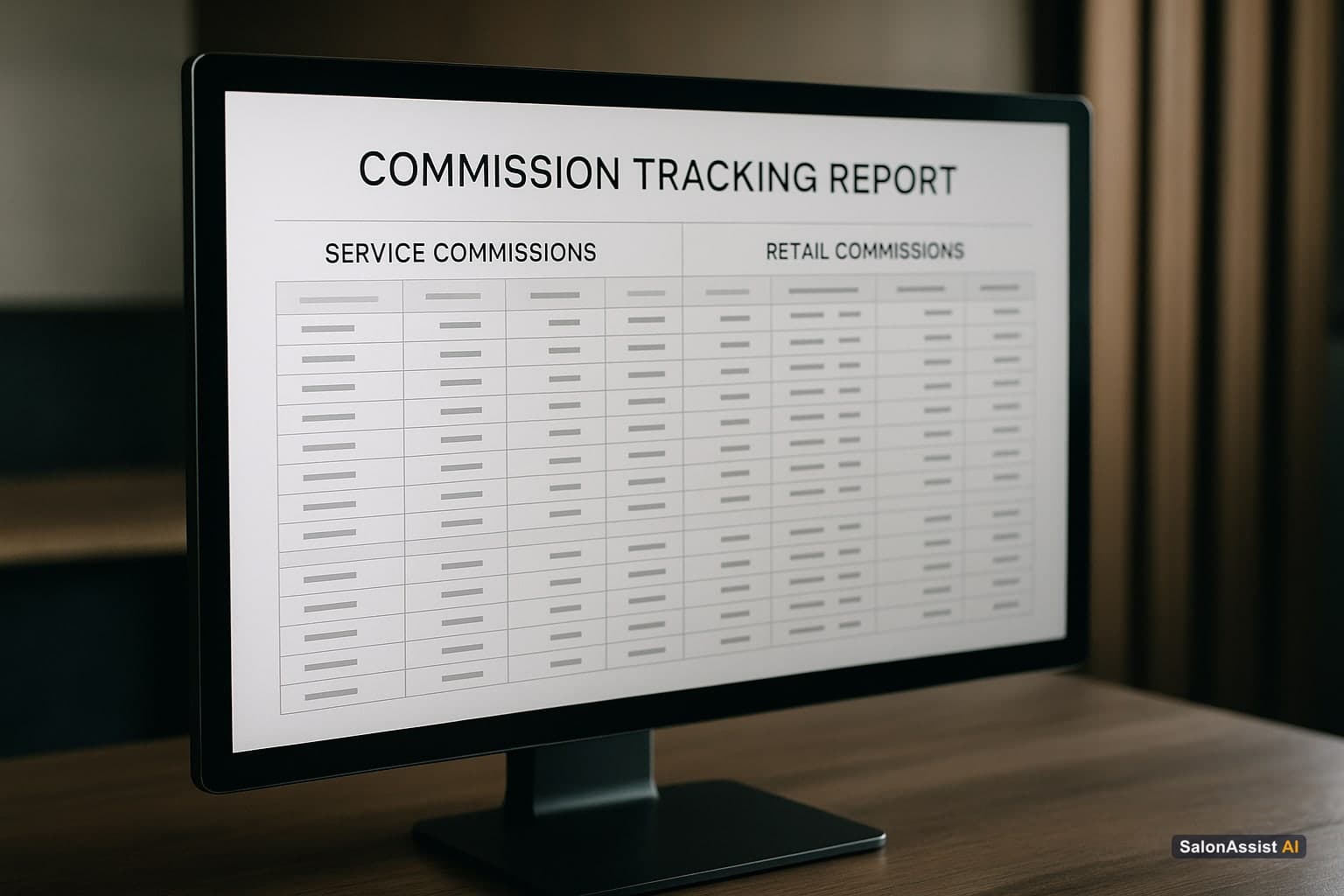
This is the table-stakes layer, and it's worth getting right before anything else:
Commission calculates automatically from completed visits. Once a stylist's commission rate is set on their profile and a visit is marked complete, the incentive payable should be calculated from that transaction - not reconstructed manually at month-end.
Rate changes apply going forward, not retroactively rewritten by hand. If you adjust a stylist's commission percentage, confirm whether the platform lets you do this cleanly for future visits without corrupting historical figures.
Service and retail can be viewed separately when needed. Many salons think about service commission and retail commission differently. Ask how a vendor's reporting breaks this down.
Before committing to any platform, run this test in the demo: configure a specific commission rate on a staff profile, complete a sample checkout, and ask to see the resulting incentive figure. How easily a vendor can show this reveals how deeply the feature is actually built - versus described.
What Real Performance Visibility Should Look Like
Beyond commission earned, a useful platform shows you, per stylist:

- Revenue generated in the period, with month-over-month comparison
- Completed vs. cancelled appointments, and the resulting fulfillment rate
- Commission-aware incentive payable, tied to their configured rate
These numbers, reviewed by an owner or manager, tell you a lot more than commission earned alone - a stylist with strong revenue but a high cancellation rate is a different coaching conversation than one with steady, reliable completions.
On access: most salon platforms, including SalonAssist AI, are owner/manager operated - staff are set up with their skills, availability, and commission rate, but don't get a separate self-service login to view their own live dashboard. If a demo shows you a "stylist app" with a personal performance view, ask whether that's shipped today or on a roadmap.
Target-Setting: What to Ask Before Assuming a Platform Has It
Target-setting - an owner setting a monthly revenue goal per stylist, with progress tracked against it - is a genuinely useful management practice. Whether it's a built-in software feature with a live progress bar varies a lot by platform, and it's easy for a features page to imply more automation here than what's actually configurable.
What to verify in a demo:
- Can you set an individual number per stylist, or only a single salon-wide target?
- Is progress shown as a live, always-visible view, or something you'd have to calculate yourself from the revenue-per-stylist report?
- Does the stylist see this themselves, or does the owner/manager review it and communicate progress directly?
If a platform's analytics give you accurate, real-time revenue and fulfillment data per stylist - even without a dedicated "targets" module - you can absolutely run a target-setting practice manually: set the number with your team, and use the platform's existing per-stylist reporting to check progress weekly. That's a completely legitimate way to run this, and it doesn't require the software to have a purpose-built targets feature to be effective.
A Practical Framework for Setting Targets That Work
The software is only half the equation - how you use the data matters just as much:
Set targets collaboratively, not unilaterally. When stylists are involved in the target conversation, they have ownership of it rather than resentment toward it.
Start with what's realistic, then stretch slightly. A target 5-10% above a stylist's trailing 3-month average creates momentum without demotivating them before the month starts.
Review monthly, using real numbers. Pull actual revenue and fulfillment data from your analytics rather than working from memory or a rough spreadsheet.
Use targets as coaching prompts, not scorecards. When a stylist is behind, the useful question is "what do you need to close the gap?" - not a lecture on the shortfall.
Track the behaviors that drive the number. If service revenue is the target, completed-visit volume and fulfillment rate are the leading indicators. Coach the behavior; the number follows.
Red Flags When Evaluating Staff Target and Commission Features
The demo shows a report, not a live figure. Reports pulled on demand and calculated on the spot are different from a platform genuinely running commission math off completed-visit data continuously.
Targets are described as "AI-powered" without a working demo. Ask specifically what's automated and what a manager still has to do by hand.
The vendor avoids a live commission-calculation demo. If you ask to configure a rate and complete a checkout on the spot and they can't, the feature may be shallower than described.
"Staff dashboards" turn out to mean owner-only views. Confirm the access model directly - who actually sees what.
How This Fits Into Your Broader Staff Management Setup
Commission and target tracking work best as part of a complete staff setup, not a standalone module: staff skills and weekly availability that constrain booking correctly, commission rates configured per person, and performance data that comes from the same checkout flow as your invoicing. For the full picture, see our salon staff management software guide.
If you run more than one location, confirm staff performance and commission reporting can be filtered by branch as well as by person - see our multi-branch salon management guide for what that setup should look like.
SalonAssist AI's Approach to Commission and Performance
SalonAssist AI calculates commission-aware incentive payable per stylist from actual completed visits, using each staff member's configured commission rate - alongside revenue, completed and cancelled counts, and fulfillment rate, filterable by branch on the Enterprise tier. It's owner/manager operated, so staff don't have a separate self-service login; the owner or manager reviews performance and runs the target conversation using that real data. It does not run automated payroll or a dedicated live target-tracking dashboard today - it gives you accurate, real-time numbers to run that practice yourself.
Explore operations to see how staff, checkout, and analytics connect, or book a demo to see the commission calculation live.
Calculate Salon Operations Revenue Potential
The Bottom Line
The salons that grow fastest aren't necessarily the ones with the hardest-working staff - they're the ones whose owners have accurate, real-time numbers to coach from. Whether that comes from a dedicated targets feature or a well-used analytics view, the discipline matters more than the label.
Frequently Asked Questions (FAQ)
Related guides in this series
- 12 min read
Staff Productivity Benchmarks for Salons: Metrics to Measure
Learn key staff productivity benchmarks for salons and how to measure stylist efficiency to boost performance and revenue. Practical metrics for salon owners.
Read article - 9 min read
Salon Staff Attendance Software: QR Check-In That Works
How salon staff attendance software should work: geofenced QR check-in, PIN verification, owner overrides, and month history-without a payroll punch clock.
Read article - 10 min read
Salon CRM: Client History Meets Staff Performance
The best salon CRM connects client history to staff performance instead of storing them separately. Here's what to look for and why it matters.
Read article
Get commission-aware performance data
See how SalonAssist AI calculates revenue and incentive payable per stylist from completed visits.
Book a demo