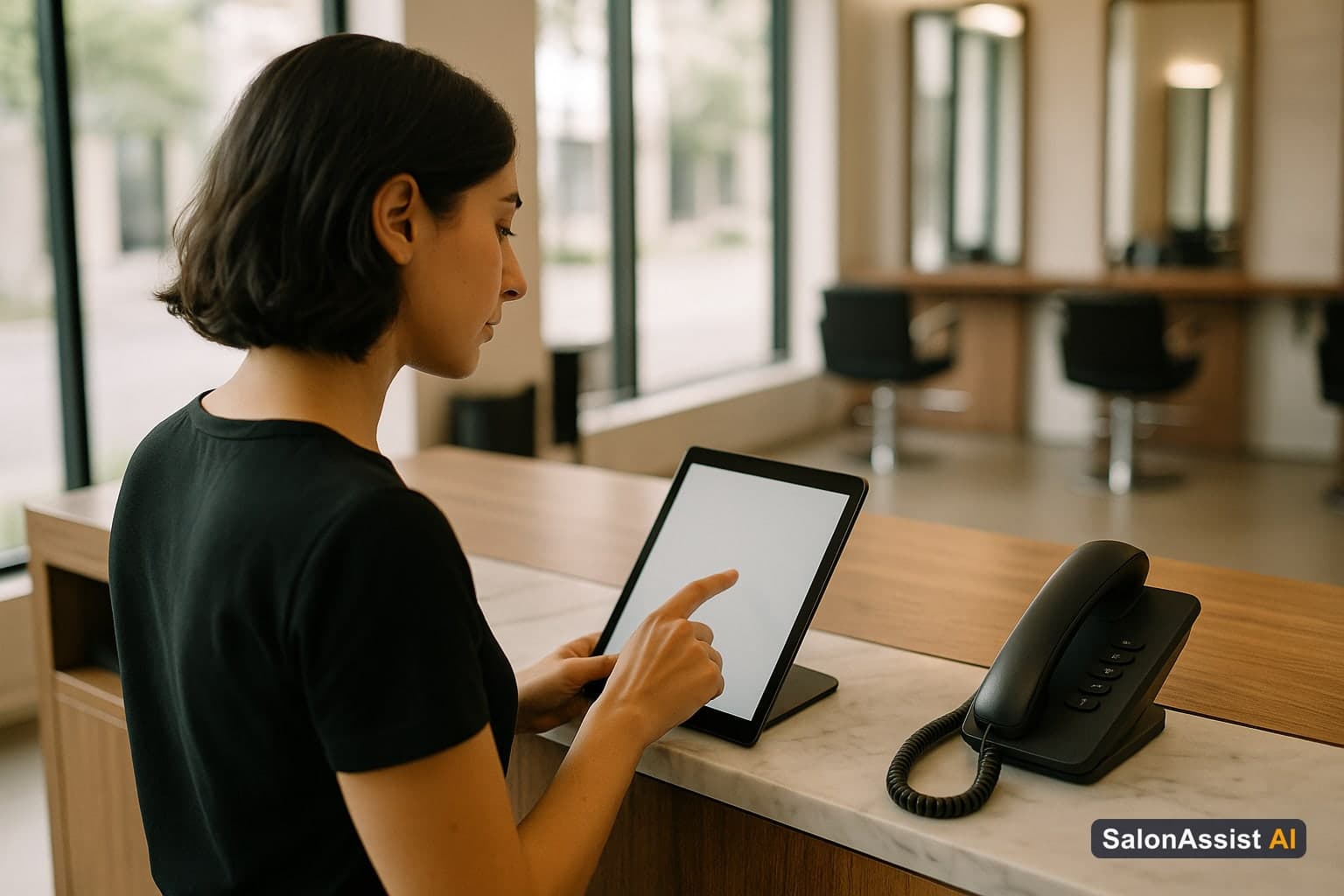
The Honest Truth About Salon Appointment Scheduling Software
It's Saturday — your busiest day. Back-to-back clients, a junior running late, and the phone rings with a new balayage request for next weekend. You're mid-blowout trying to hold the book in your head.
That is why salon appointment scheduling software exists in 2026: not as a luxury, but as the system that keeps desk, web, and (optionally) phone bookings on one live calendar. Booking automation here means fewer sticky notes — not magic that invents demand.
Related reading: salon booking software and online reservation systems.
Why Weak Scheduling Costs More Than You Think
No-shows and late cancels empty chairs. Confirmations and easy reschedule paths help; results vary by salon — treat vendor “70% reduction” claims as marketing until you measure your own baseline.
Double bookings destroy trust fast when channels do not share availability.
Manual phone/DM booking steals staff hours that should be on the floor. Independent operators can also see salon software for independent stylists. Pair scheduling with salon CRM software when history matters at the chair.
What Salon Appointment Scheduling Software Actually Does
Smart Online Booking & Client CRM
Give clients a 24/7 online booking experience synced to live stylist schedules with automated WhatsApp reminders.
At its core, clients book themselves when you are busy, the calendar respects service durations and stylist skills, and the desk sees the same truth as the website.
Modern platforms typically add:
- Mobile-friendly online booking
- Per-service duration and multi-service sequencing (on supported tiers)
- Preferred-stylist booking against real availability
- Confirmations via channels the product actually supports
- Analytics on fill, popular services, and quiet slots
Be precise on payments: some tools collect deposits in-platform. SalonAssist AI records amounts and invoices; card/UPI collection is outside the portal. Be precise on reminders: SalonAssist AI WhatsApp types include confirmation, reschedule, cancellation, thank-you, and manual membership/package purchase receipts — not a generic day-before campaign builder unless listed.
The 5 Features That Separate Good From Great
1. Smart booking logic
Per-service durations, buffers, and multi-service visits that do not leave impossible gaps. Ask: combined services? Skills respected?
2. One calendar across channels
Desk + web + voice should share availability. If an AI receptionist cannot write live bookings, it is not scheduling — it is messaging.
3. Client experience on mobile
Under a few minutes, clear services, professional look. Your booking page is brand.
4. Honest messaging scope
Prefer vendors who list exact message types. “Smart reminders” without specifics is a demo trick.
5. Analytics you will open
Fill rate, service mix, quiet windows — without CSV archaeology. Connect the wider picture via salon management software.
The AI Receptionist Angle: What's Changed in 2026
Online booking catches digital-ready clients. Many still call. Peak hours = missed rings.
An AI voice receptionist answers, checks live availability, and books into the same scheduling engine. SalonAssist AI’s voice agent is built for that assistive role — not as a claim that you capture “100% of opportunities” or replace every human conversation.
Calculate Revenue Losses from Booking Conflicts & No-Shows
How to Choose the Best Salon Appointment Scheduling Software in 2026
- Book yourself on a phone — count steps and confusion points.
- Test a multi-service or preferred-stylist request.
- Ask how voice, if any, writes to the calendar.
- Confirm message types and payment scope in writing.
- Verify export of clients and history if you leave.
- Match stage: solo vs multi-chair vs multi-branch (salon management).
Book a demo when you want to see SalonAssist AI’s scheduling + optional voice on one engine.
Common Pitfalls to Avoid When Choosing Scheduling Software
- Choosing on price alone while the mobile flow is clumsy
- Ignoring whether staff skills constrain online booking
- Assuming deposits and card rails exist in every “POS + schedule” bundle
- Skipping data-export questions
- Turning on every automation on day one before the team trusts the book
Making the Switch: What to Expect
Week 1: Migrate and train
Import services, staff availability, and open appointments. Train desk on the happy path first.
Week 2: Self-booking rises
Share the booking link widely. Phone volume for routine slots should ease.
Month 1: Measure no-shows
Compare against your baseline after confirmations and easier reschedules are live.
Month 3: Use the data
Adjust hours, services, and hiring from fill patterns — not gut alone.
Conclusion
Salon appointment scheduling software is the operating calendar for your business. Pair it with clear CRM habits and, if calls still leak, an AI receptionist on the same availability. Book a demo or explore pricing.
Frequently Asked Questions (FAQ)
Related guides in this series
- 11 min read
Salon Booking Software with Reminders: Reduce No-Shows
Discover how salon booking software with reminders and WhatsApp confirmations helps reduce no-shows and boosts client attendance effectively.
Read article - 12 min read
Multi-Service Salon Appointment Booking Guide for 2026
Learn how multi service salon appointment booking can streamline scheduling, reduce errors, and improve client experience with smart salon booking software.
Read article - 12 min read
AI Booking Assistant for Beauty Artists: Streamline Scheduling
Discover how an AI booking assistant for beauty artists streamlines scheduling, boosts bookings, and integrates with loyalty and CRM features.
Read article
Stop losing bookings after hours
Combine online scheduling with SalonAssist AI's optional voice receptionist so calls and web bookings share one live calendar.
Book a demo